Please Note:
This user manual is currently under review. A revised version reflecting the new Redwood user interface will be available soon.
-
Go to My Team
-
Select Hiring
-
Click on Job Requisition
-
Click on Requisition Name
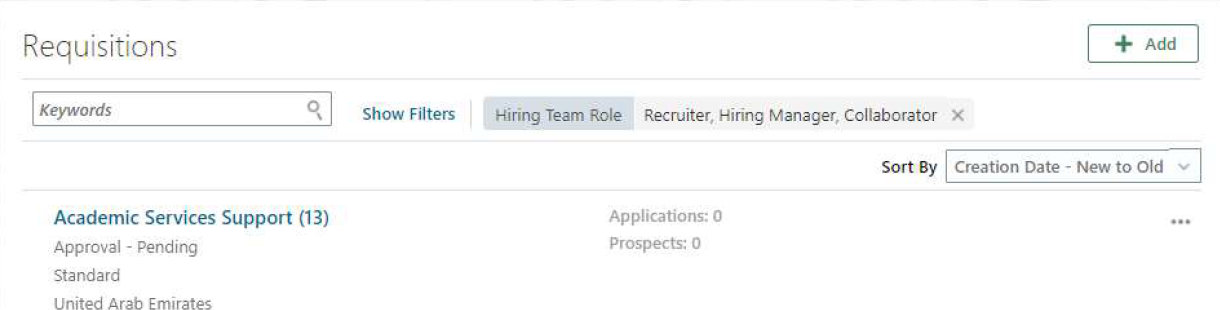
-
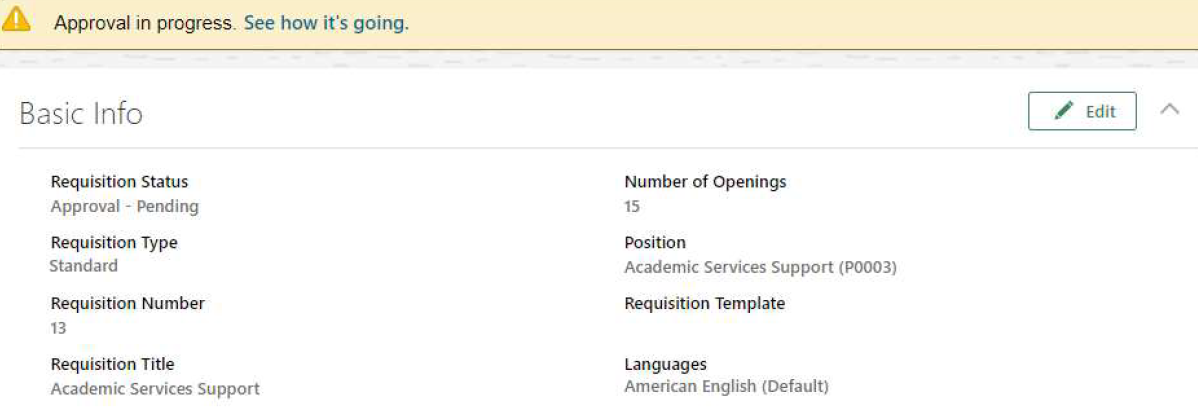
Click See how it’s going, to see where it’s pending and what is the approval history.
Requisition Approval Notification:
- Notifications can be accessed via the Bell icon on the Home page.
- Approvers can take actions such as Approve or Reject directly from the notification.
- Approvers also have the option to Request More Information from notification actions.