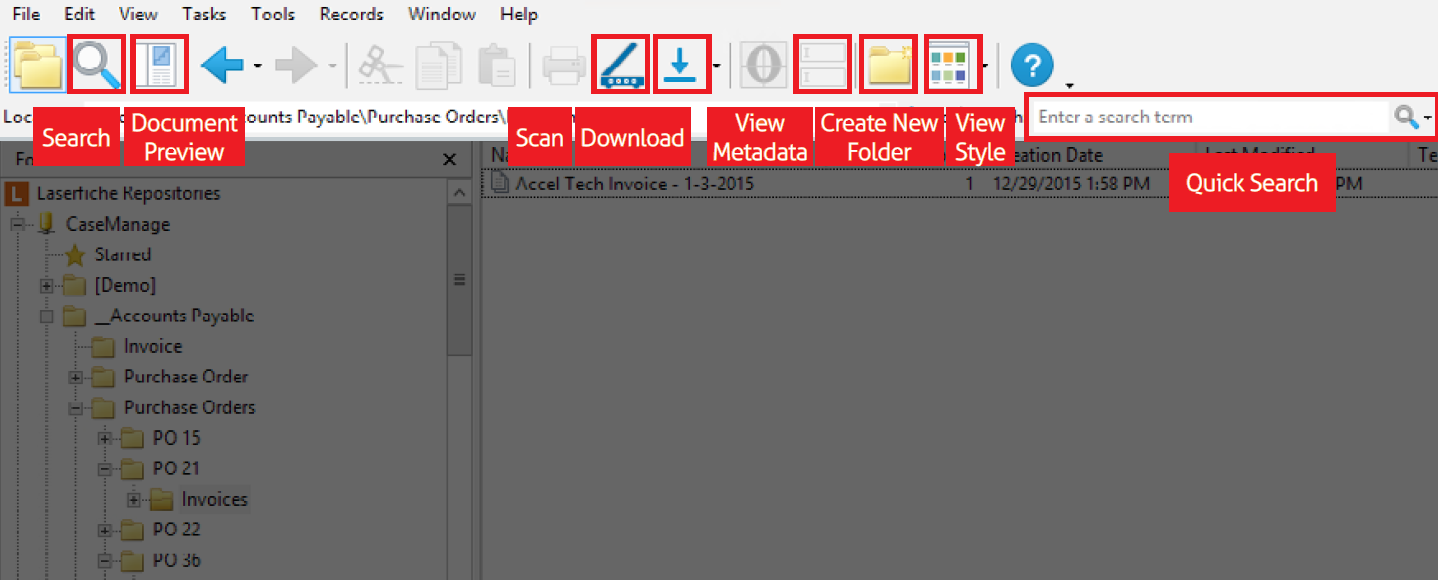
Once you access the repository, you will be able to view the Folder Browser which is one of the primary places for working with documents and folders in Laserfiche. All documents in the repository are stored within the folder browser, and therefore it is important to be able to navigate the folder browser quickly.
Once you open a document, you will be presented by the Document View.
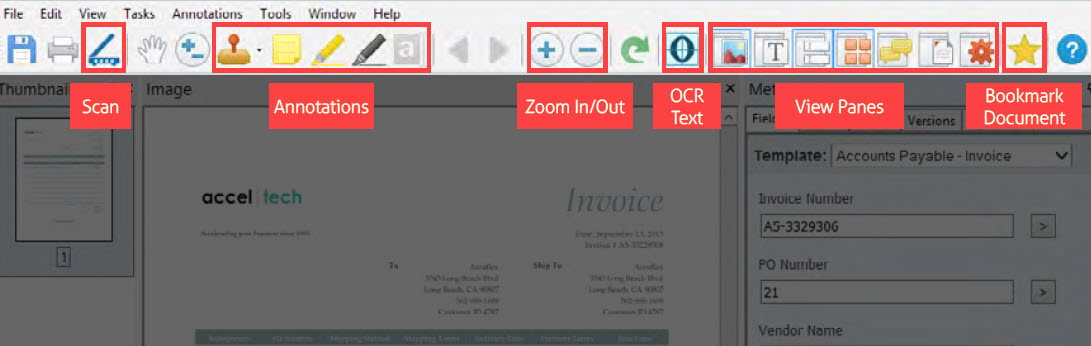
Learn more about the different panes in the Document View through this category.