يوفر دليل المستخدم هذا تعليمات لتنزيل وتسجيل الدخول إلى تطبيق مودل الخاص بجامعة عجمان. إن اتباع هذه الخطوات بشكل صحيح يضمن الوصول الكامل إلى المساقات الدراسية والمواد التعليمية المسجلة عبر التطبيق.
شاهد الفيديو التعليمي أدناه حول كيفية تسجيل الدخول إلى تطبيق Moodle على الهاتف المحمول:
روابط التحميل:
أندرويد (متجر Google Play)
iOS (متجر تطبيقات Apple)
خطوات تسجيل الدخول إلى تطبيق مودل:
1. قم بتنزيل وفتح التطبيق
قم بتنزيل تطبيق مودل من متجر Google Play (أندرويد) أو Apple App Store (iOS)، ثم افتح التطبيق على جهازك المحمول.
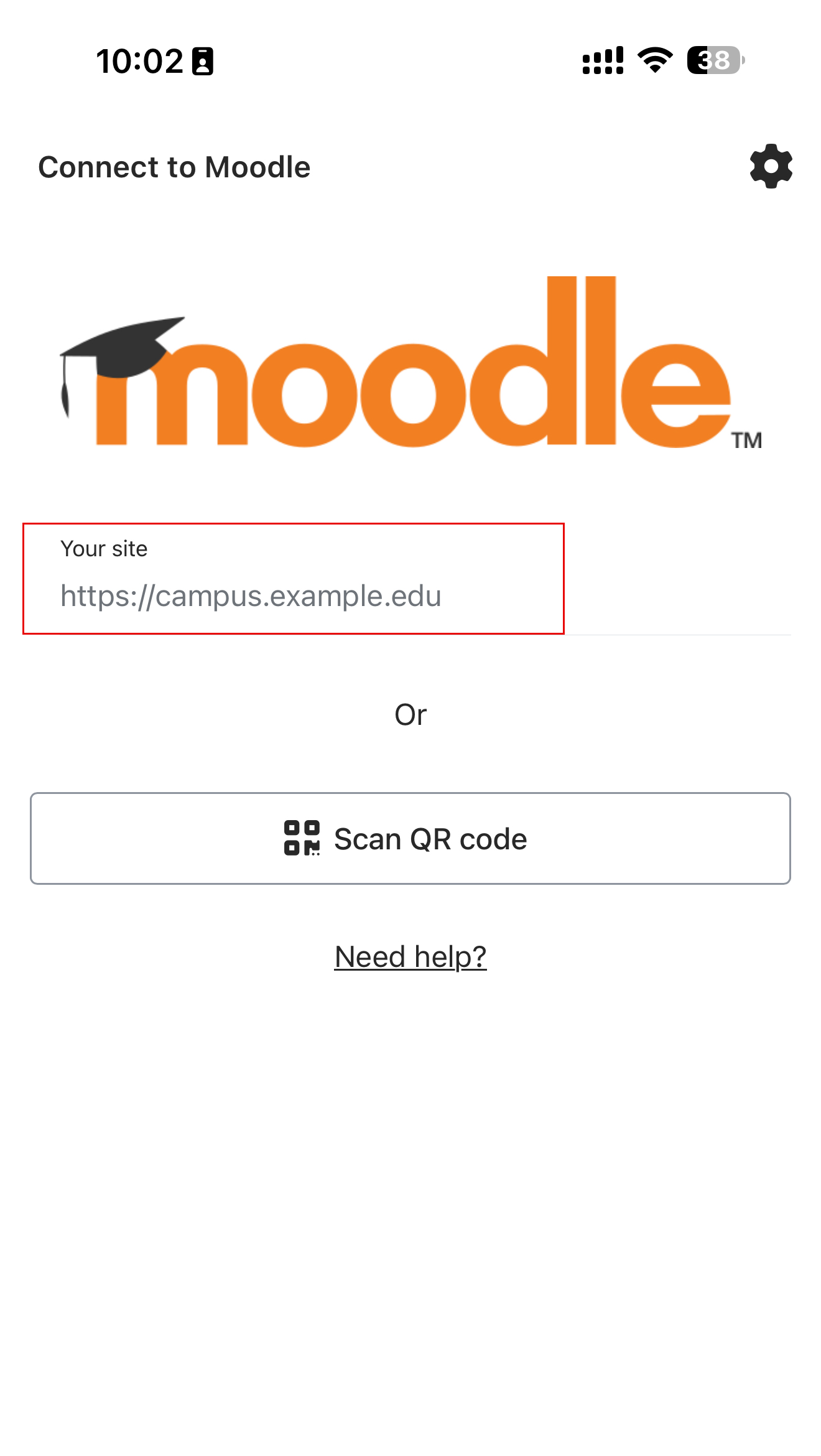
2. إدخال عنوان موقع مودل الخاص بجامعة عجمان
قم بكتابة عنوان الموقع كالتالي:
https://mylms.ajman.ac.ae
ثم اضغط على “تسجيل الدخول”.
• تأكد من عدم وجود أي مسافات إضافية أو أحرف ناقصة لضمان تسجيل الدخول بنجاح.
• استخدام أي رابط موقع آخر قد يؤدي إلى أخطاء في تسجيل الدخول، أو عدم توفر المساقات، أو تقييد الوصول.
3. تسجيل الدخول
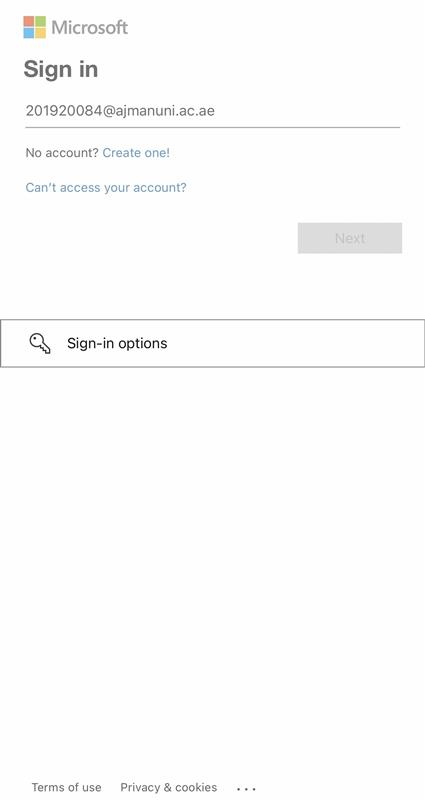
أدخل اسم المستخدم وكلمة المرور الخاصة بجامعة عجمان.
4. الوصول إلى مقرراتك الدراسية
بعد تسجيل الدخول بنجاح، انتقل إلى “مساقاتي” (My Courses) لعرض جميع المساقات التي تم تسجيلك فيها.