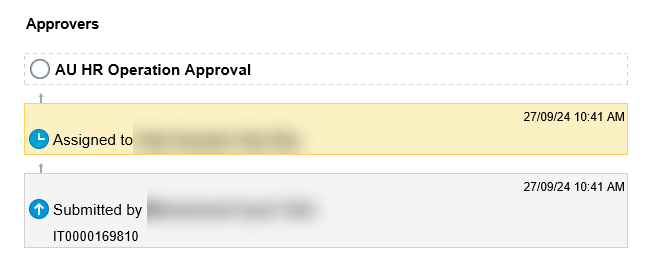
Overview of Workflow Tasks
A workflow is an automated process that transfers a task sequentially from one user or group to another. Once all assigned users have completed their responsibilities, such as providing approvals, the process reaches its final outcome. Additionally, some tasks are designated as informational (FYI) and do not require any action from the assignees.
Access to Tasks
When a task is assigned to you, you will receive a notification both in the application and via email. Your worklist contains all tasks that are relevant to you. To access your workflow tasks, you can use the following:
- E-mail Notifications.
- Notifications list in the global header.
- Worklist: Notifications and Approvals work area (Navigator > Tools > Worklist).
- Worklist: Notifications and Approvals region on My Dashboard, if your administrator has added the region to the dashboard.
View Notifications
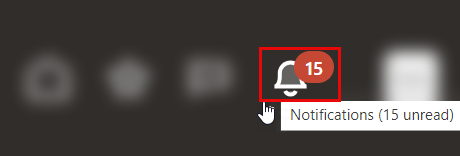
Click the Notifications icon in the global header to access your notifications list. Notifications inform you when something needs your attention or action. The icon also shows the number of pending notifications, if any. "Pending" means you haven't yet addressed the notification or marked it as read. Most notifications relate to workflow tasks.
The figure below displays the notifications list in the global header. In this example, the Notifications icon shows that there are 27 pending notifications.
View the Progress of your Request
-
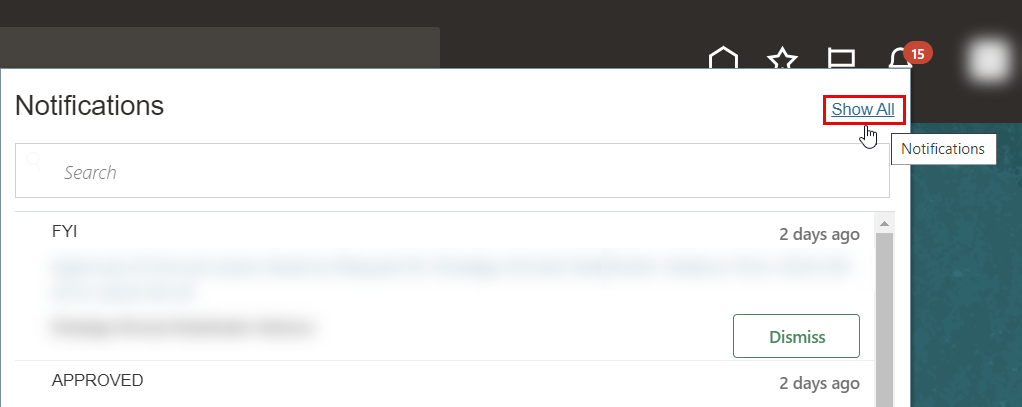
Navigate to the notification icone located in the header of your page, and then click on show All, by doing this you will be able to view all of requests.
-
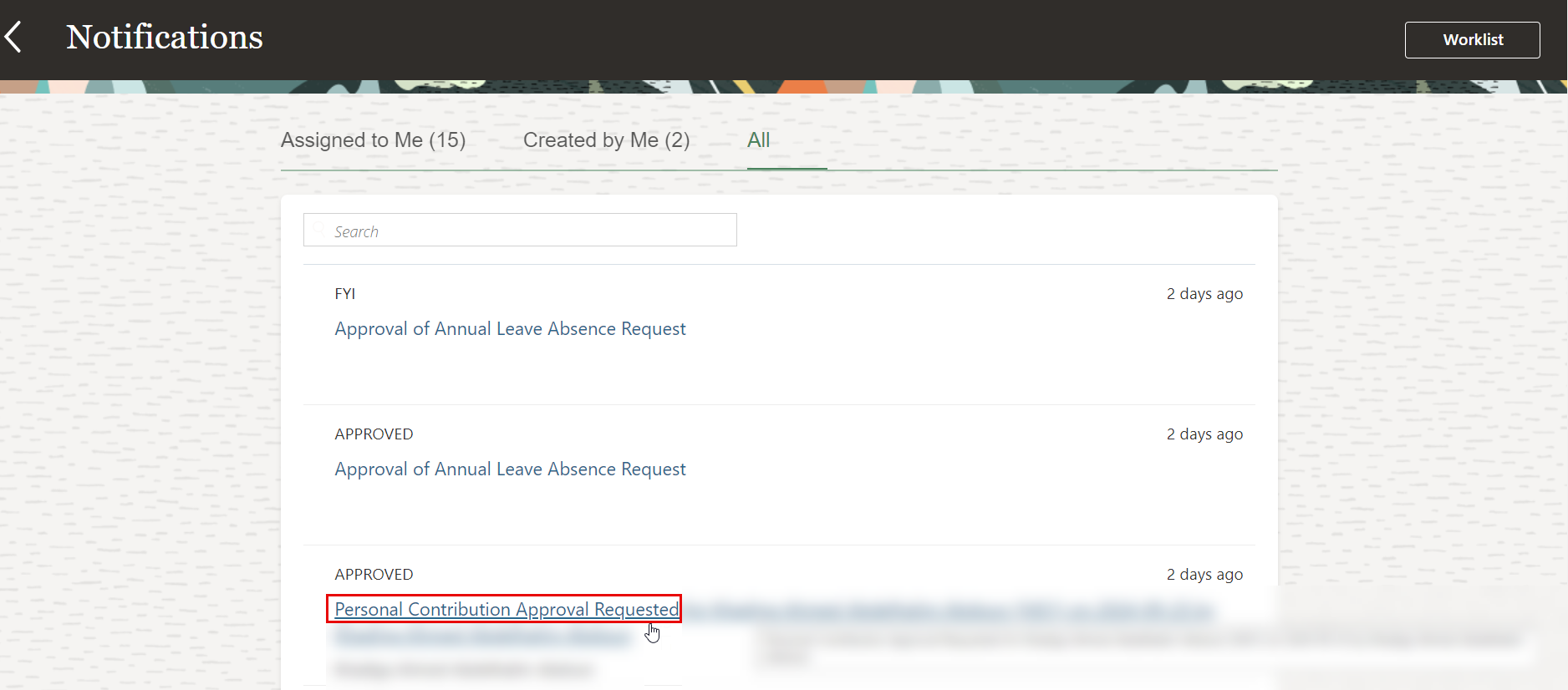
Click on the request you would like to track the progress for
-
The workflow and the progress of your request will be displayed.