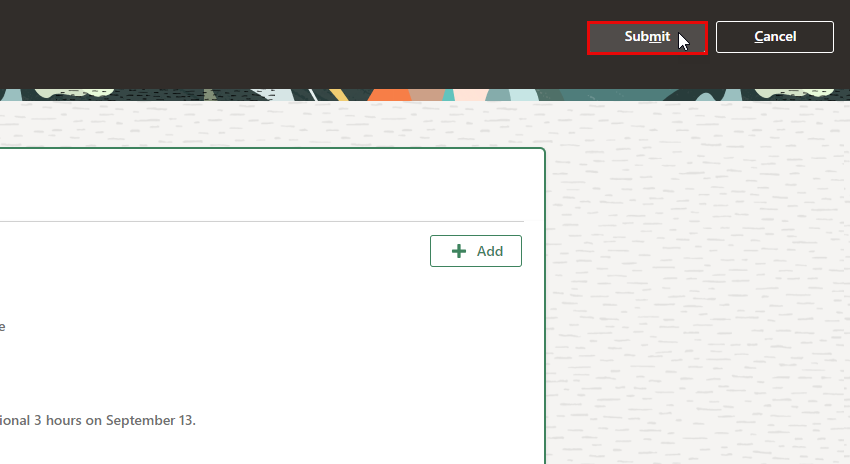
To submit a compensatory request, follow the steps below:
-
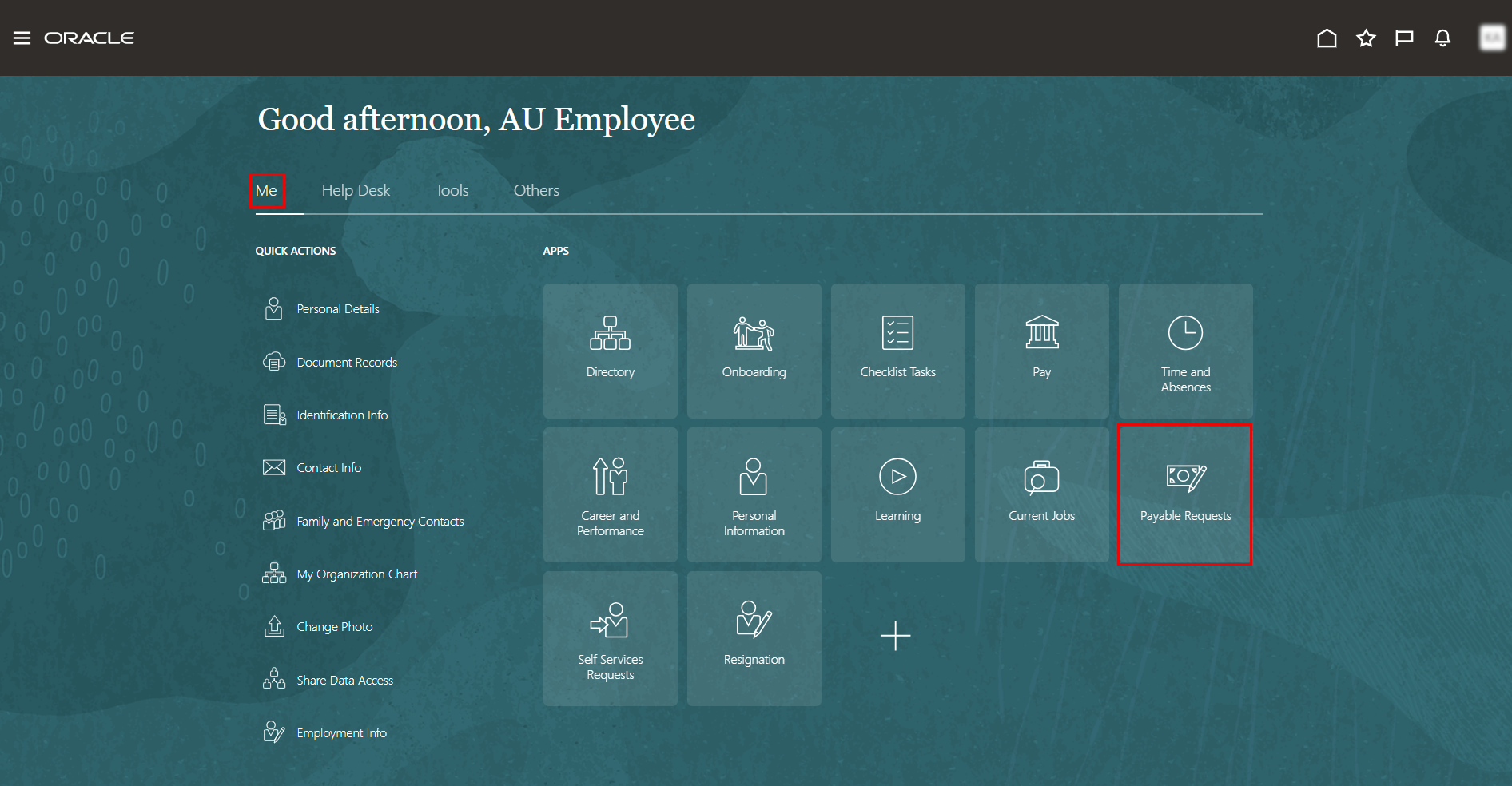
On the Home page, click on "Payable Request".
-
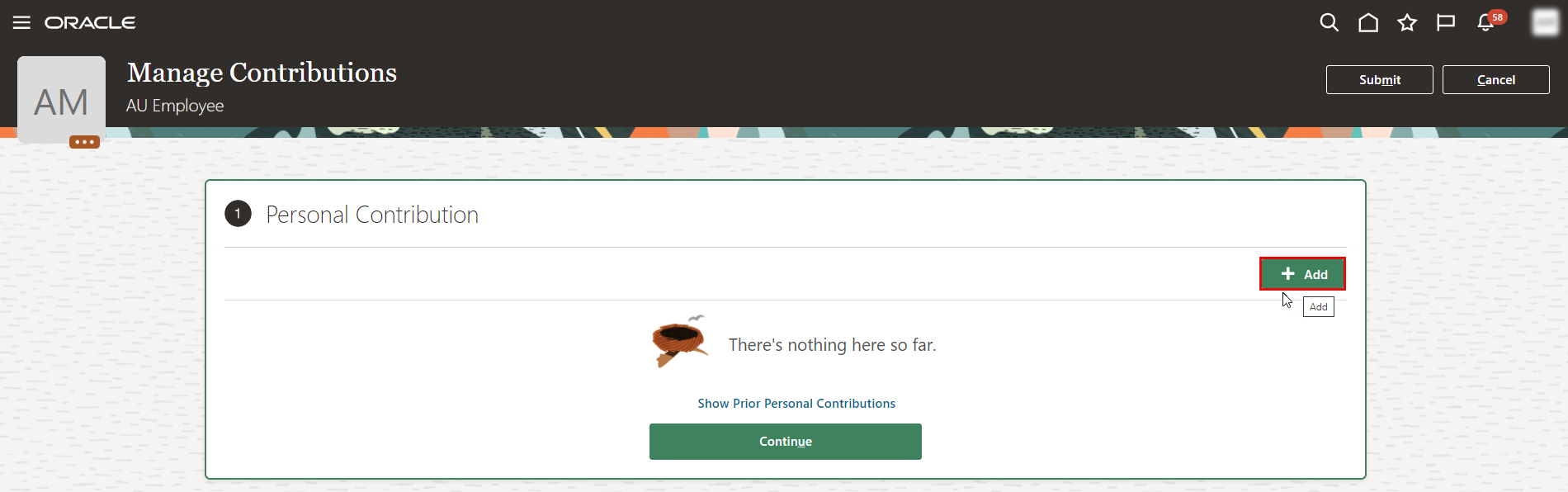
On the Personal Contribution page, click the "Add".
-
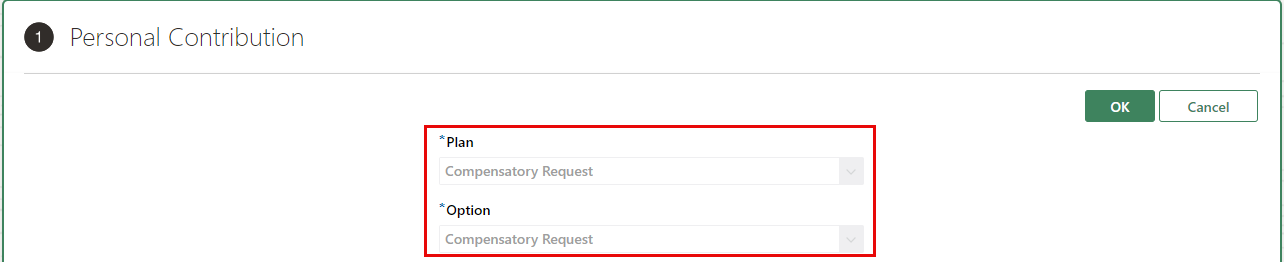
Select the personal Contribution type from the list; in this article, we will be submitting a compensatory request.
-
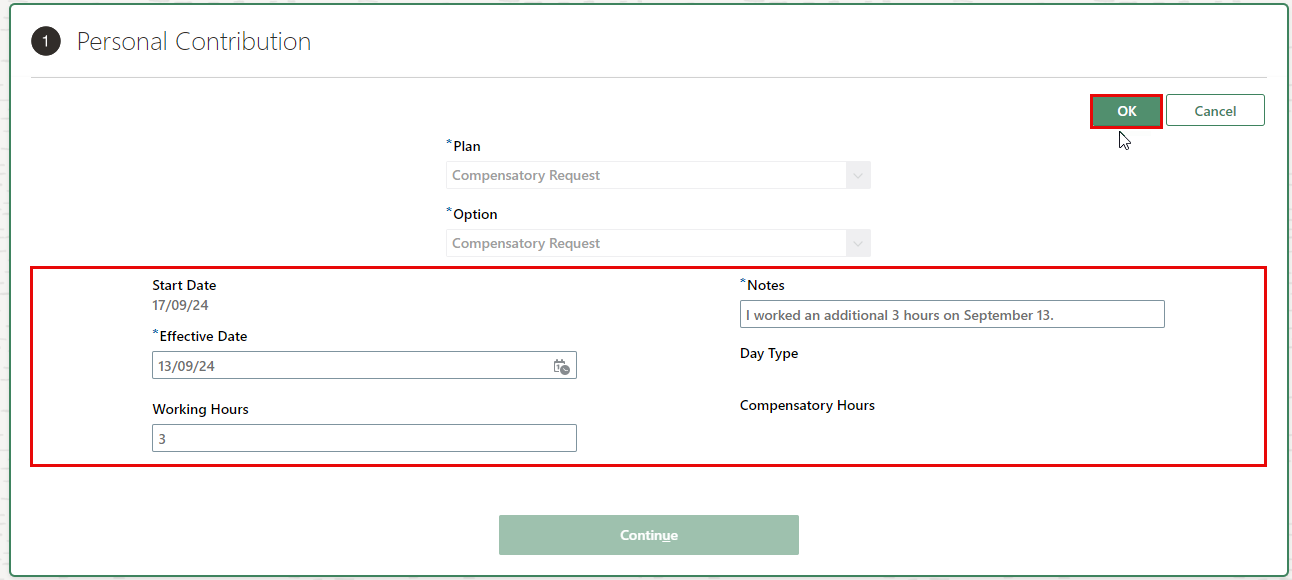
Complete the required information, and click "Ok".
-
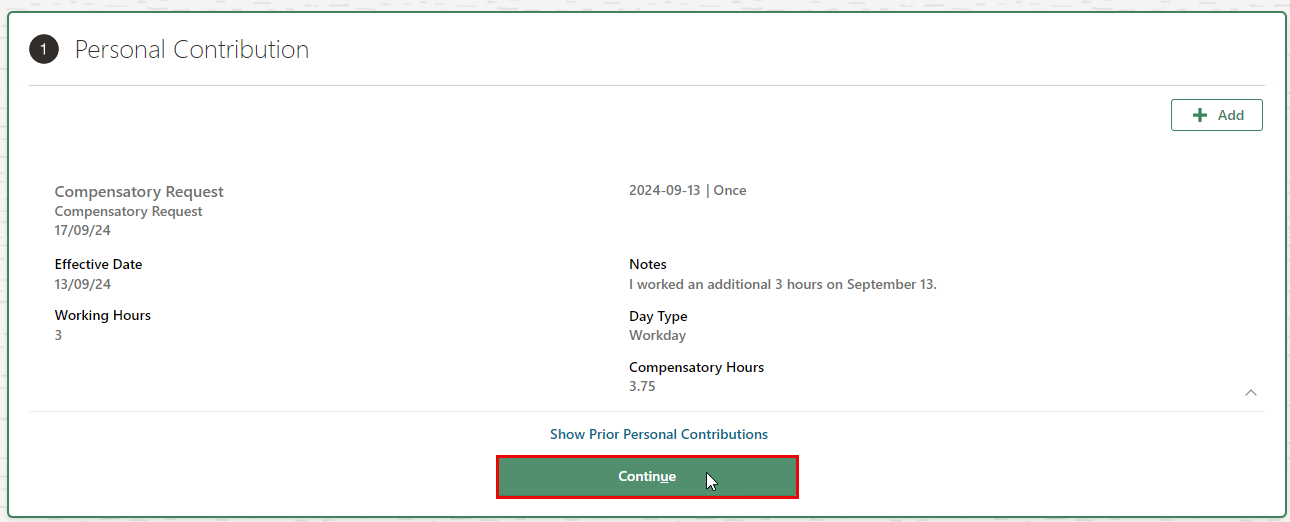
Click Continue.
-
Submit your request for approval.