Laserfiche supports the ability to apply digital signatures to documents. You can also view who signed a document and if the document has been altered since it was signed.
To digitally sign a document
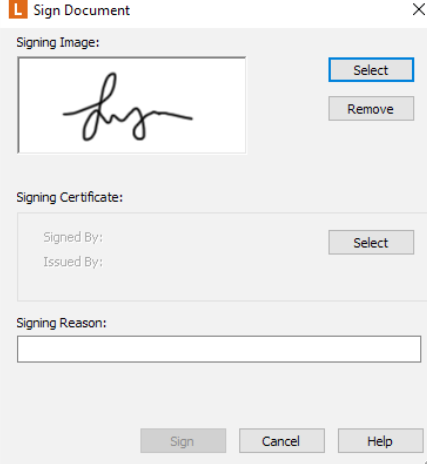
- Open the document’s Metadata pane and click on Signatures tab, then click on Sign.
- Browse for the signature by clicking on Select.
- Enter the reason for signing.
- Click on Sign.
- Click on Validate.
Note:
The validated signature will have a green check mark associated with it. However, if any changes were made to the document after the signature was validated, the green check will change into red X.