

Approval and Notifications
- 23 Jan 2026
- 1 Minute to read
- Contributors

- Print
- DarkLight
- PDF
Approval and Notifications
- Updated on 23 Jan 2026
- 1 Minute to read
- Contributors
- Print
- DarkLight
- PDF
Article summary
Did you find this summary helpful?
Thank you for your feedback!
Please Note:
This user manual is currently under review. A revised version reflecting the new Redwood user interface will be available soon.
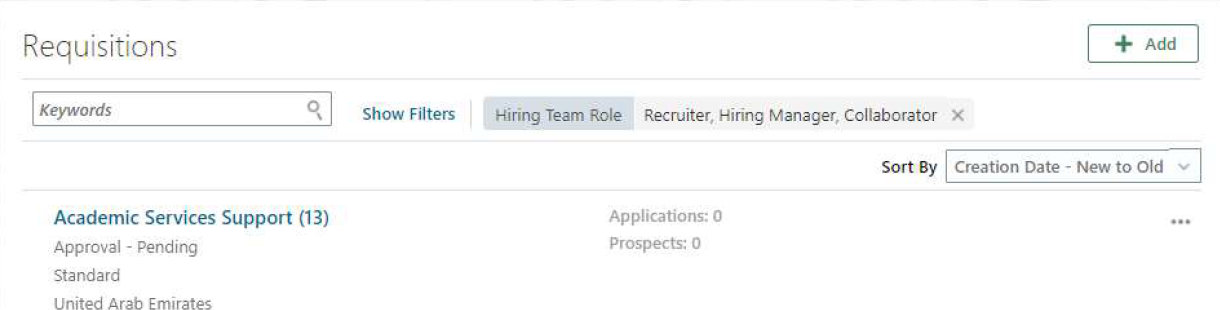
Go to My Team
Select Hiring
Click on Job Requisition
Click on Requisition Name
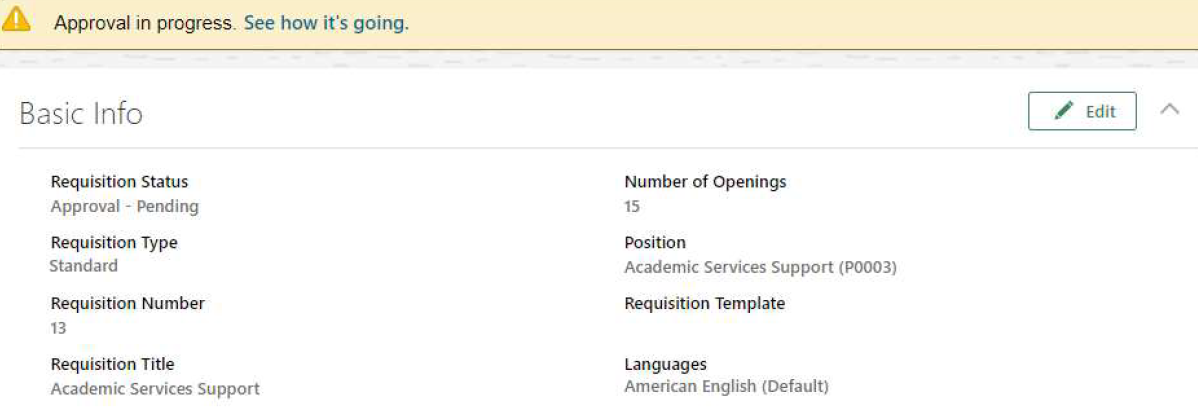
Click See how it’s going, to see where it’s pending and what is the approval history.
Requisition Approval Notification:
- Notifications can be accessed via the Bell icon on the Home page.
- Approvers can take actions such as Approve or Reject directly from the notification.
- Approvers also have the option to Request More Information from notification actions.
Was this article helpful?
