

Attaching Evidence to Your Goals
- 23 Jan 2026
- 1 Minute to read
- Contributors

- Print
- DarkLight
- PDF
Attaching Evidence to Your Goals
- Updated on 23 Jan 2026
- 1 Minute to read
- Contributors
- Print
- DarkLight
- PDF
Article summary
Did you find this summary helpful?
Thank you for your feedback!
Please Note:
This user manual is currently under review. A revised version reflecting the new Redwood user interface will be available soon.
Valid evidence must be provided to support ratings of 4 or above. To add evidence to support your goal, follow the steps below:
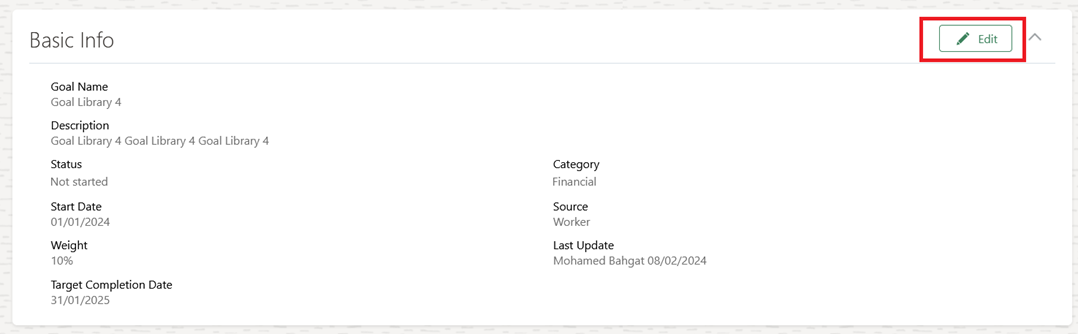
Open the Goal, and click "Edit" in the Basic Info Section
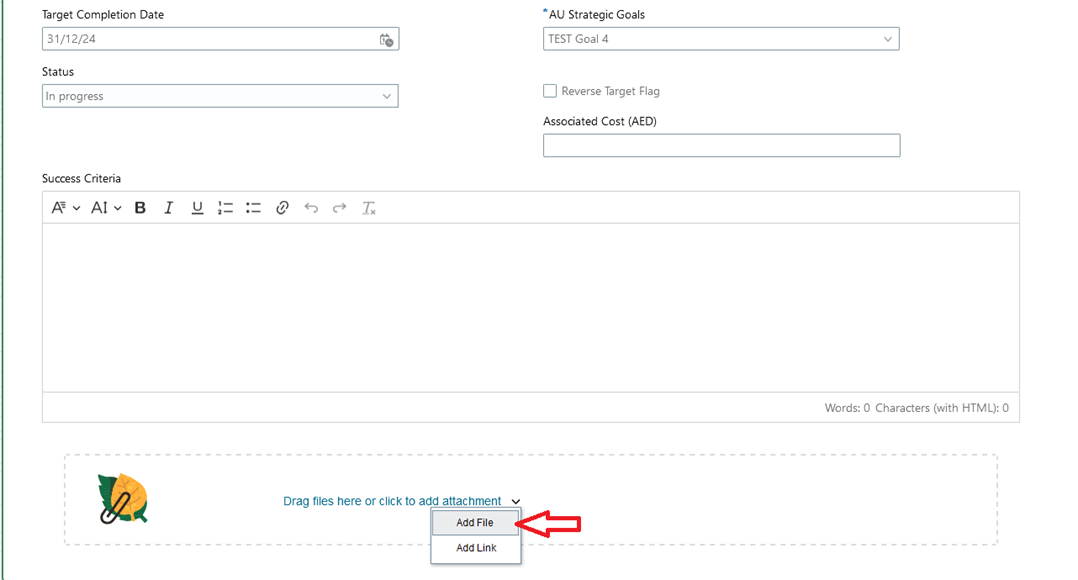
Click "Add File" to upload an attachment, or drag and drop files to add them. Then, click "Save".
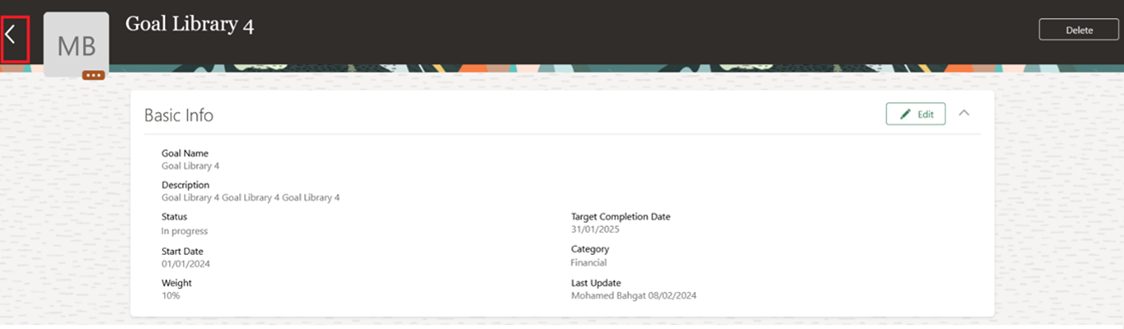
Click back to submit changes for approval.
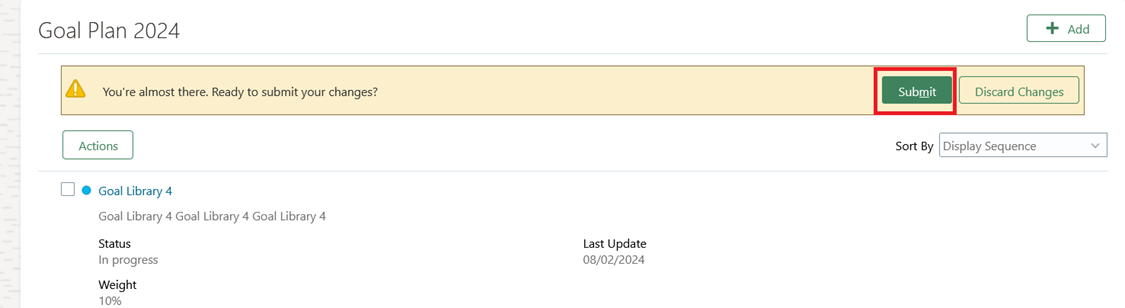
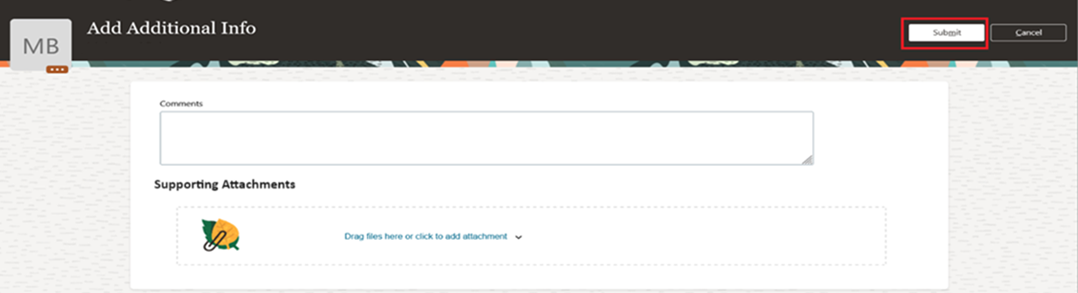
Click "Submit".
Write a comment if needed, then click "Submit".
Note:
- The newly added evidence will be sent to your line manager for approval.
- Once the line manager approves or rejects, you will receive both a system notification and an email notification.
Was this article helpful?
