

Fill Interview Feedback
- 23 Jan 2026
- 1 Minute to read
- Contributors

- Print
- DarkLight
- PDF
Fill Interview Feedback
- Updated on 23 Jan 2026
- 1 Minute to read
- Contributors
- Print
- DarkLight
- PDF
Article summary
Did you find this summary helpful?
Thank you for your feedback!
Please Note:
This user manual is currently under review. A revised version reflecting the new Redwood user interface will be available soon.
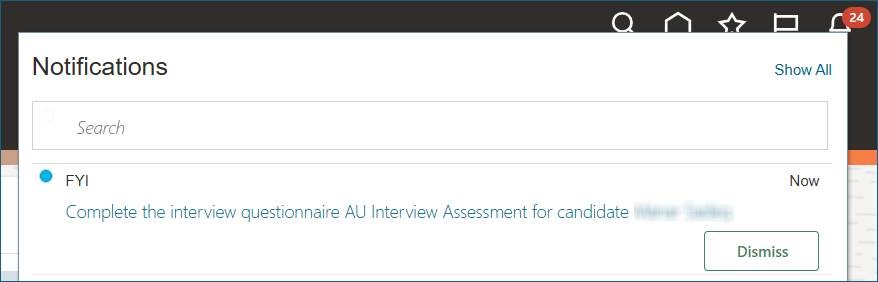
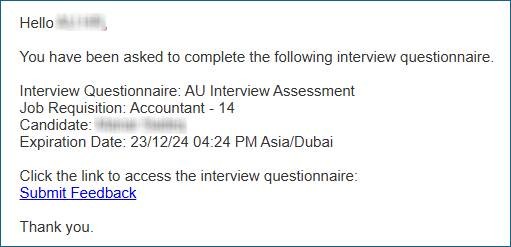
- You will receive both a system notification and an email notification to complete the interview assessment for a specific candidate.
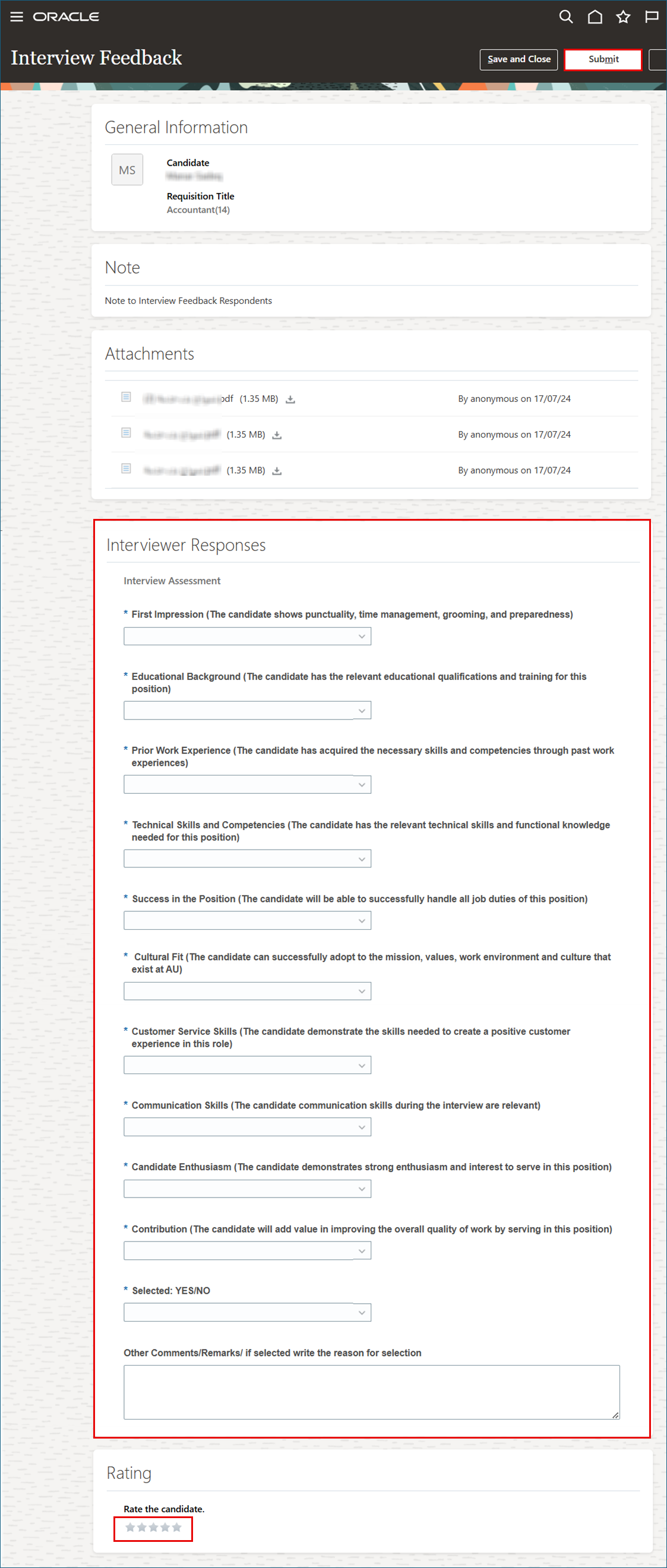
- Start responding to the interview assessment in the Interview Response section, rate the candidate, and click "Submit" once you have finished.
Note:
You can choose to save and close, allowing you to return and finish your responses at a later time.
Was this article helpful?
