

1. Edit your Information for your AU Email
- 07 Oct 2021
- 1 Minute to read
- Contributors

- Print
- DarkLight
- PDF
1. Edit your Information for your AU Email
- Updated on 07 Oct 2021
- 1 Minute to read
- Contributors
- Print
- DarkLight
- PDF
Article summary
Did you find this summary helpful?
Thank you for your feedback!
To edit your information for your AU email address, please follow the below steps:
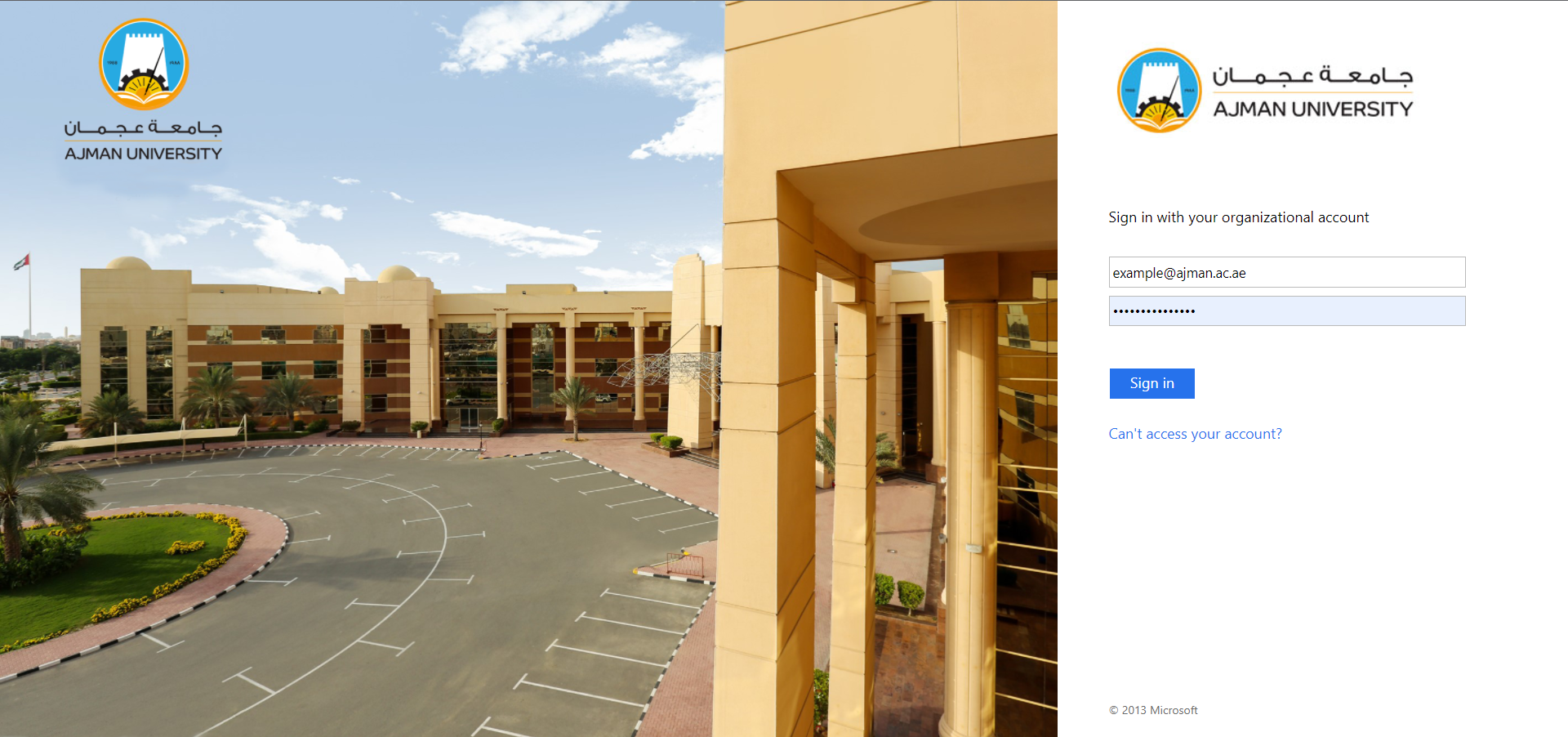
- Go to Outlook webpage and sign in to your AU email address.
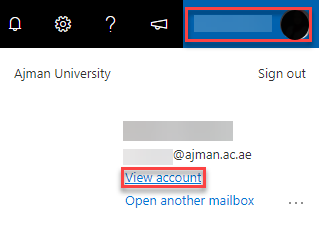
- Click on your profile then on View account.
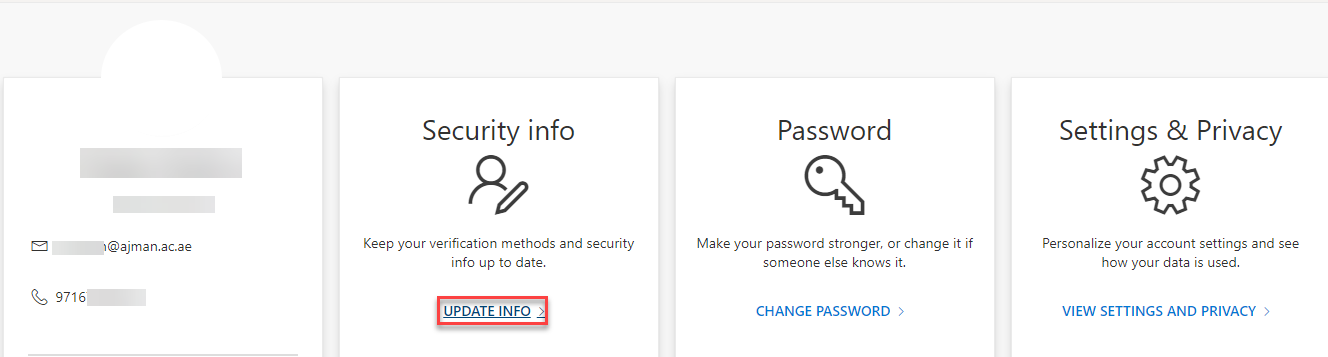
- Under Security info section, click on Update Info (or click on this link).
Add the Authenticator App
- Click on Add Method in the Security Info section.
.jpg)
- By default, the Authentication App is chosen, click on Add.
.jpg)
- Set up the Authentication App by following the steps in this article.
Add your phone number
- Click on Add Method in the Security Info section.
- Choose Phone and click on Add.
.jpg)
- Follow the below steps to have receive a verification code:
.jpg)
- Enter the verification code you have received on your phone, whether through a text or a call, and click Next.
- Once you complete the above steps successfully, you will receive a confirmation.
Note:
If you enter an incorrect code, you will receive the below warning, and you would have to re-enter the code..jpg)
Note:
You may add an alternative phone number in the same way.
Add an alternative email address (Hotmail, Gmail, etc.)
- Click on Add Method in the Security Info section.
- Choose Email and click on Add.
.jpg)
- Enter your personal email and click on Next. Noting that you are not allowed to enter an email from your organization.
.jpg)
- You should receive an email from Microsoft.
- Enter the code provided in the email and click on Next.
Note:
If the code you entered does not match the oone you have received in the email, the below error message will appear..jpg)
Note
If you’d like to change your phone number or email at any time, follow this link and click on the Change button corresponding to the method you want.
Was this article helpful?
