

Finding Colleagues Using the Directory
- 29 Jan 2026
- 1 Minute to read
- Contributors

- Print
- DarkLight
- PDF
Finding Colleagues Using the Directory
- Updated on 29 Jan 2026
- 1 Minute to read
- Contributors
- Print
- DarkLight
- PDF
Article summary
Did you find this summary helpful?
Thank you for your feedback!
Oracle HCM Cloud allows you to access information about any employee in your organization through the Directory.
Follow the steps below to find your colleagues in the Directory and view their information.
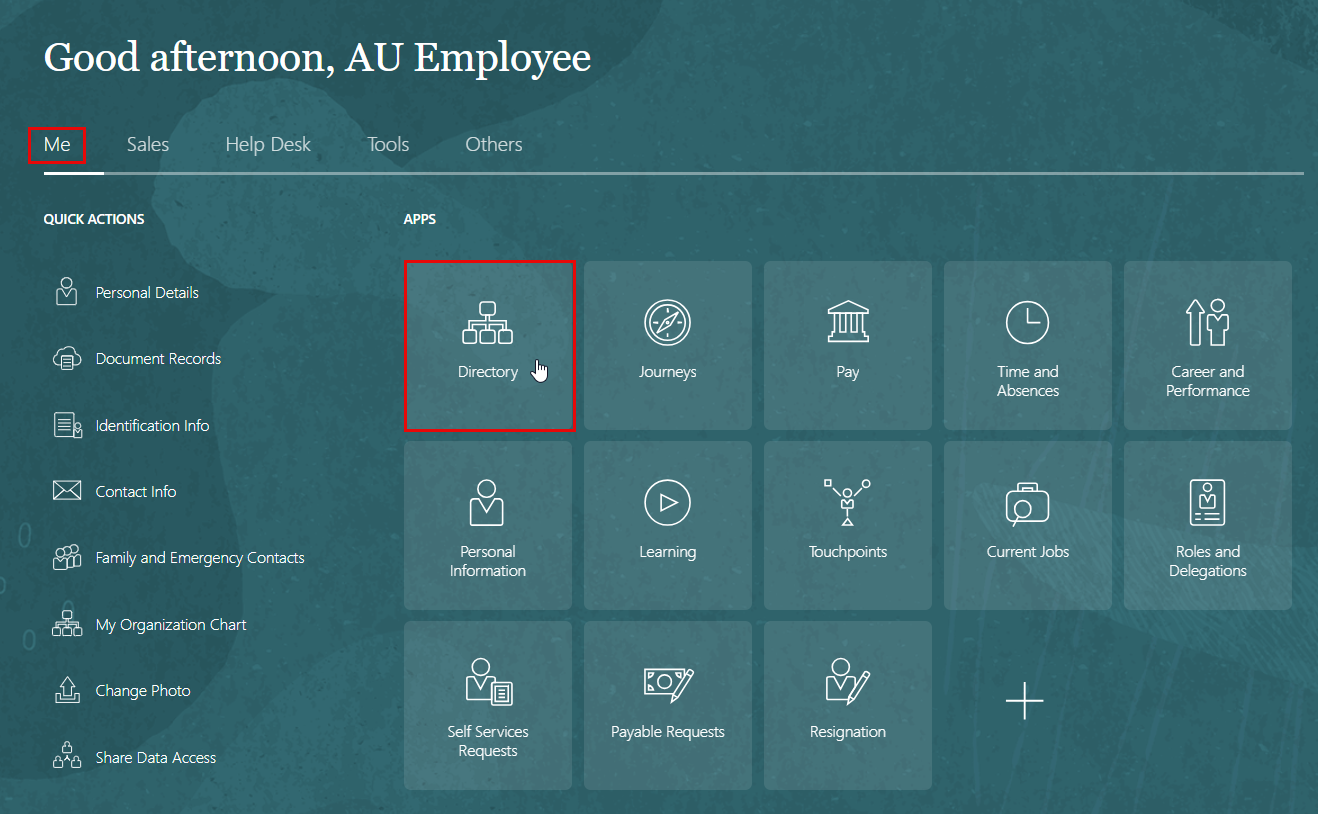
Navigate to "Me".
Click on "Directory".
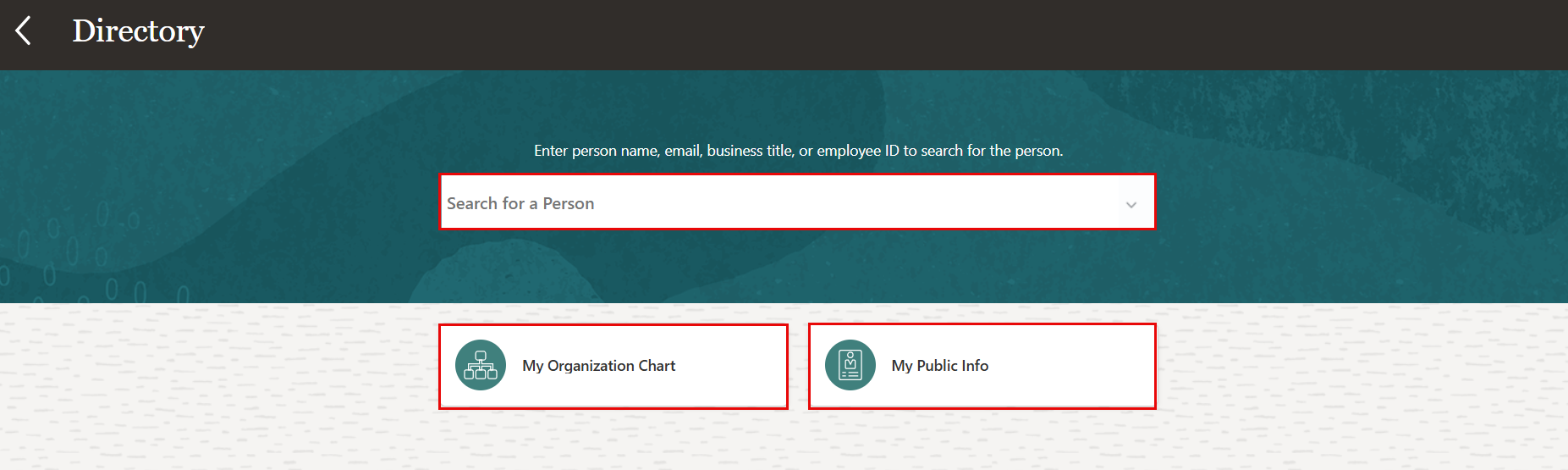
On the Directory page, you can search by person's name, email, business title, or person number in the search box to find the individual.
Also you have the option to check your public info, and view your orgnization chart.
Note:
The details available to you to view will depend on your security permissions.
Was this article helpful?
