

Mid-Year Performance Review
- 23 Jan 2026
- 1 Minute to read
- Contributors

- Print
- DarkLight
- PDF
Mid-Year Performance Review
- Updated on 23 Jan 2026
- 1 Minute to read
- Contributors
- Print
- DarkLight
- PDF
Article summary
Did you find this summary helpful?
Thank you for your feedback!
Please Note:
This user manual is currently under review. A revised version reflecting the new Redwood user interface will be available soon.
The system will notify employees when HR launches the Mid-Year Performance Review. You can either click the URL in the notification to access the performance review page directly or follow the steps outlined in this article to navigate manually.employeesEnd-of-Year
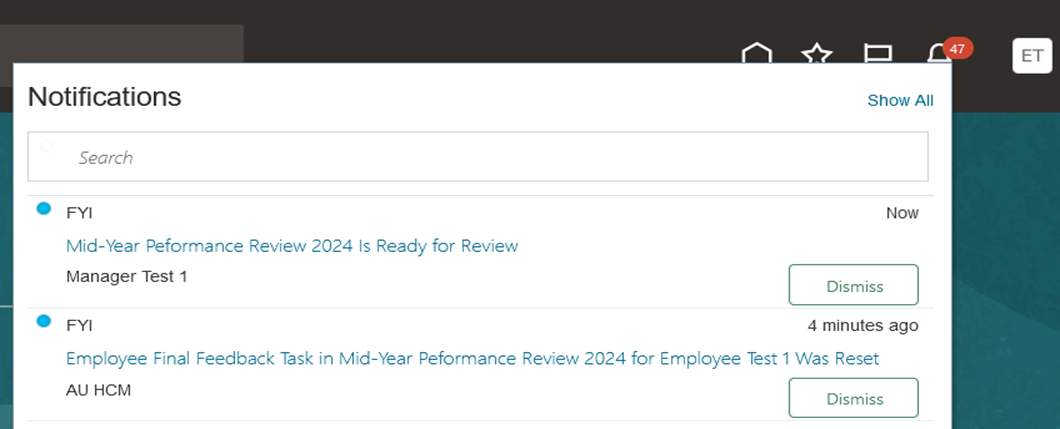
To start the process, follow the steps below:
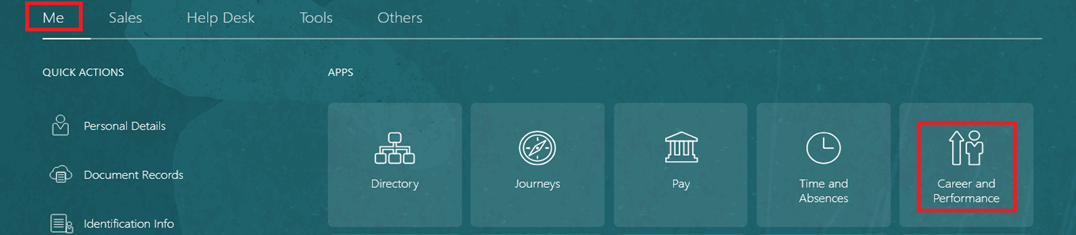
On the Home page, click on "Me", then on "Career & Performance".
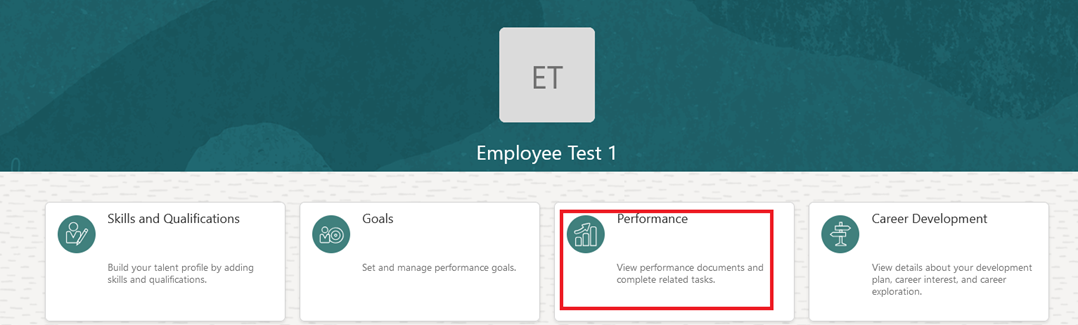
Click on "Performance".
Select "Review Period", and then open "Mid-Year Performance Review".
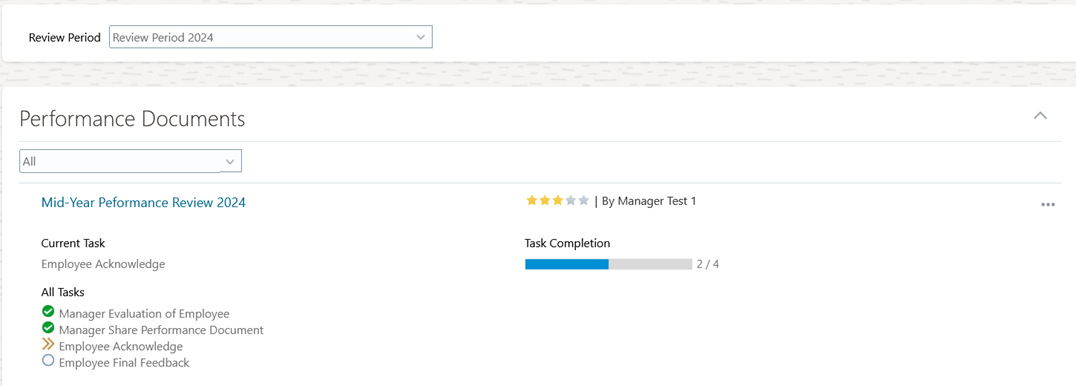
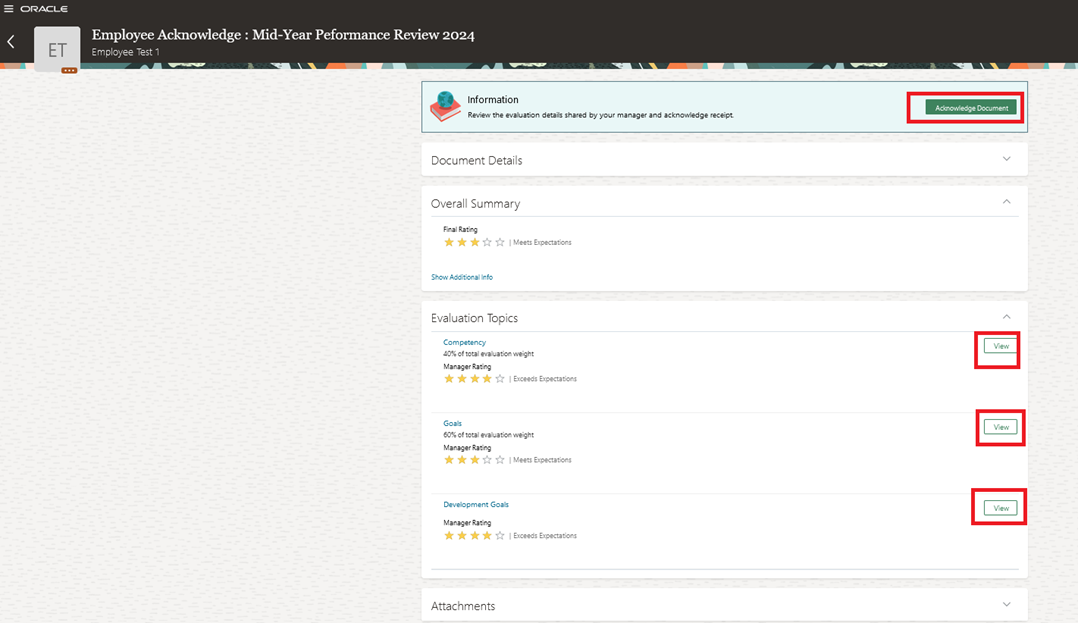
Review the evaluation details shared by your manager and click "Acknowledge Document".
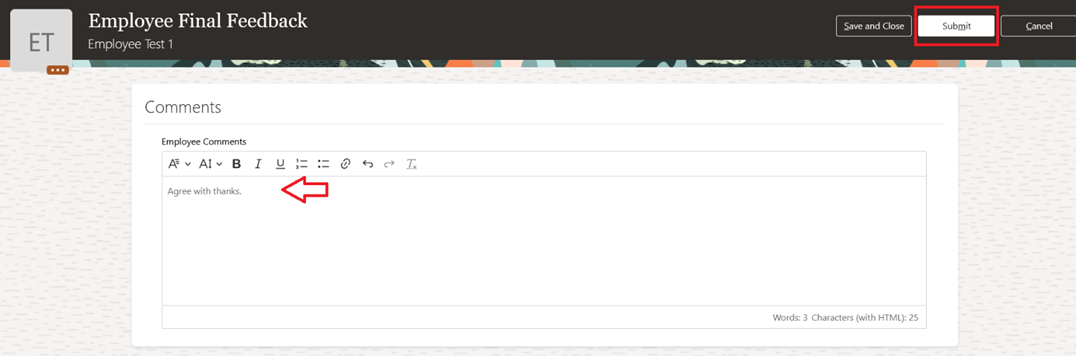
Open "Performance Document" and click "Continue" to provide your final feedback, then click "Submit".

Was this article helpful?
