

Moodle Mobile App
- 06 Feb 2026
- 1 Minute to read
- Contributors

- Print
- DarkLight
- PDF
Moodle Mobile App
- Updated on 06 Feb 2026
- 1 Minute to read
- Contributors
- Print
- DarkLight
- PDF
Article summary
Did you find this summary helpful?
Thank you for your feedback!
This user manual provides step-by-step instructions for downloading and logging into the Moodle Mobile App for Ajman University students. Following these steps correctly will ensure full access to your enrolled courses and learning materials through the application.
Download Links:
- Android (Google Play Store):https://play.google.com/store/apps/details?id=com.moodle.moodlemobile
- iOS (Apple App Store): https://apps.apple.com/app/moodle/id633359593
Moodle Mobile App Login Steps:
- Download and Open the App
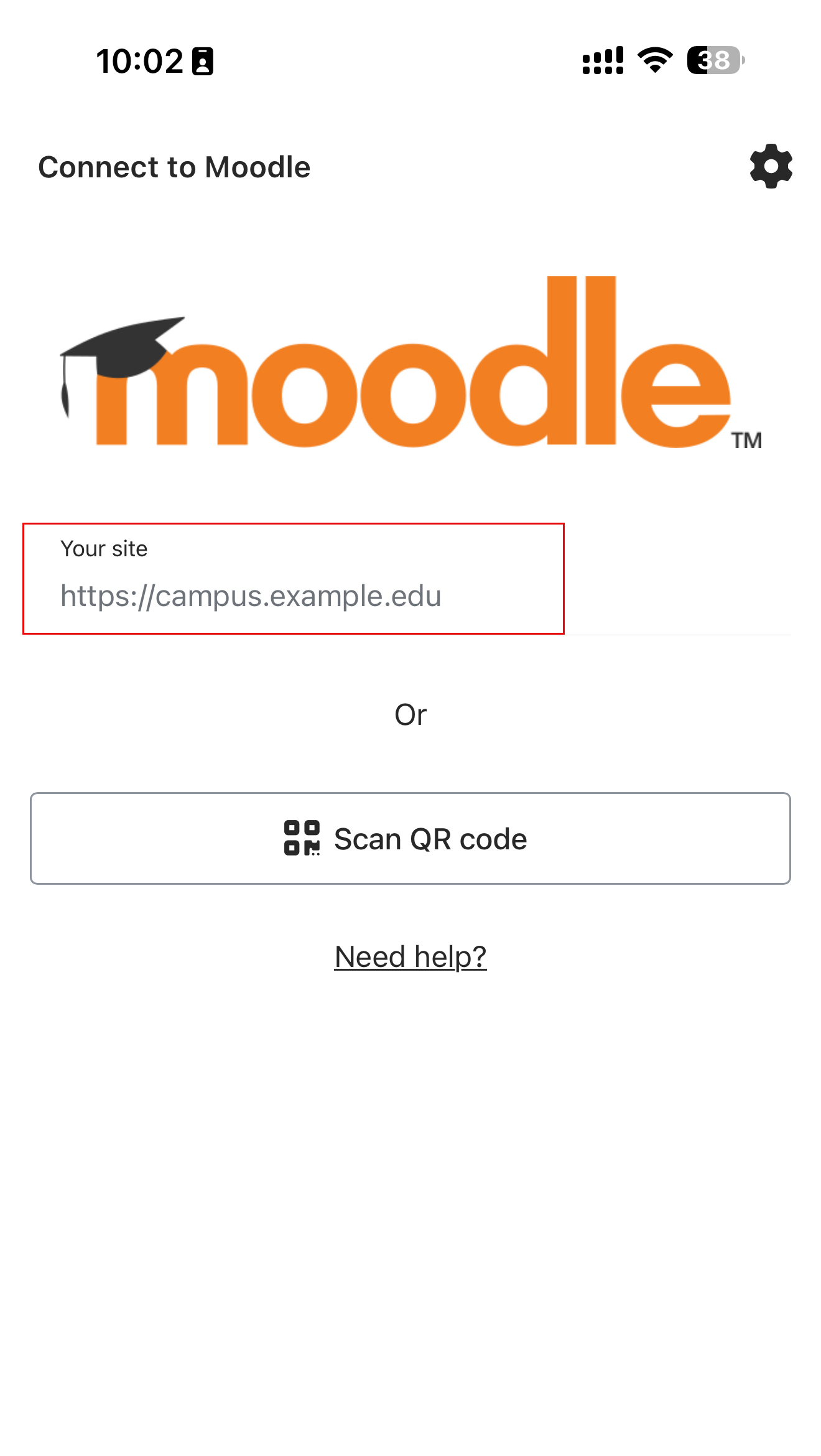
Download the Moodle App from the Google Play Store (Android) or Apple App Store (iOS), then open the app on your mobile device. - Enter the Ajman University Moodle Site Address
When prompted for the site address, enter the following URL exactly as shown: https://mylms.ajman.ac.ae, then tap Log in.
Important:
- Make sure there are no extra spaces or missing letters to ensure you can log in successfully.
- Using any other site URL can result in login errors, missing courses, or limited access.
3. Log in
Enter your Ajman University username and password.
.jpg)
- Access Your Courses
After successful login, go to Dashboard or My Courses to view all courses in which you are enrolled.
Was this article helpful?
