

Review Team’s Goals
- 23 Jan 2026
- 1 Minute to read
- Contributors

- Print
- DarkLight
- PDF
Review Team’s Goals
- Updated on 23 Jan 2026
- 1 Minute to read
- Contributors
- Print
- DarkLight
- PDF
Article summary
Did you find this summary helpful?
Thank you for your feedback!
Please Note:
This user manual is currently under review. A revised version reflecting the new Redwood user interface will be available soon.
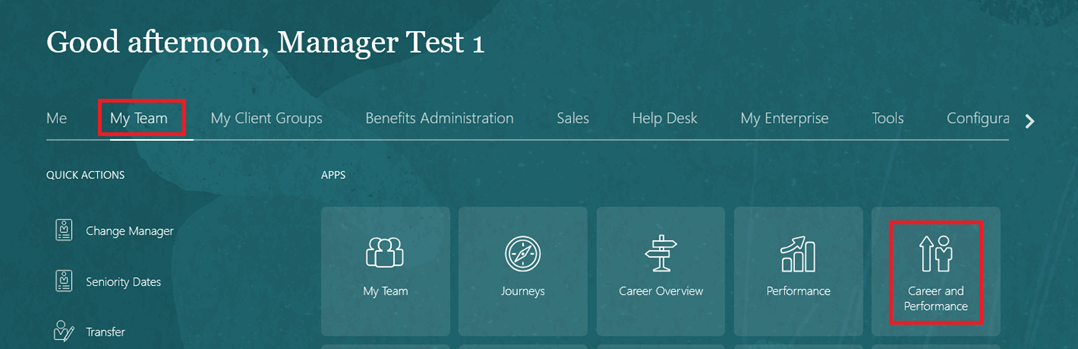
On the Home page, click on "My Team" then select "Performance and Talent Management".
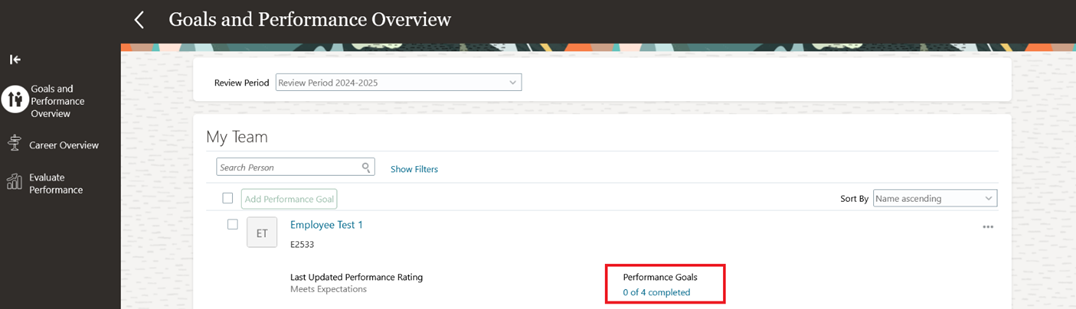
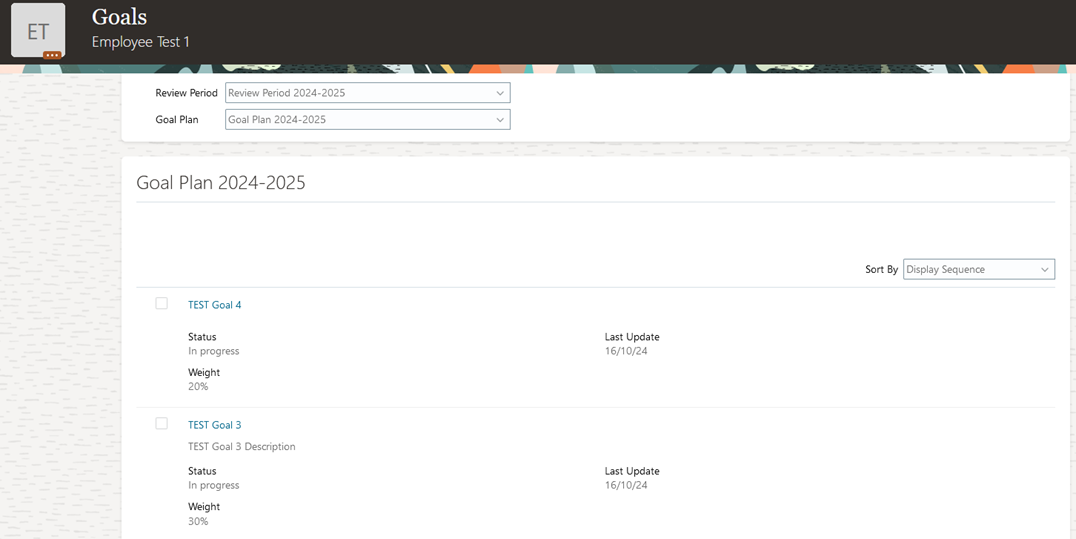
Select an employee and open their completed Performance Goals.
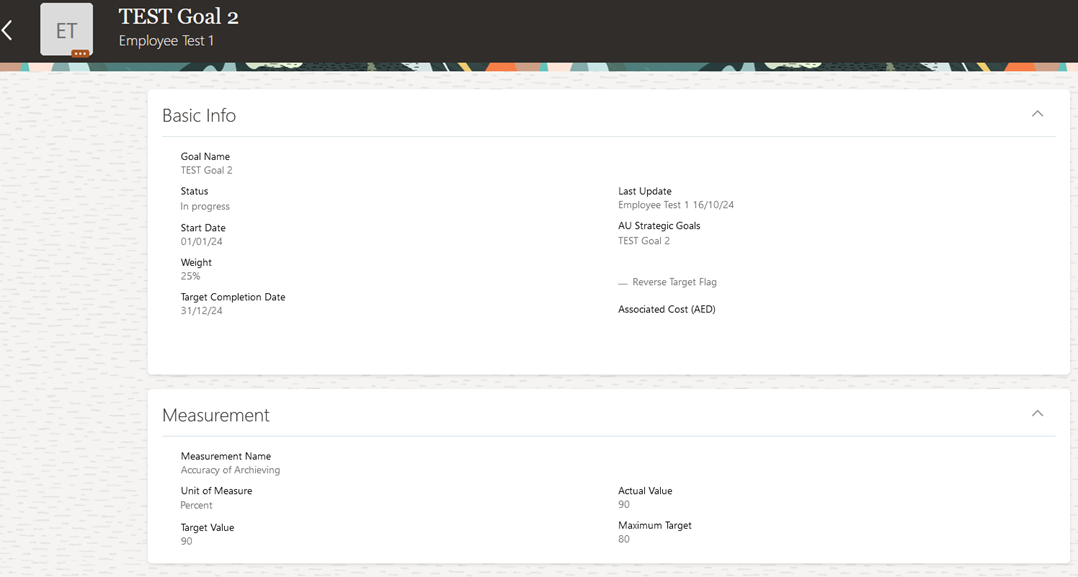
Open any goal to review the progress and achievements.
Was this article helpful?
