

Share Categories with others
- 12 Sep 2025
- 1 Minute to read
- Contributors

- Print
- DarkLight
- PDF
Share Categories with others
- Updated on 12 Sep 2025
- 1 Minute to read
- Contributors
- Print
- DarkLight
- PDF
Article summary
Did you find this summary helpful?
Thank you for your feedback!
To share your categories with others, please follow the steps below:
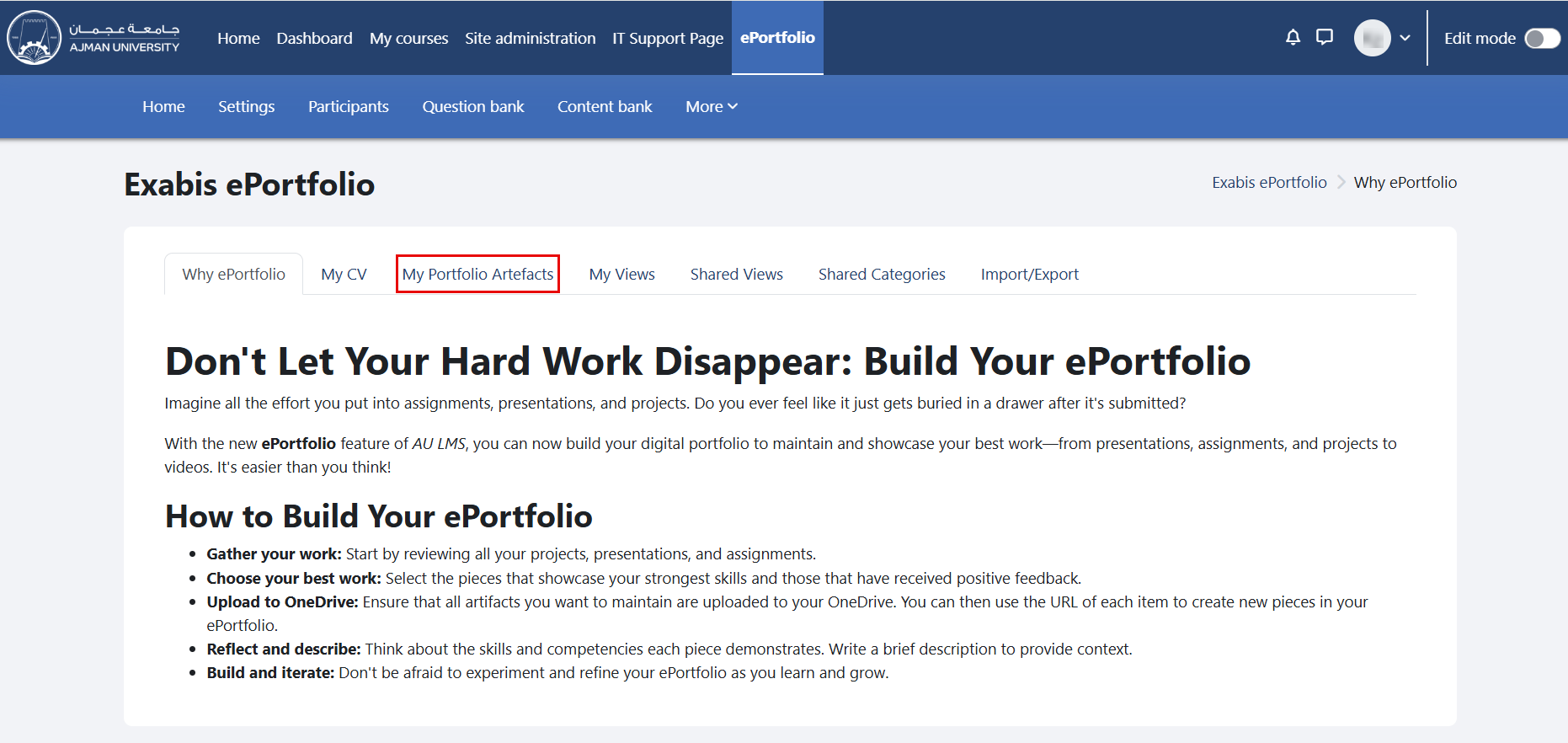
In the ePortfolio page, click on the tab "My Portfolio Artifacts".
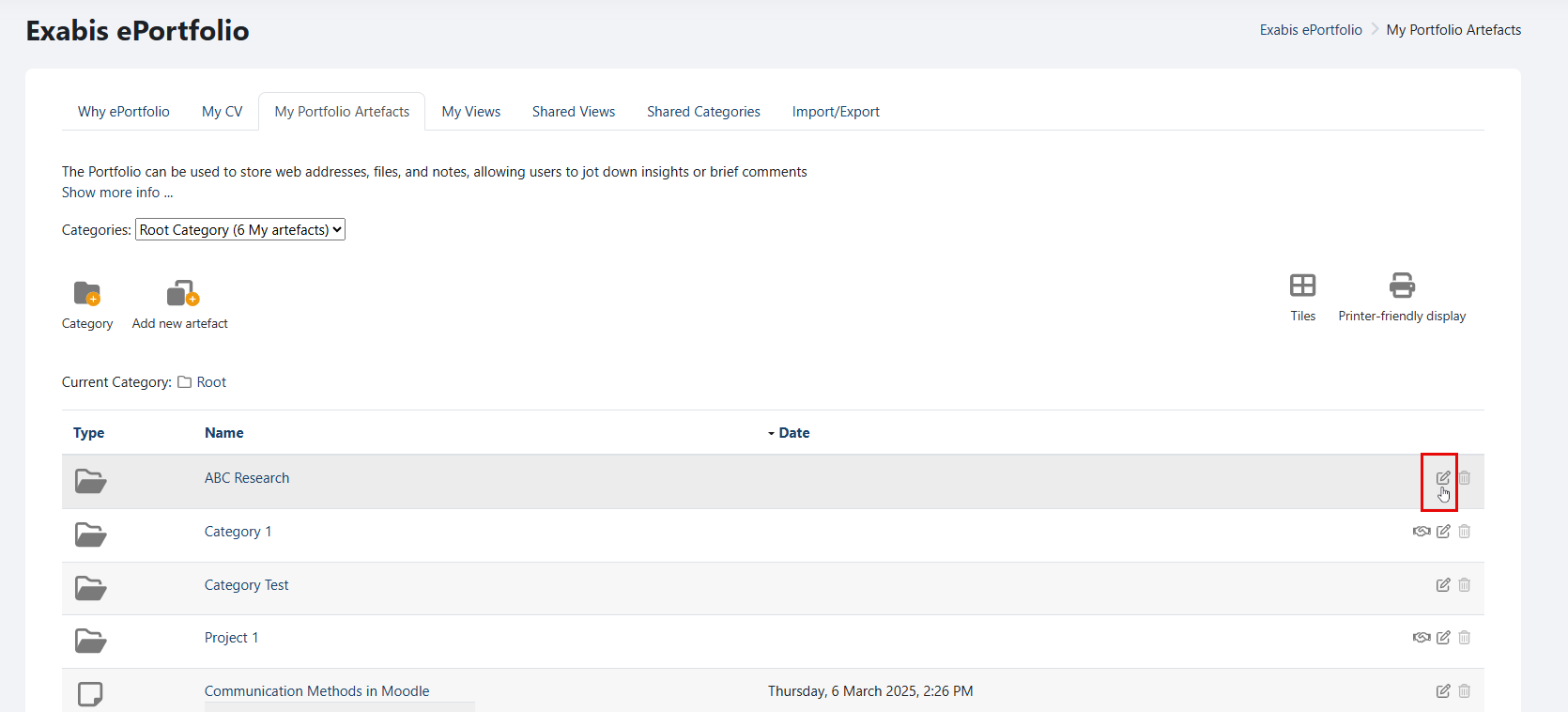
Navigate to the "Category" you wish to share, and click on the "Edit" icon.
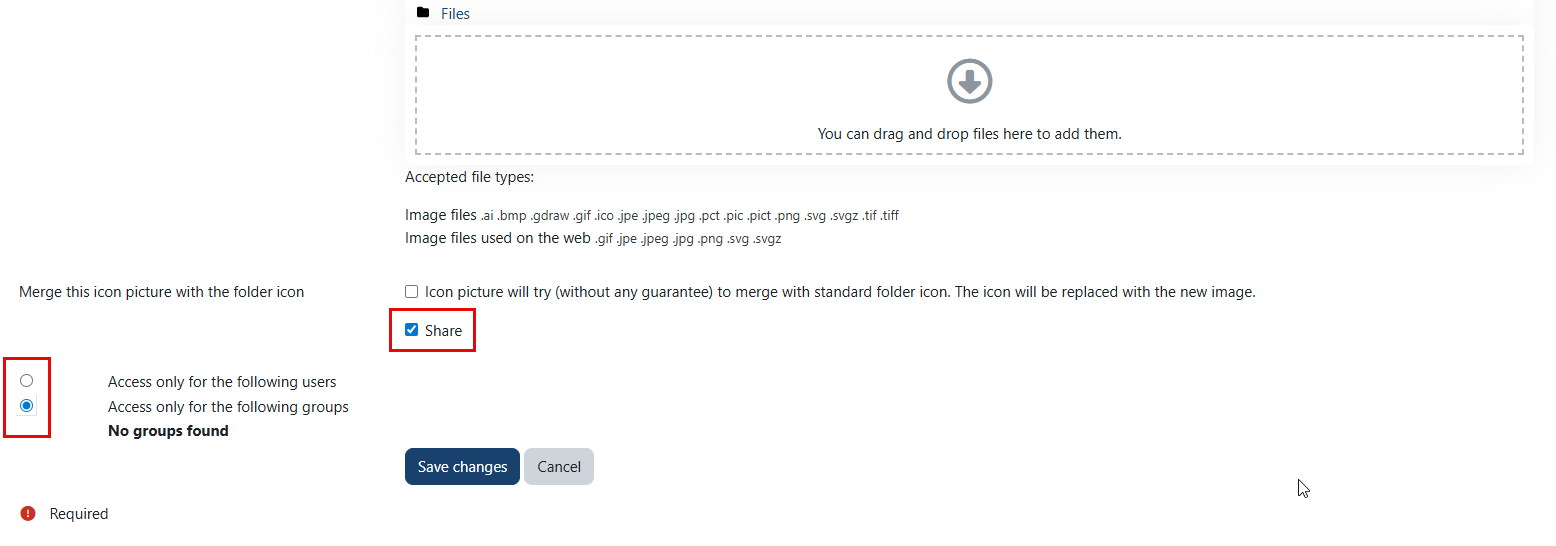
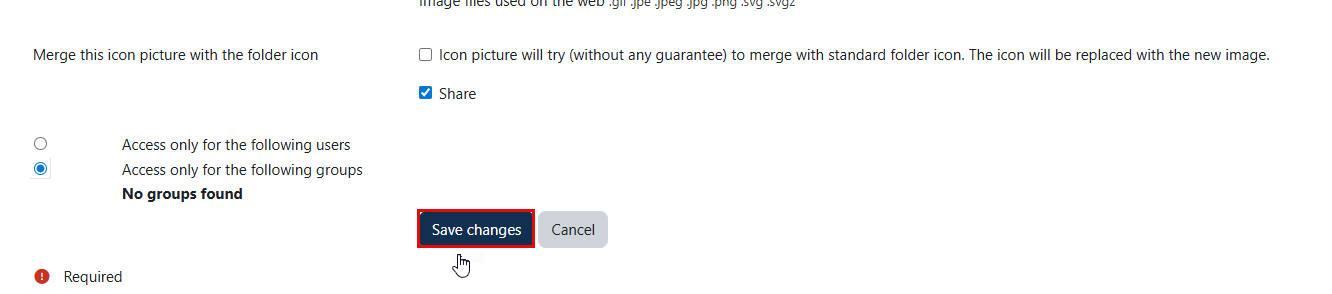
Enable the "Share" option, and select the method of sharing.
Note:
- You can grant access to a category for either specific users or groups.
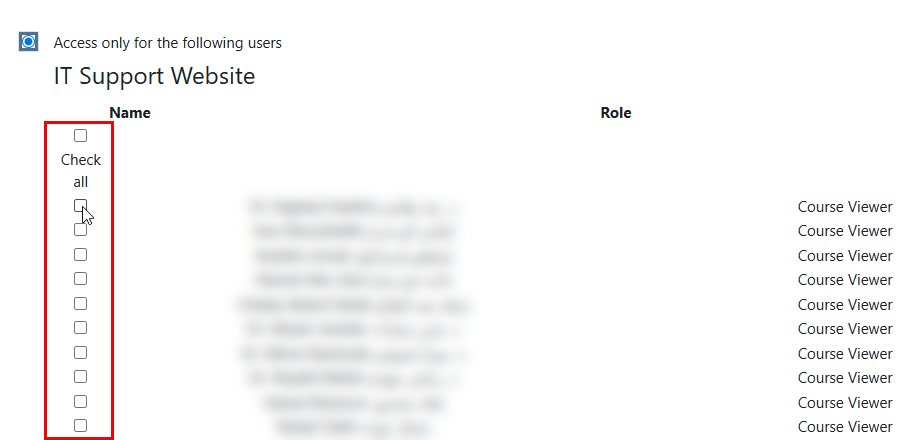
- If you choose "Access only for the following users," please select the users you wish to grant access to.
- Click on the "Save changes" button once done.
Was this article helpful?
