You can easily review and update your personal information, including addresses, emergency contacts, pay details, compensation, and benefits. Some fields are view-only, while others may be editable.
You can also upload important documents such as your Emirates ID, passport, and visa.
Follow the steps below to review your information and upload documents where required.
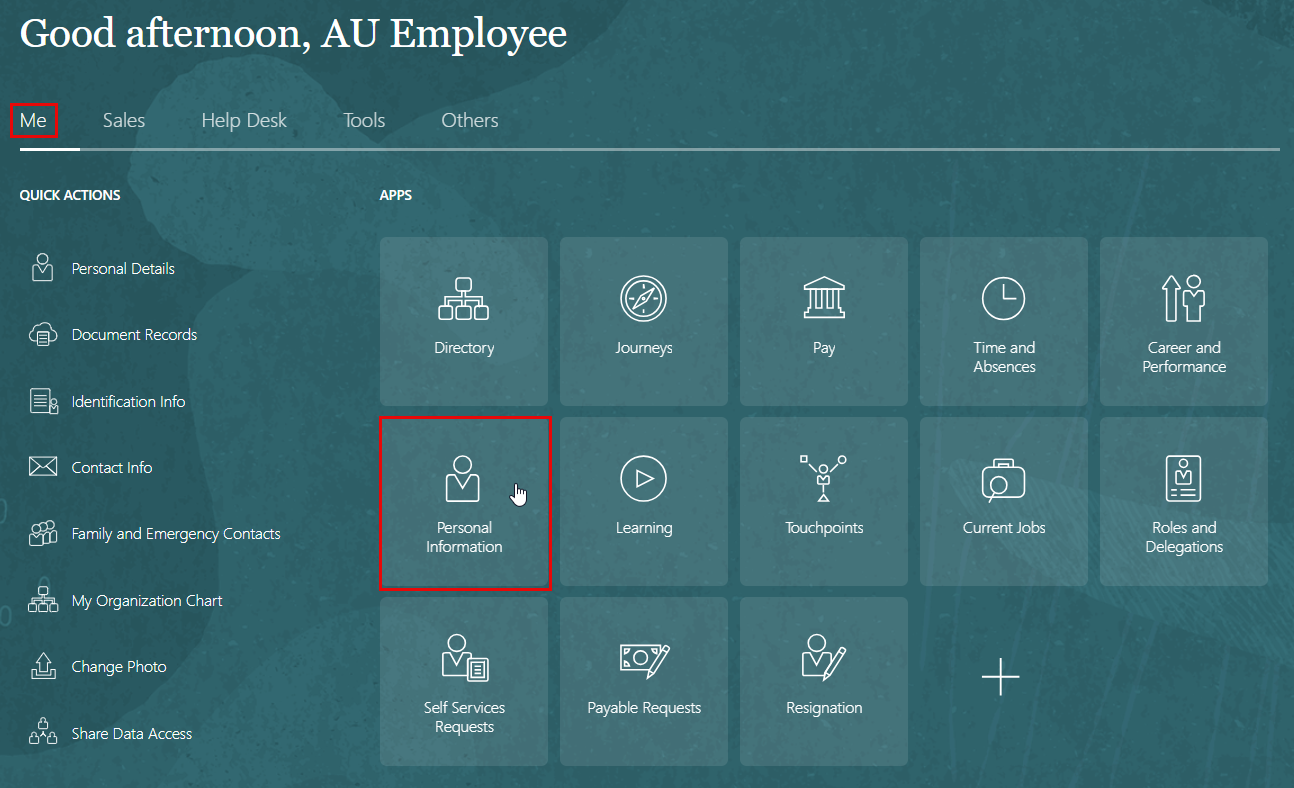
- Navigate to "Me".
- Click on "Personal Information".
- On the Personal Info page, click Personal Details to edit and update your contact information, and to fill and upload your Emirates ID.
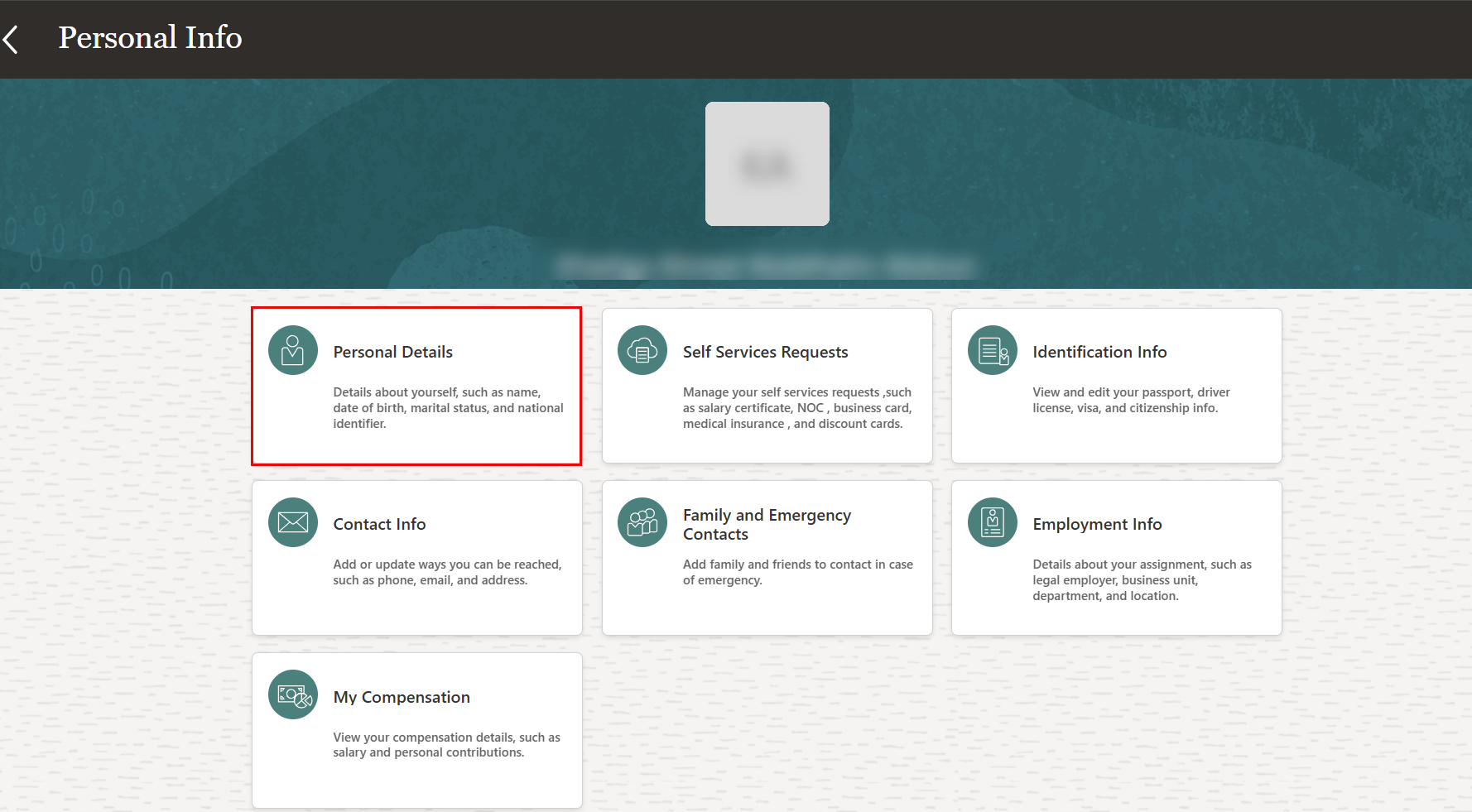
On the info page, you may also access the following information:
| Element | What You Use It For |
|---|---|
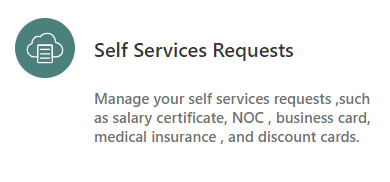 |
Click the "Self Services Requests" tab to request for a service such as: Salary Certificates, NOC's..etc. |
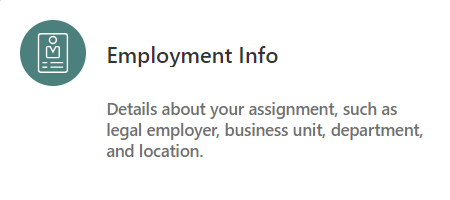 |
Click the Employment Info tab to view your employment history. |
 |
Click the Identification Info tab to view and edit your passport, driving license, visa and citizenship Info. |
 |
Click the Contact Info tab to add or update you contact information. |
 |
Click on it to add your family and friends to contact in case of any emergency. |
 |
Click the My Compensation tab to view your compensation details such as salary and personal contributions. |