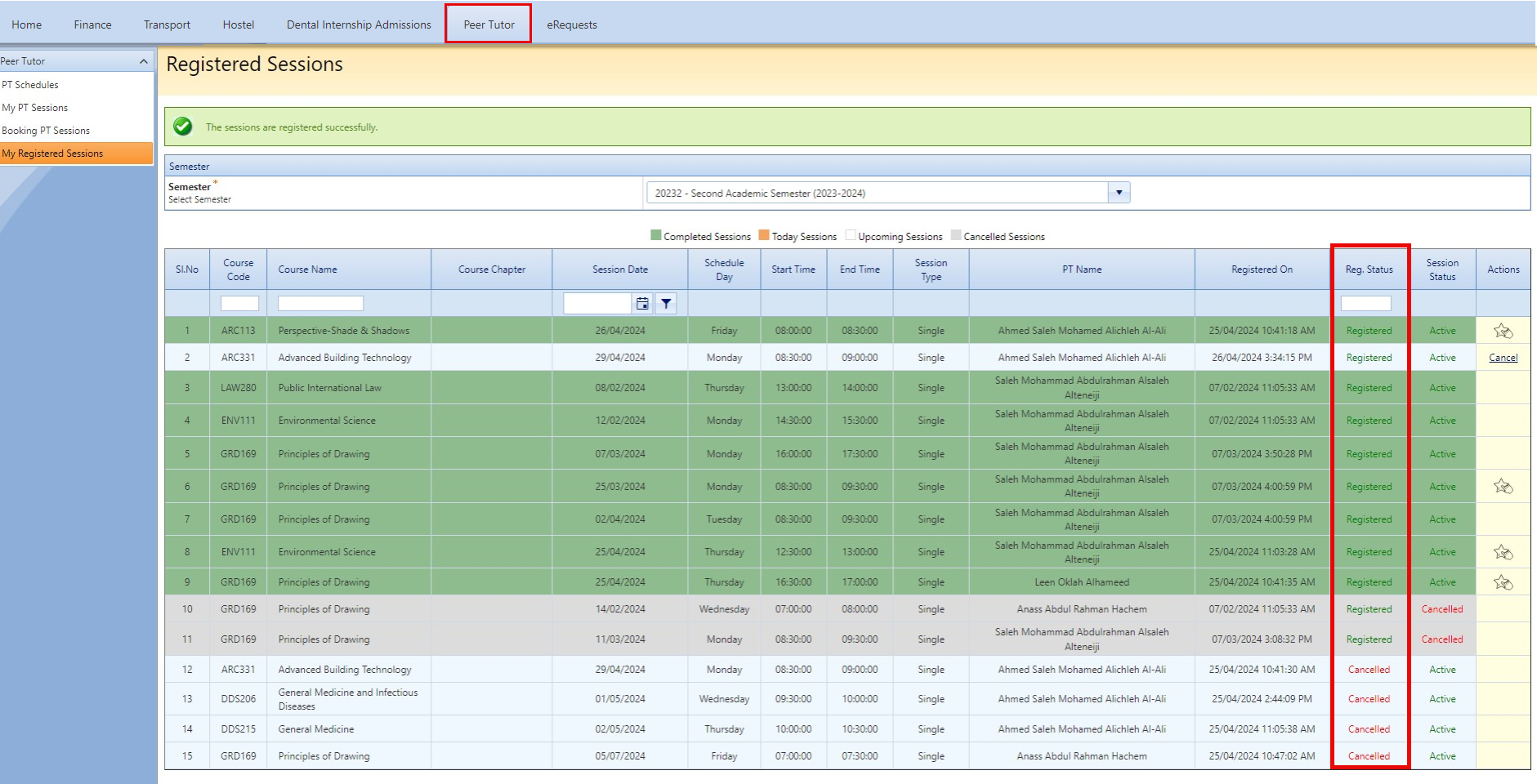
To view all of your Registered Sessions, navigate to the Peer Tutor tab and then click on My Registered Sessions. You can then view the details for all your booked Peer Tutor sessions.
Note:
- The system will display the booked sessions for the current semester by default.
- Reg. Status: Shows the status of the sessions you have booked.
- Session Status: Indicates whether the session is active or has been cancelled by the peer tutor of that session.