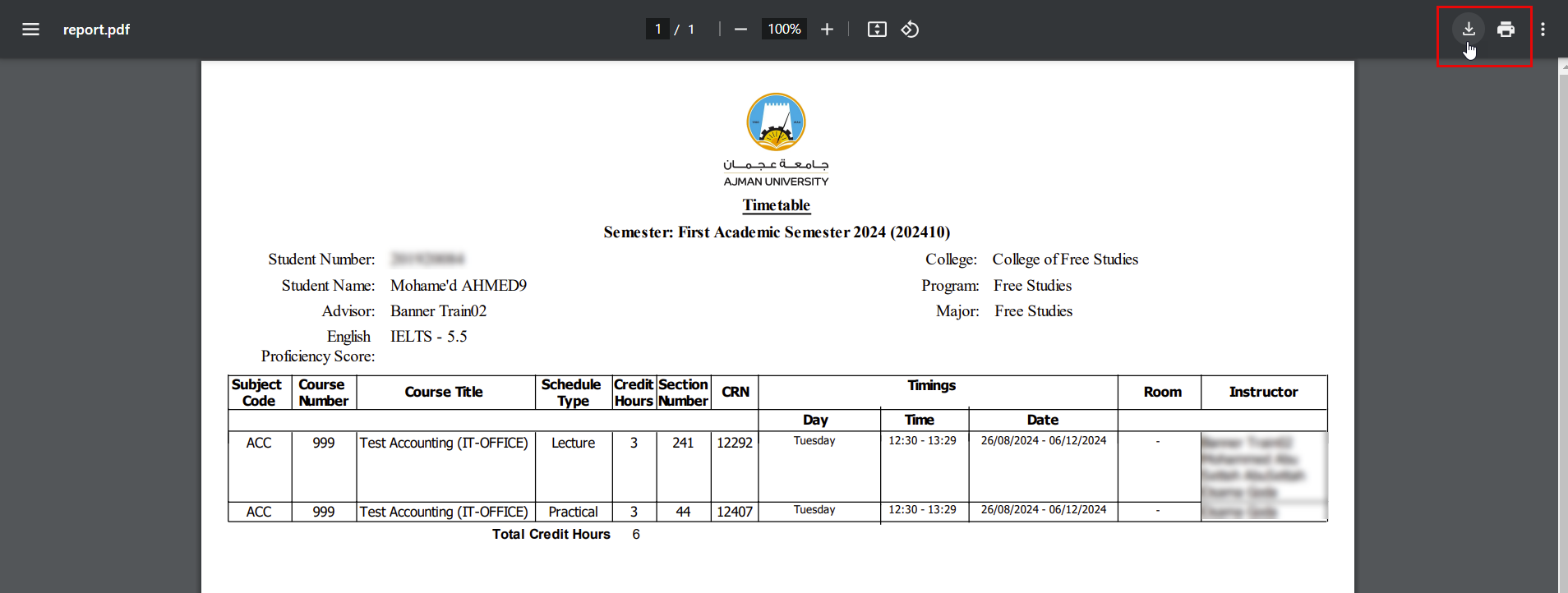
You can view your timetable by following below steps:
-
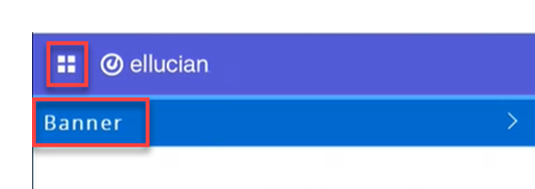
Click on the menu located on the left, then click on Banner.
-
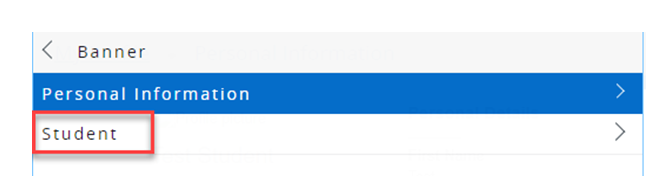
Click on "Student".
-
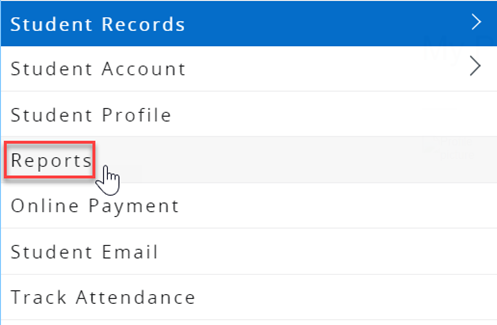
Click on "Reports".
-
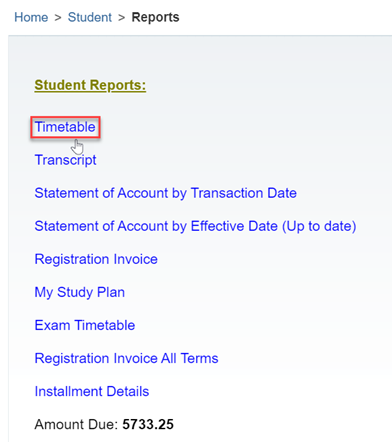
You will be directed to another page, where you can click on "Timetable" to view your timetable.
Another page will be opened where you can see, save and print your time table.