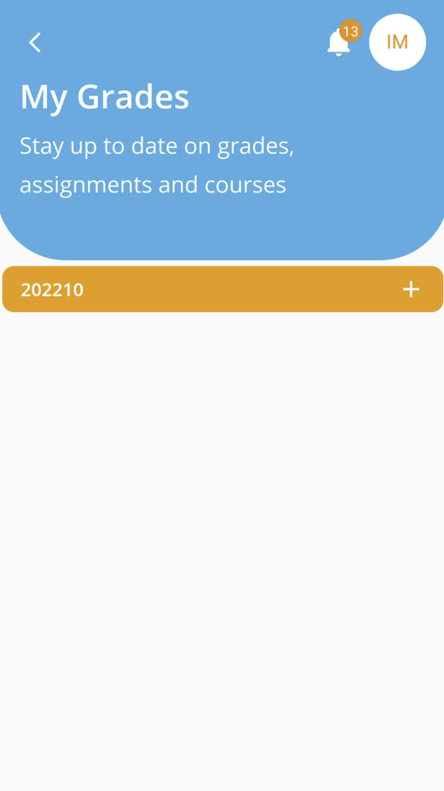
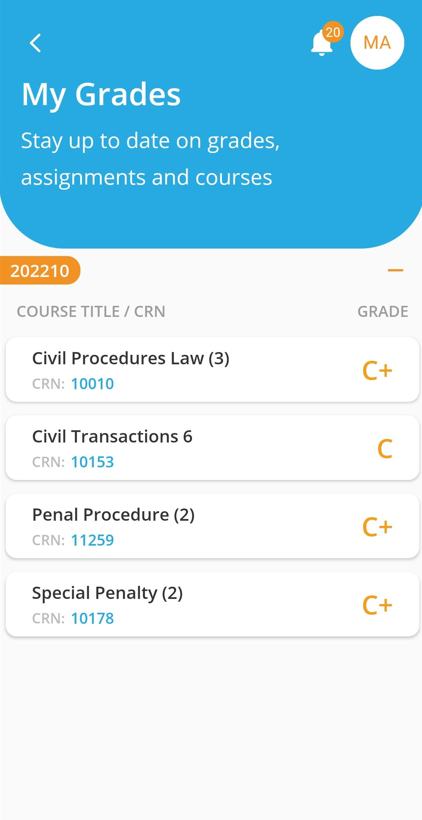
Once grades are released by the office of registration, you will be able to select the term and view your grades accordingly in AU Connect App by following the below steps:
- Log in to the AU Connect App as demonstrated here.
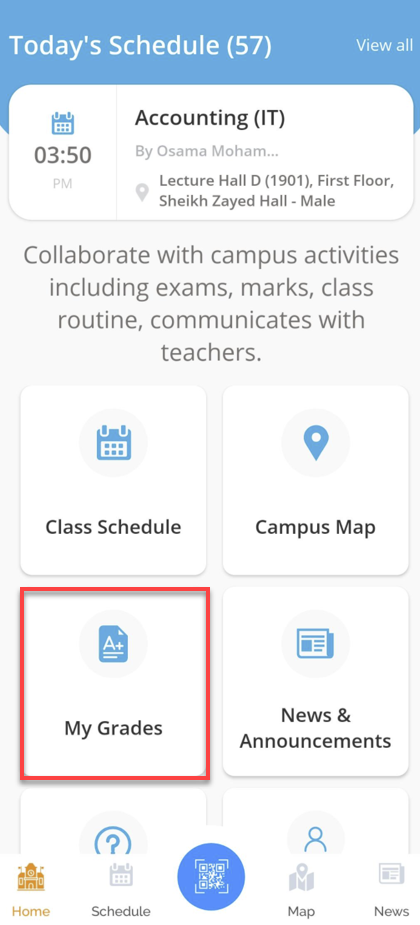
- Click on My Grades.
- Select the Term, and the App will display your Grades.