To track your Zoom attendance through the app, please follow the below steps:
- Click on Login with AU Account.

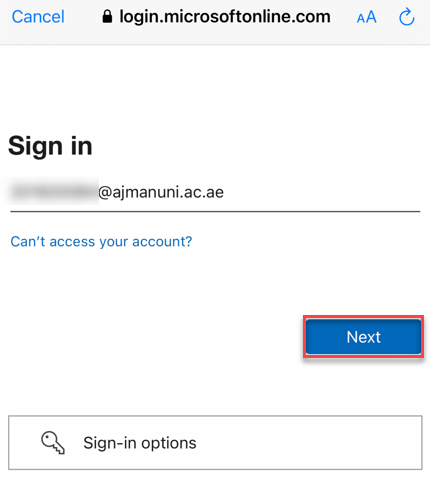
- Enter your AU email address, then click on Next.
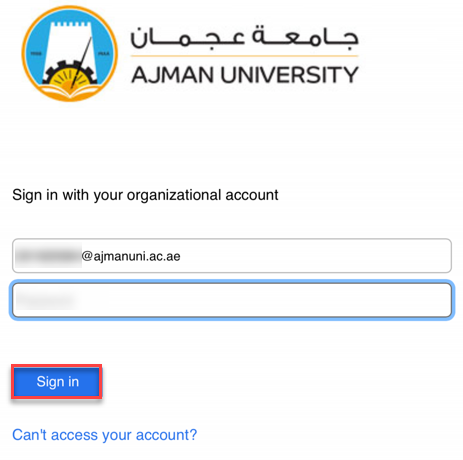
- Enter your Password, then click on Sign in.
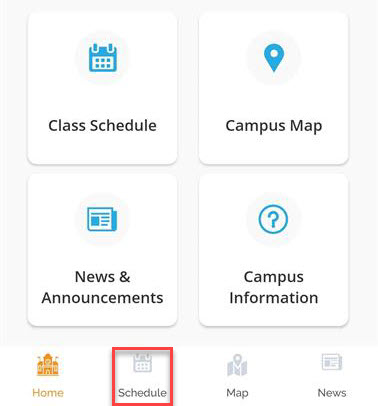
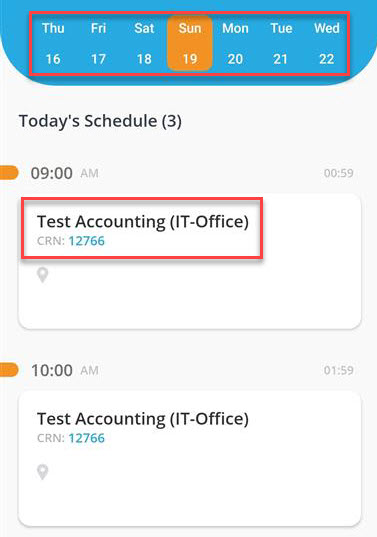
- Click on Schedule.
- Select the date then chose the class you’d like to track the attendance for.
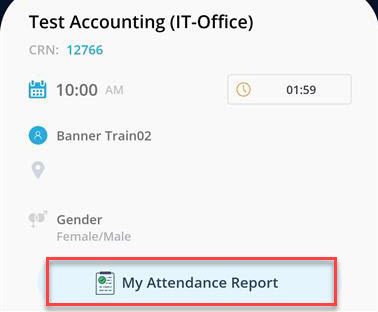
- Click on My Attendance Report.
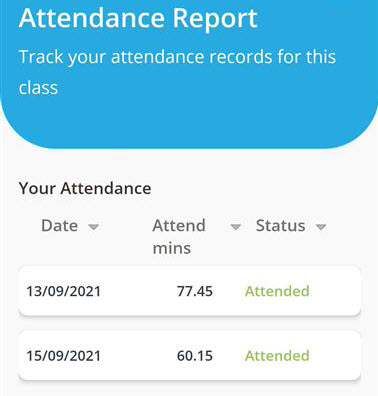
- Your attendance will appear as illustrated below: