Once you receive the unique invitation link to you AU email address, follow the below steps:
- Click on the invitation link.
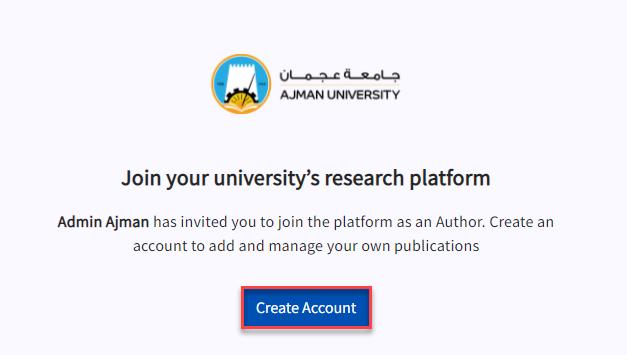
- Click on Create Account.
 Enter your full name and set your password, and click on Create my account.
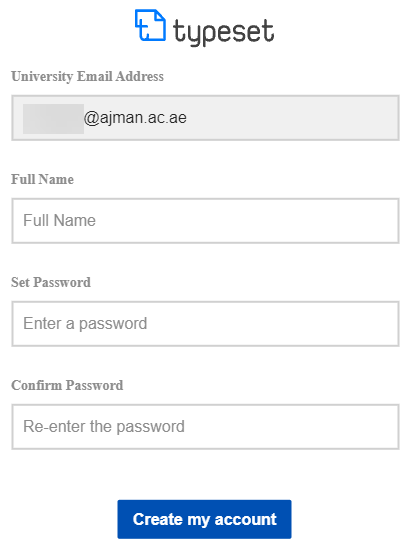 Note:You should set your password by yourself, as it is not unified with the rest of AU e-services (i.e. you will not be signing in using the Single Sign On (SSO) feature).
 - You will be automatically logged into the platform and you will be able to view all publications.