

5. Choose your Prefered MFA Method
- 06 Oct 2021
- 1 Minute to read
- Contributors

- Print
- DarkLight
- PDF
5. Choose your Prefered MFA Method
- Updated on 06 Oct 2021
- 1 Minute to read
- Contributors
- Print
- DarkLight
- PDF
Article summary
Did you find this summary helpful?
Thank you for your feedback!
To choose the default verification method for your AU email address, please follow the below steps:
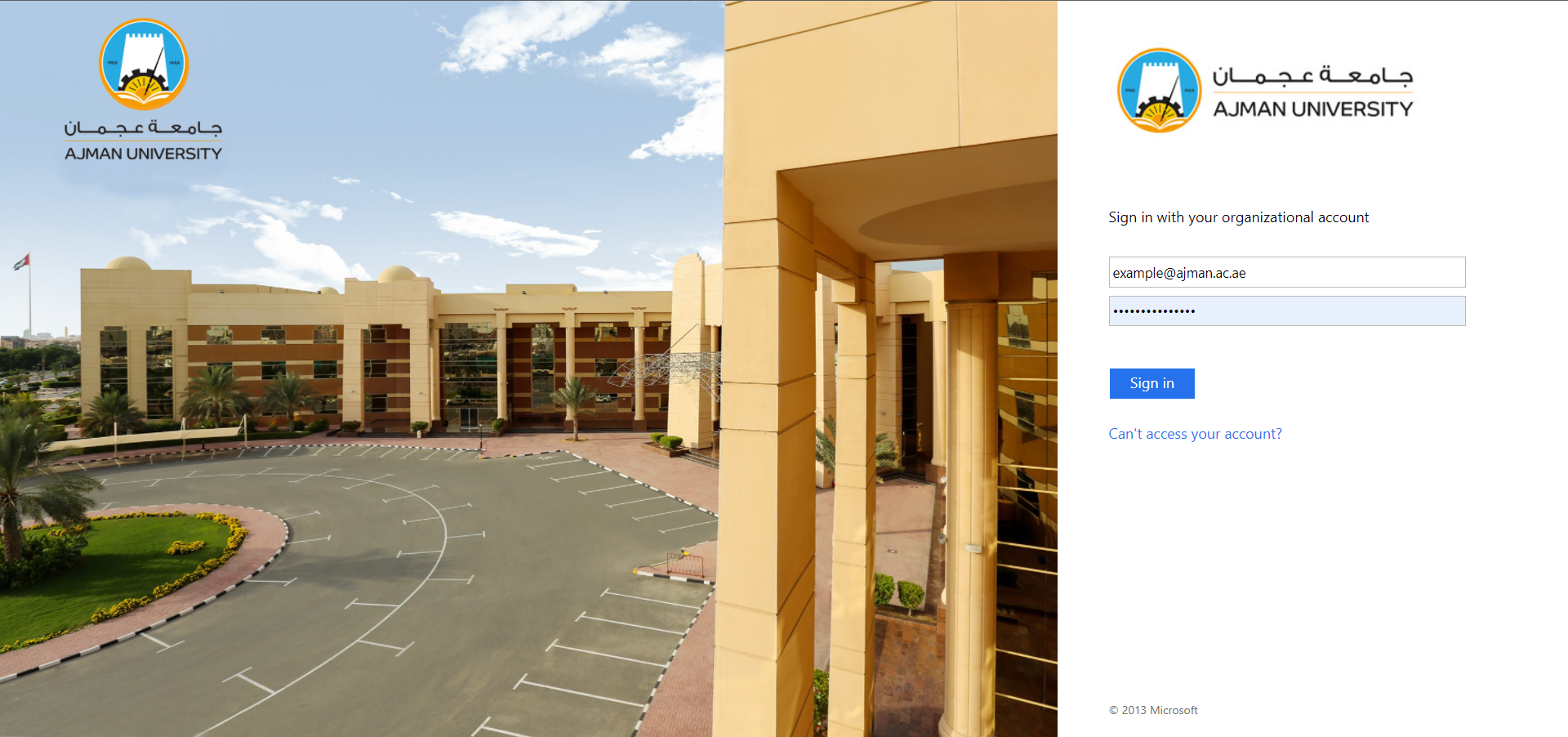
- Go to Outlook webpage and sign in to your AU email address.
 Note:
Note:You may edit your personal information by following the steps in this article.
- Click on your profile then on View account.

- Under Security info section, click on Update Info (or click on this link).

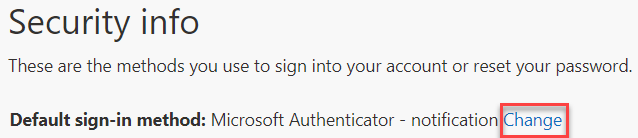
- In the Security Info section, click on Change.
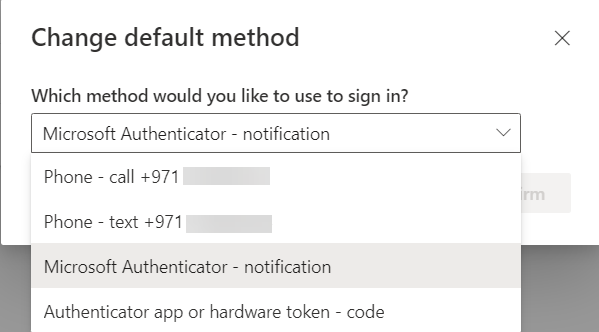
- Choose the default method. Noting that the Microsoft Authenticator is the recommended method.
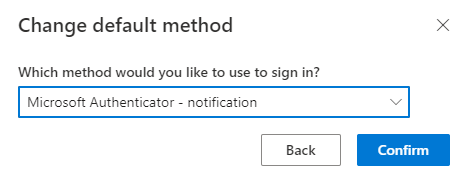
- Click on Confirm.
Was this article helpful?
