To request a sick leave and submit it for approval, follow these steps:
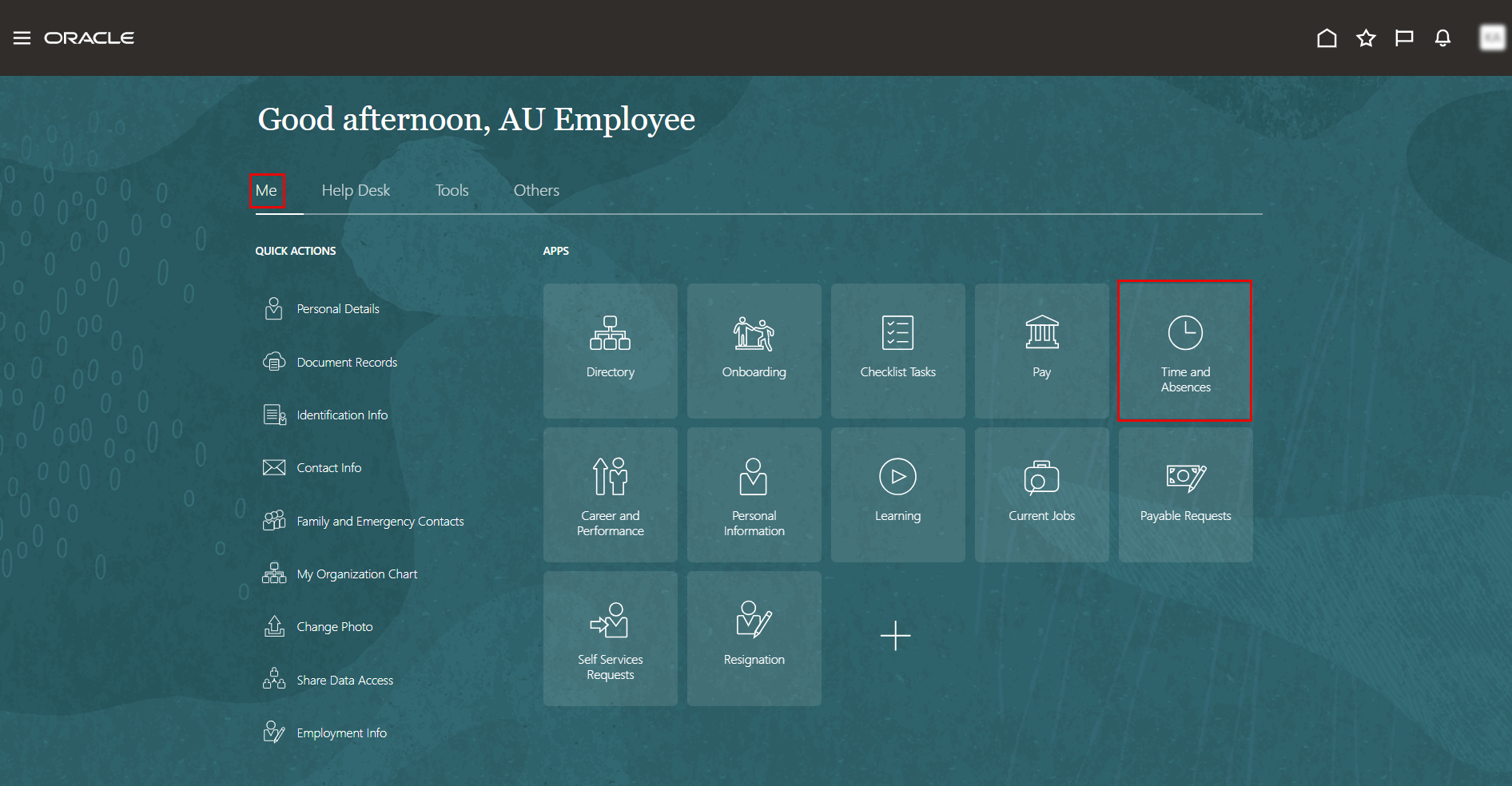
- On the Home page, click on "Time and Absences".
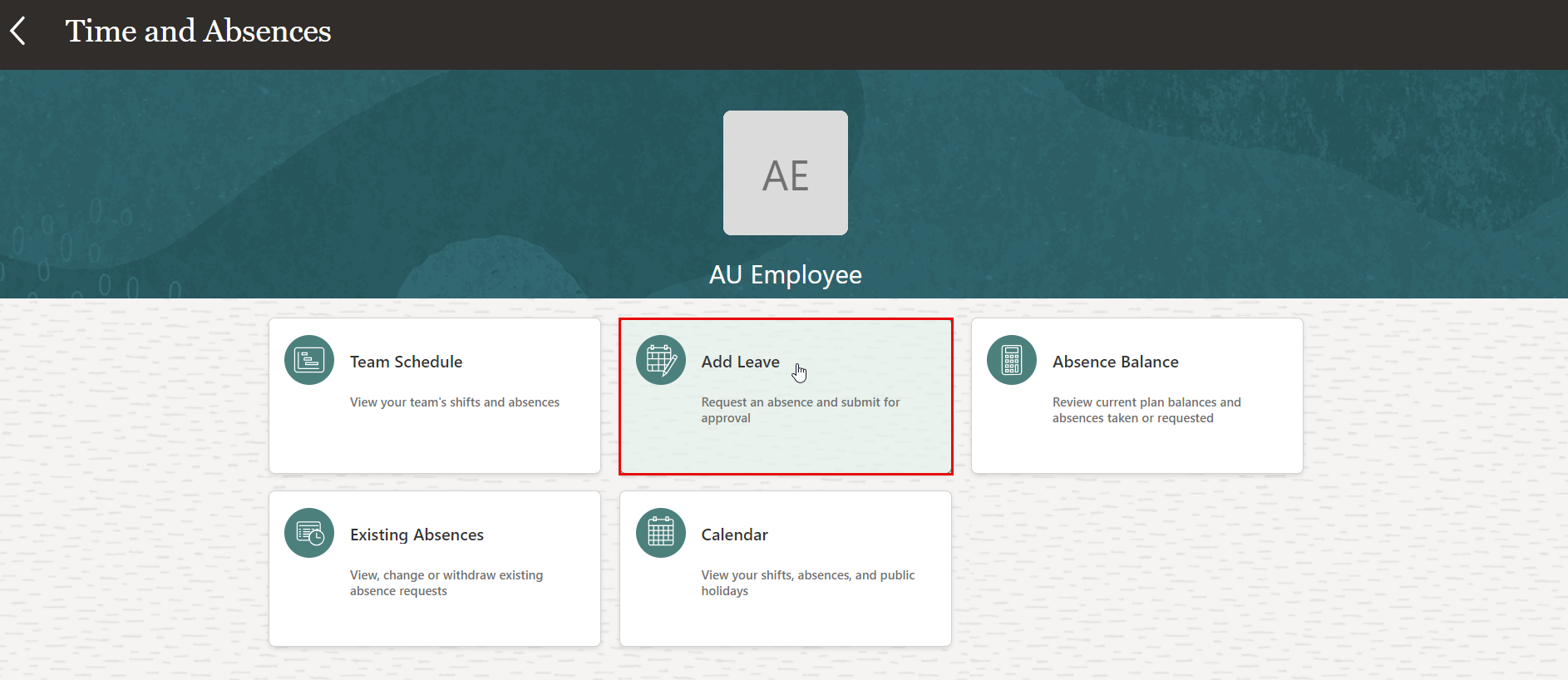
- On the Time and Absences page, click the "Add Leave" tab.
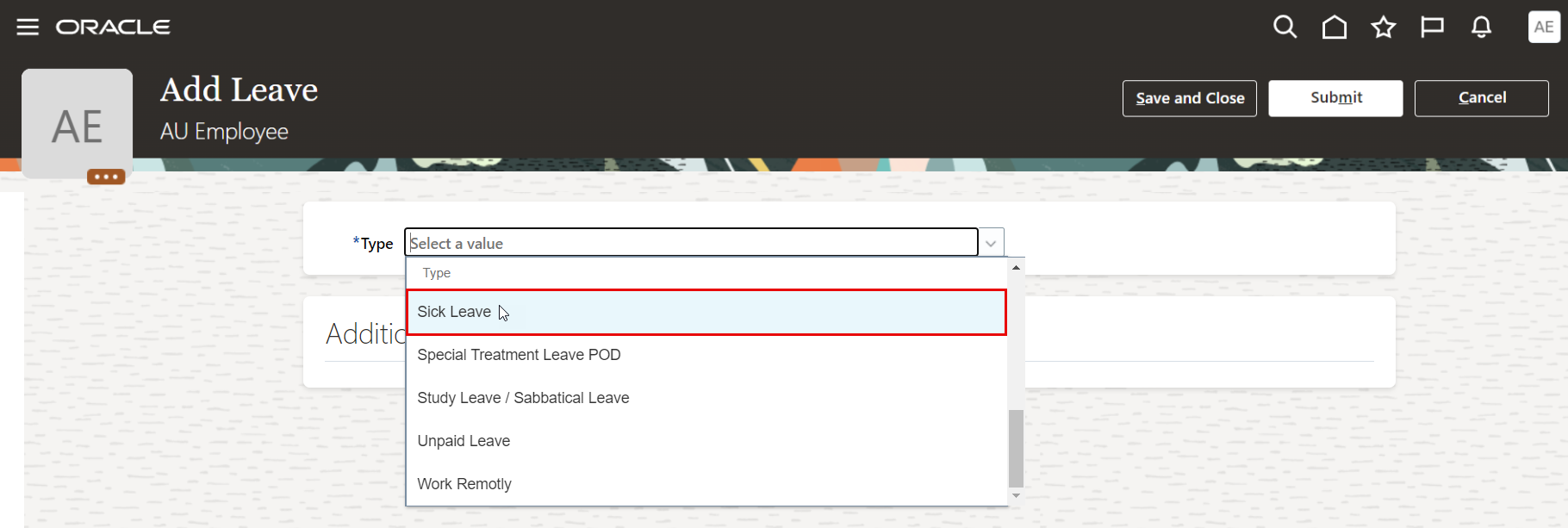
- On Add Leave page, select "Sick Leave" from the drop-down menu.
- Select the start date and end date of your leave.
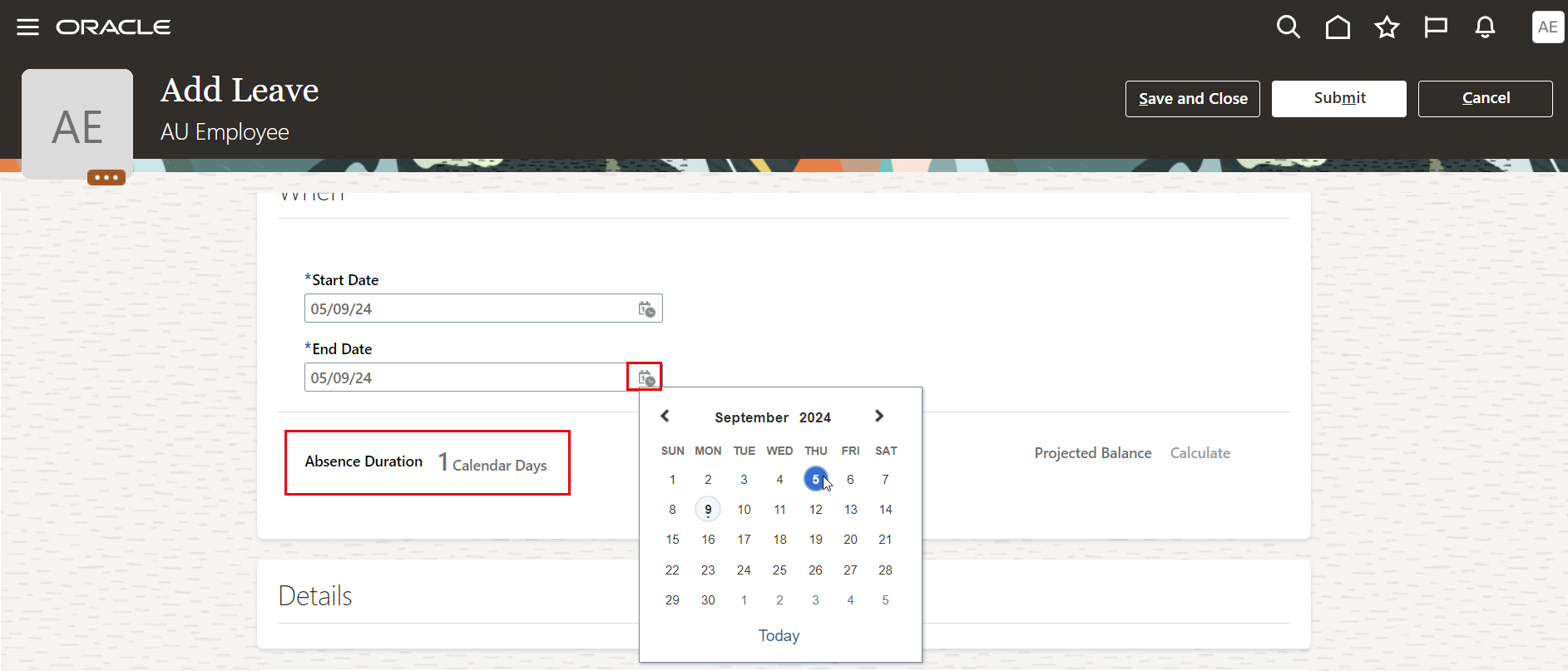
Note:
Leave Absence duration will be calculated and displayed according to the selected dates.
- You must iclude the sick leave as attachment to support your request during approvals.
- Submit your Leave request for approval.