Review current plan balances and absences taken or requested, by following these steps:
-
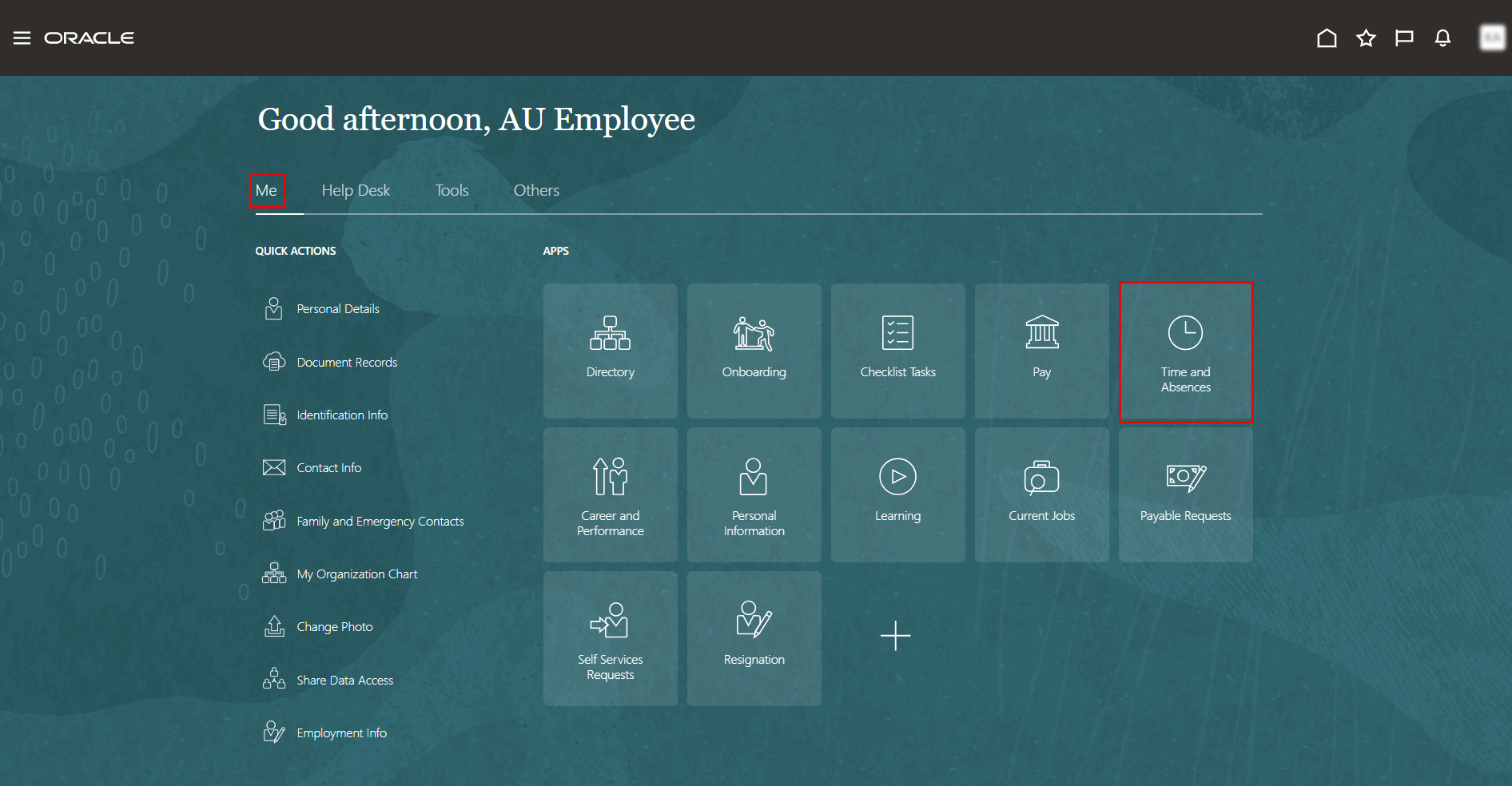
On the Home page, click on "Time and Absences".
-
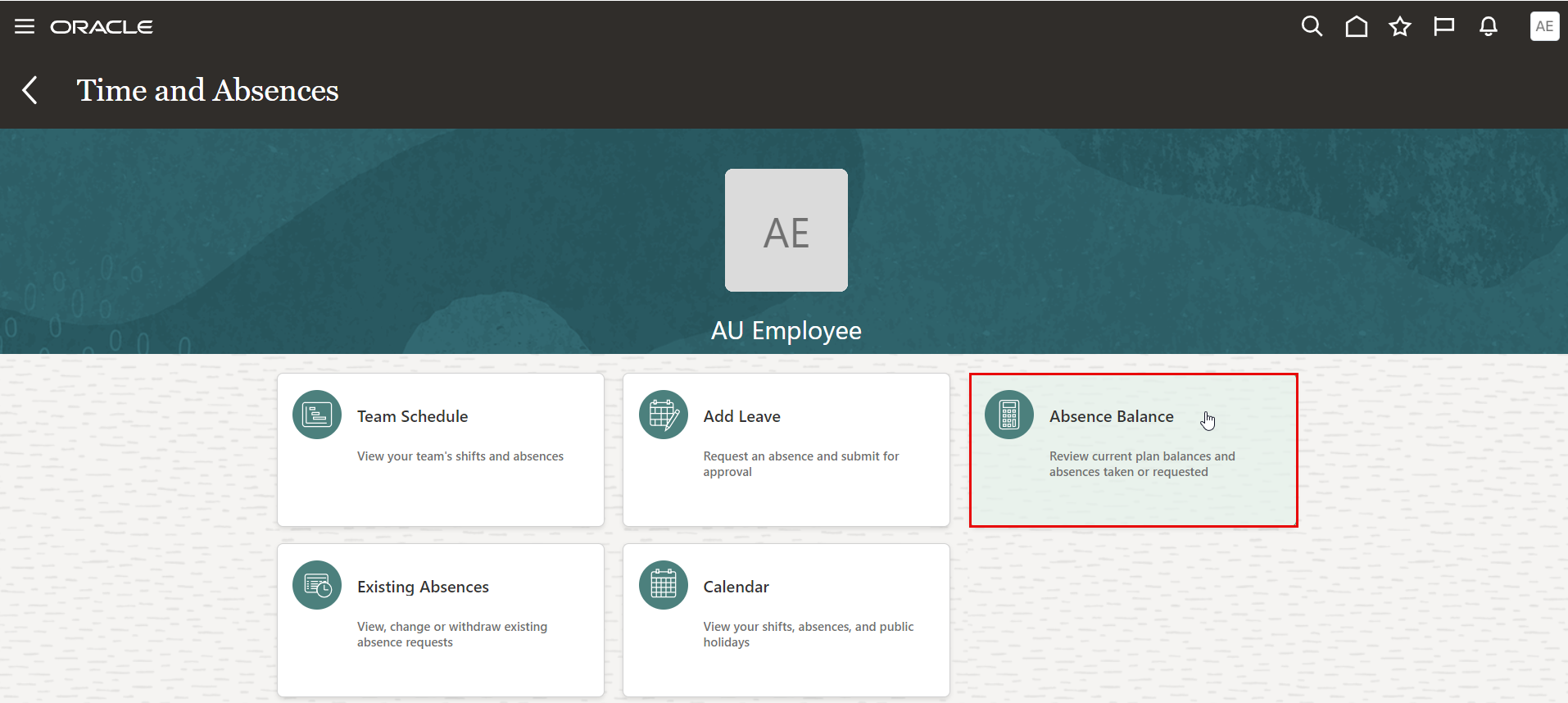
On the Time and Absences page, click the "Absence Balance" tab.
-
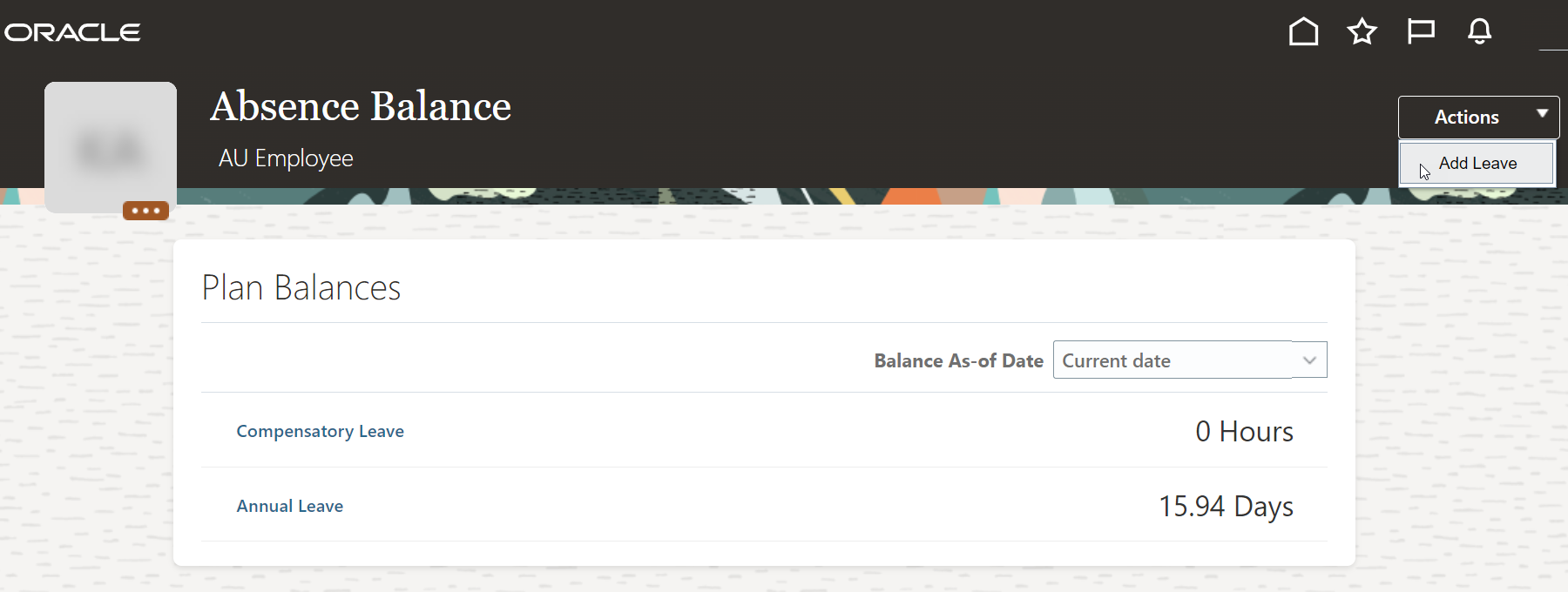
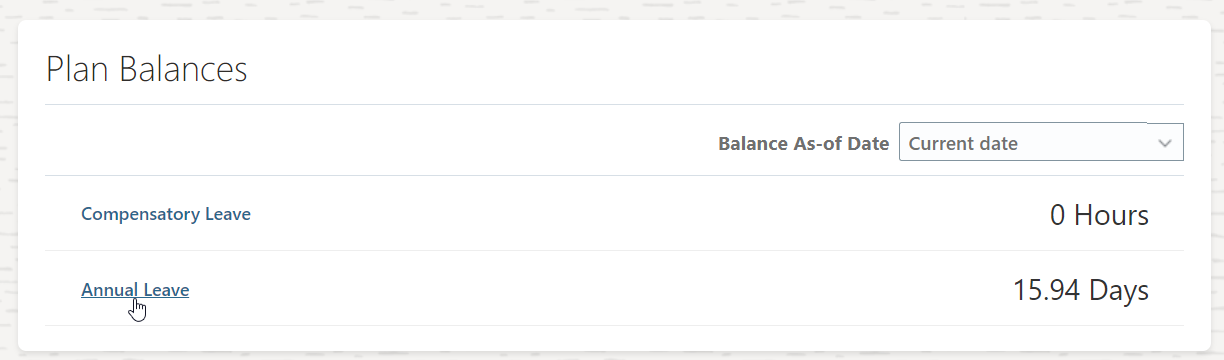
You can view both your annual leave and compensatory leave balances.
Note:
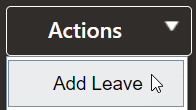
You can submit a new leave request by Clicking on "Add Leave" in the Actions drop-down menu.
-
To view the details of your leave balance, click on "Annual Leave" or "Compensatory Leave".
-
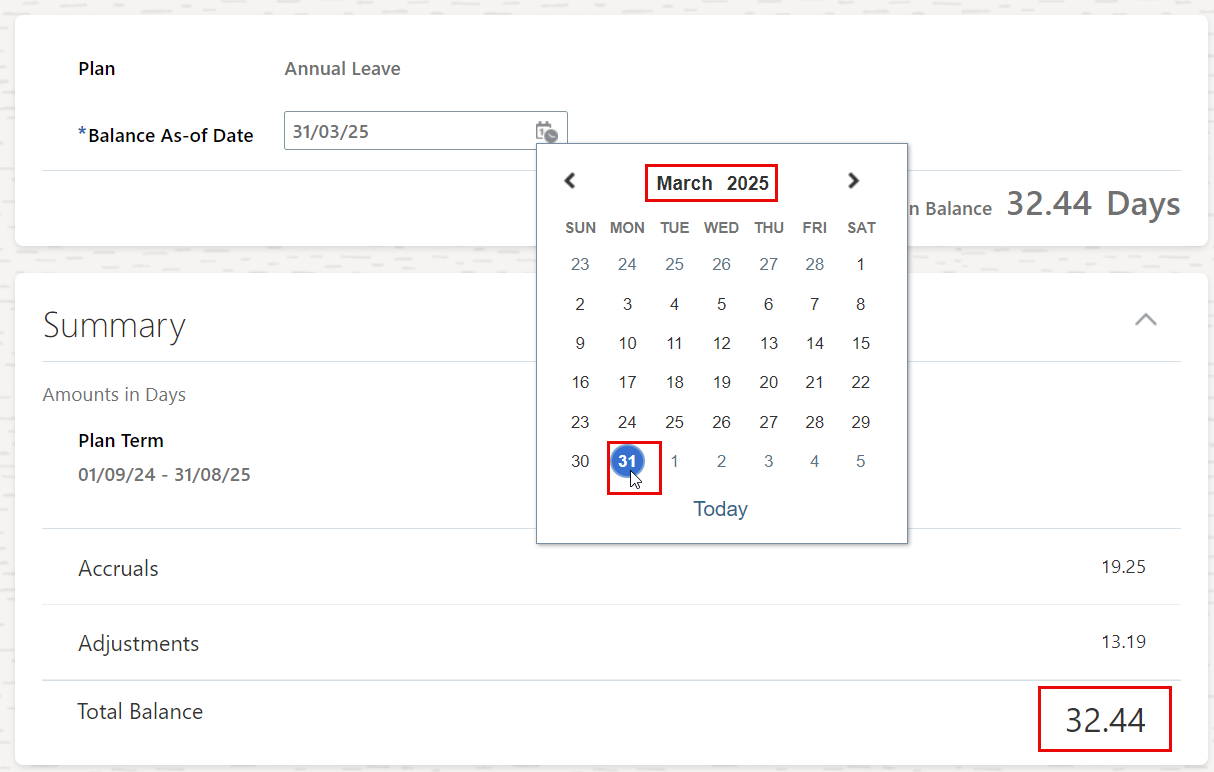
You have the option to view your leave balance in any specific month in the future, and the system will calculate the projected balance based on your current data.