You will be able to view, change or withdraw existing absence requests, by following these steps:
-
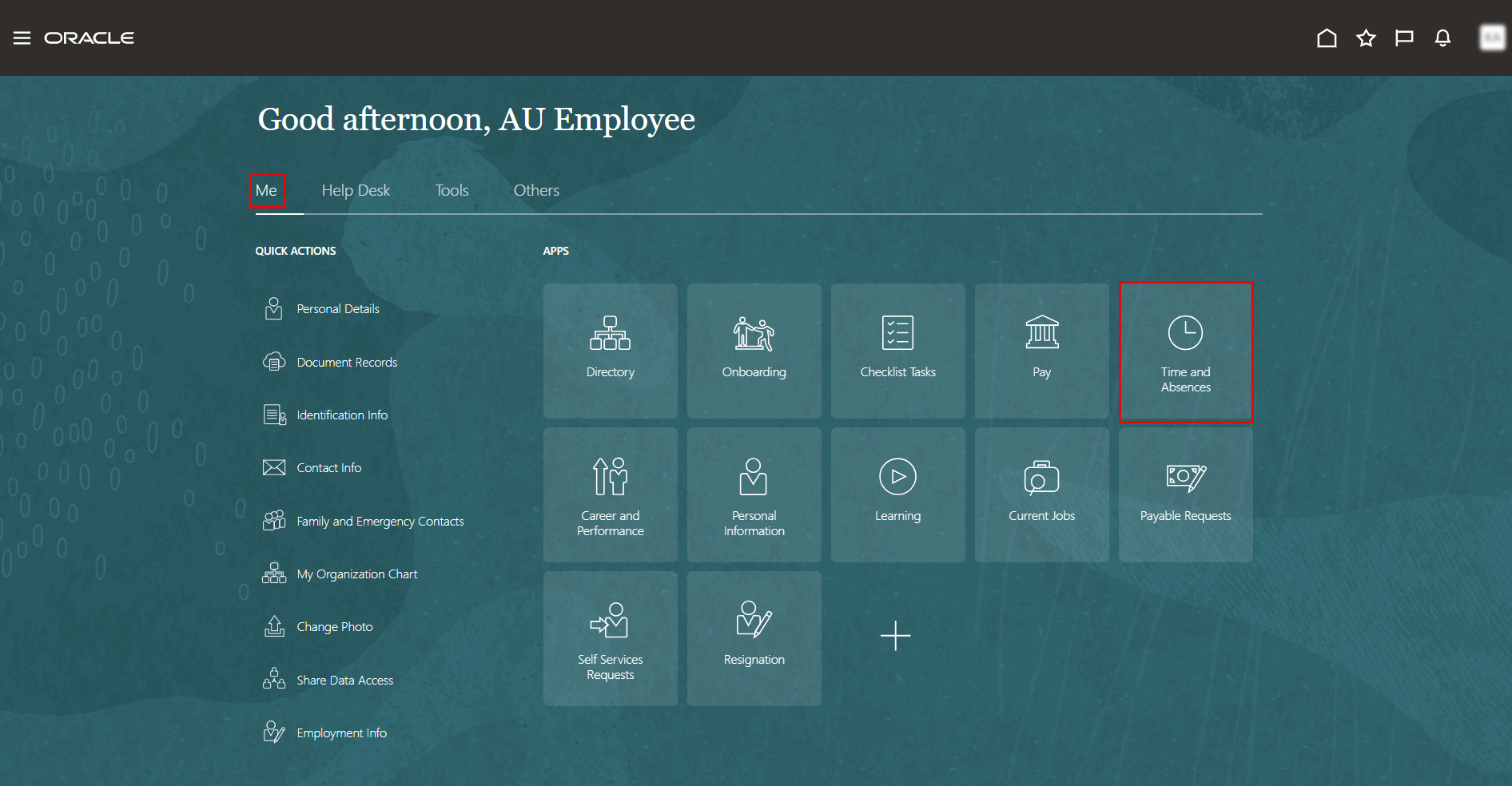
On the Home page, click on "Time and Absences".
-
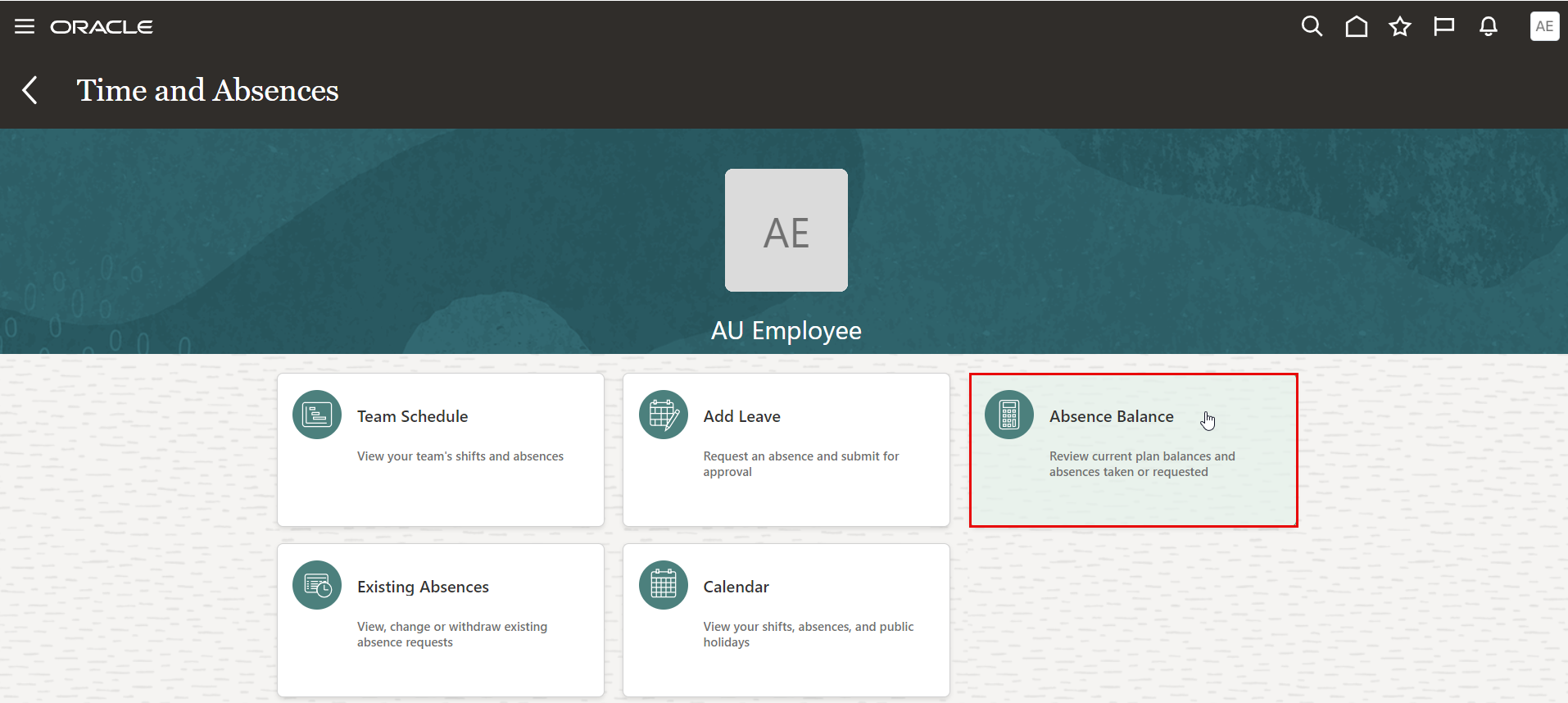
On the Time and Absences page, click the "Existing Absences" tab.
-
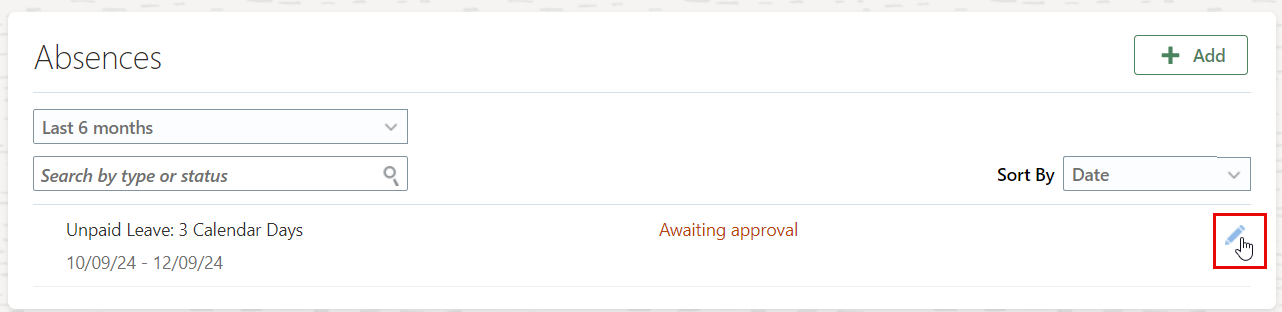
Click on the "Edit" icon to update absnece request and resubmit it for Approvals.
-
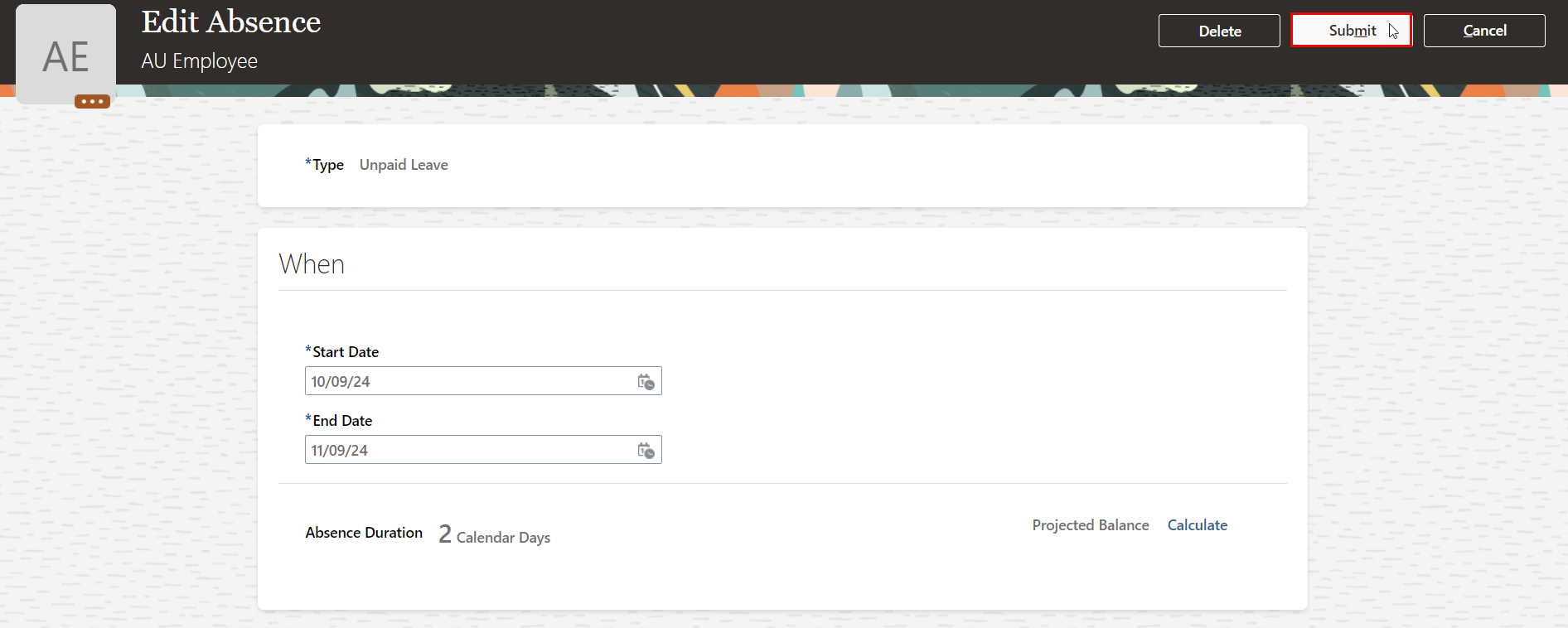
Edit your leave details, then click Submit to send it for approval again.