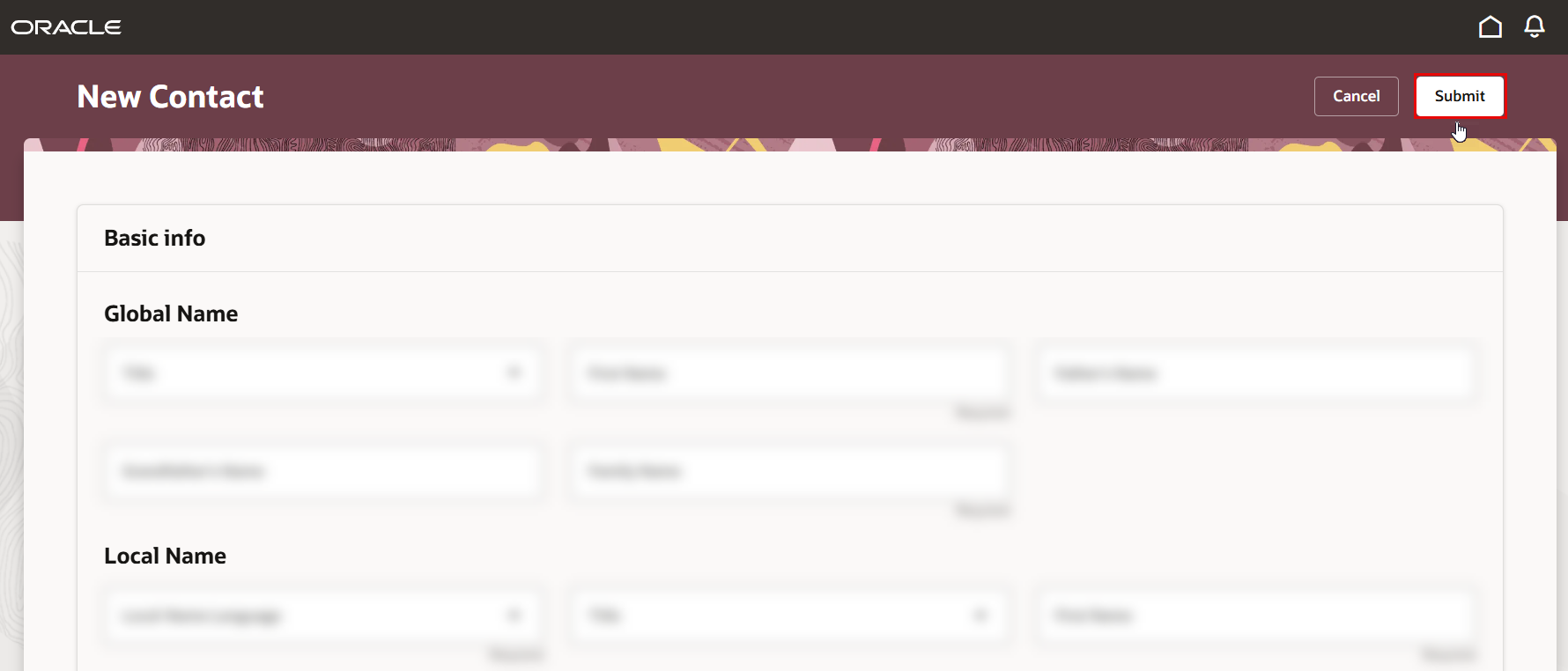
This section guides you through the process of adding a new child as a contact, entering the correct dates, and designating the contact as a dependent.
-
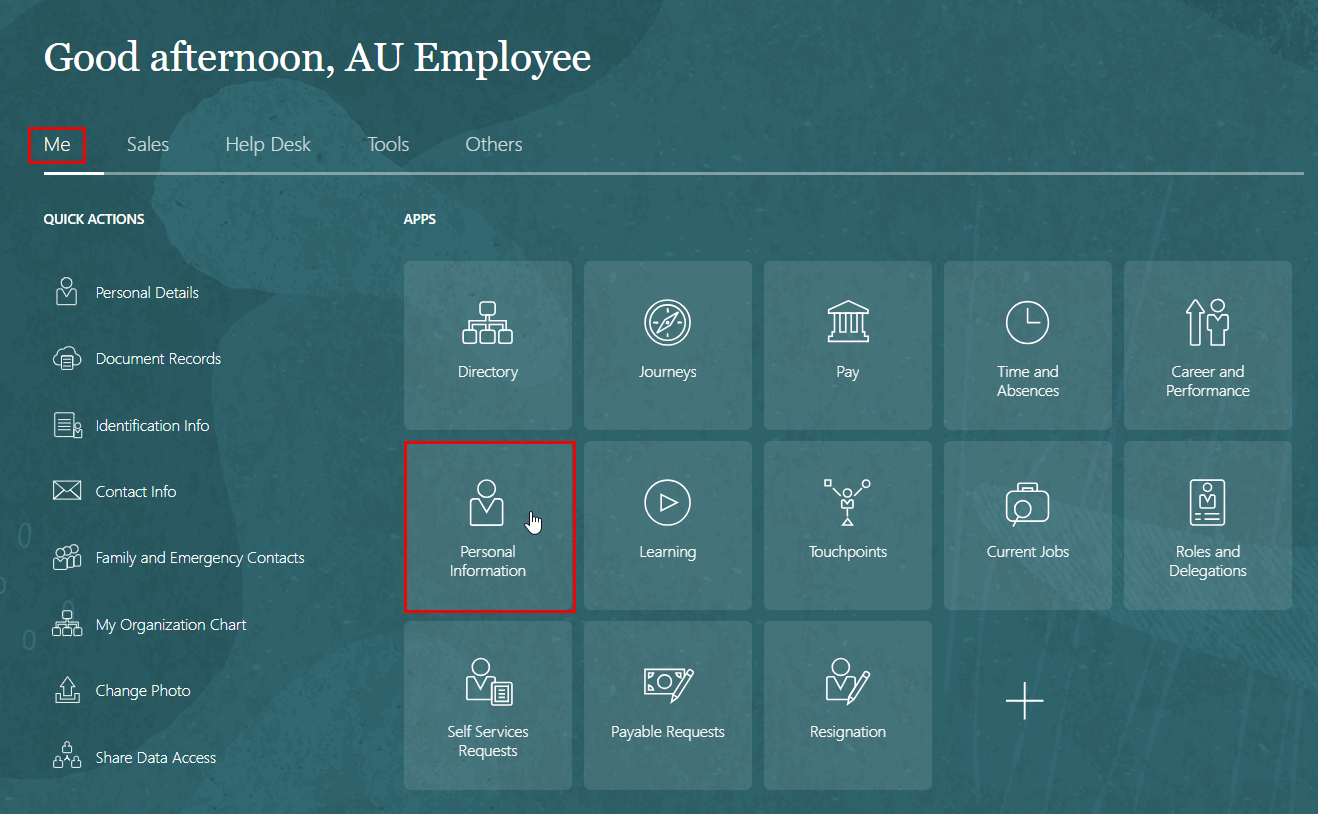
On the Home page, click on "Personal Information".
-
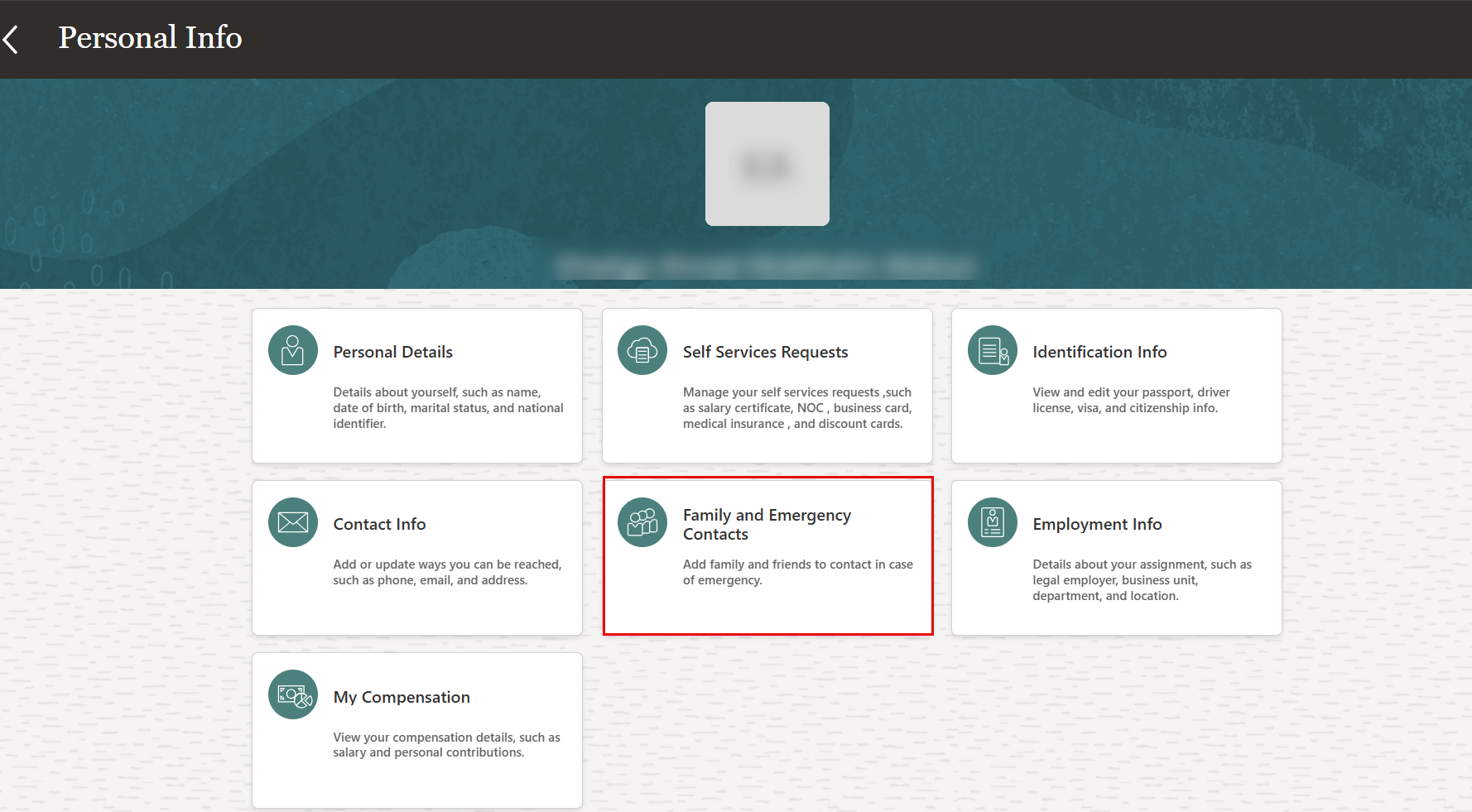
On the Personal Info page, click the "Family and Emergency Contacts Info" tab.
-
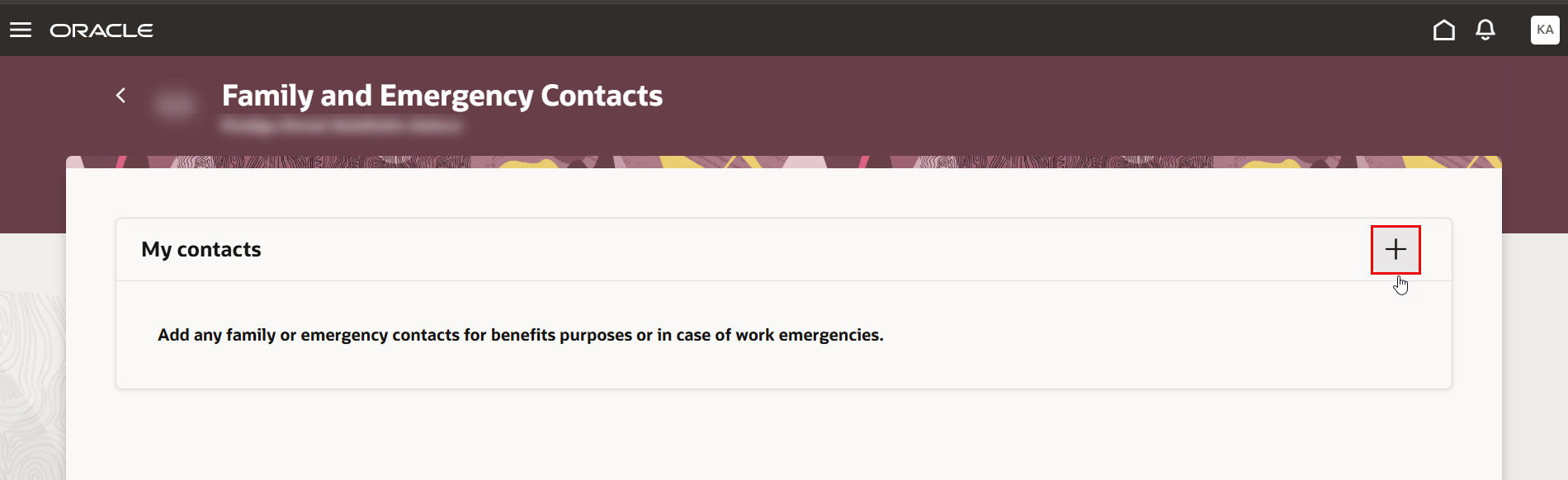
Click on the "+" icon to add family or emergency contact.
-
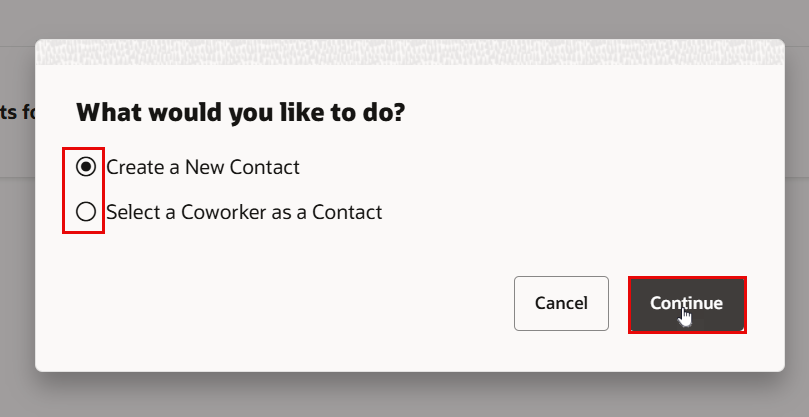
Select one of the following options:
- Create a New Contact
- Select a Coworker as a Contact
Then, click Continue.
-
Start filling out the contact information.
-
Click the Relationship drop-down list and select your relationship to the contact.
For this example, select Son -
In the Relationship Start Date field, enter the date when the contact becomes eligible for coverage. For this example, enter the child's birthdate, 1/1/19, for the child to be covered from the birth onward.
-
In the Last Name field, enter the contact's last name.
-
In the First Name field enter the contact's first name.
-
Select the Gender of the contact. In this case.
-
Enter the Date of Birth of the contact. In this case, enter 1/1/19.
-
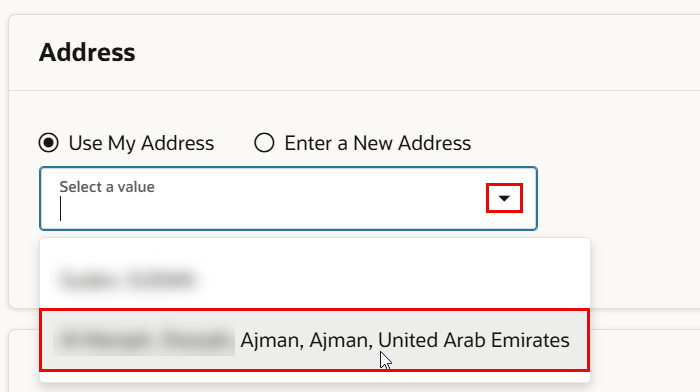
Click the “Use My Address” checkbox and select an address from your previously entered addresses.
-
Once complete, click "Submit."