This section explains how to access your payslip through the Personal Information icon on your home page.
You can view your payslips by following the steps below:
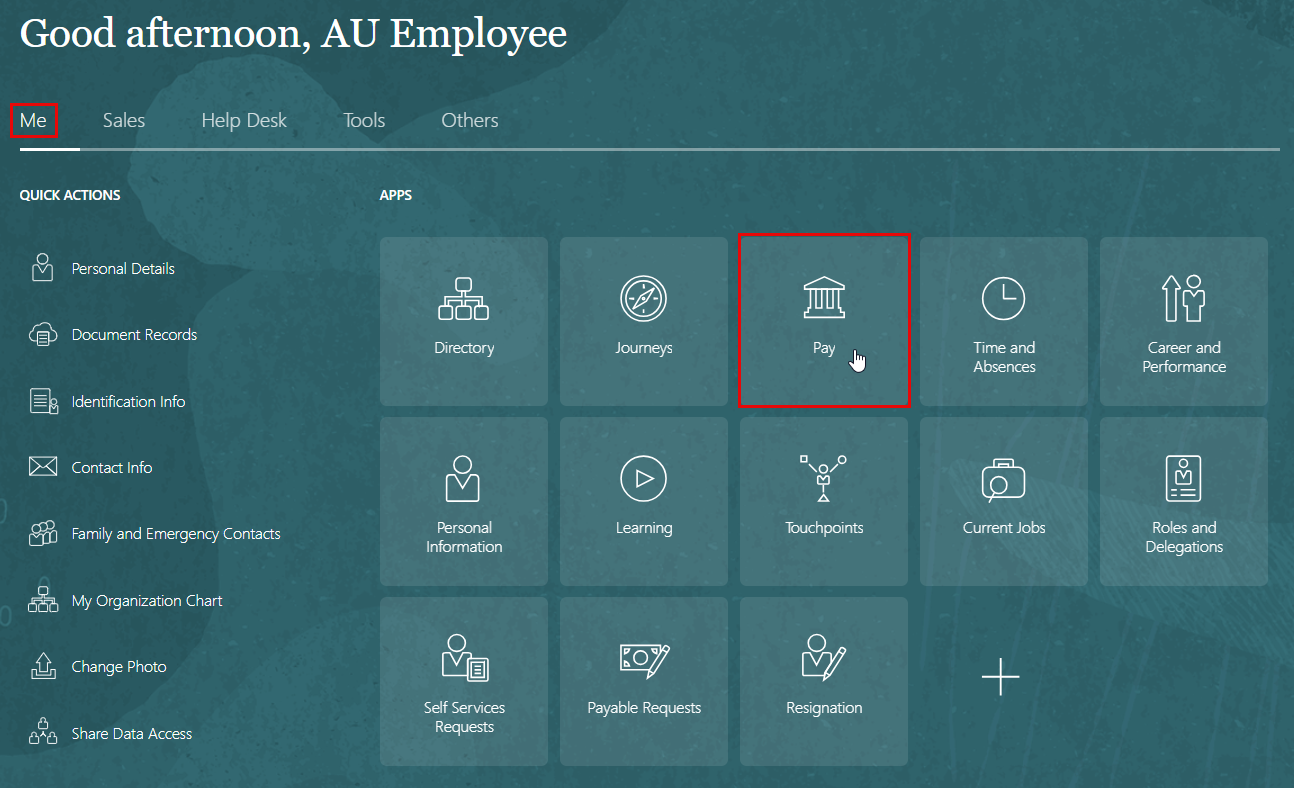
- On the Home page, click on "Pay".
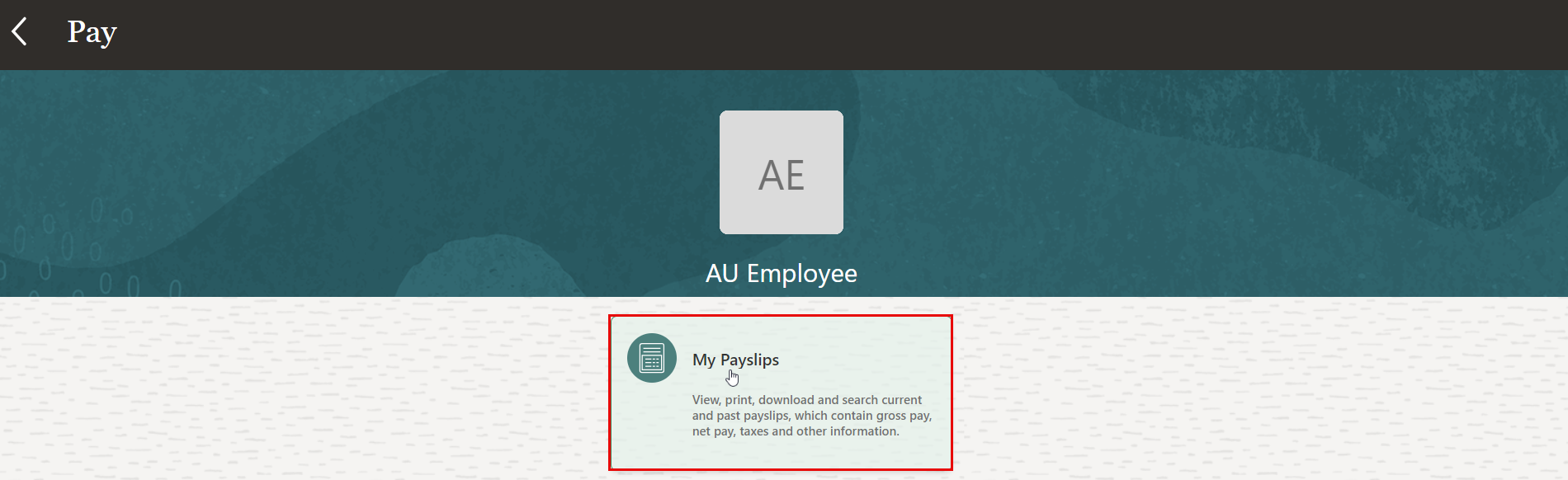
- On the Pay page, click the "My Payslips" tab.
Information displayed on the payslip is segregated into sections and contains the following:
- The first section displays your personal and job information.
- The second section displays the payroll period information.
- The next section has a summary of your Gross-to-Net details.
- The next sections give a breakdown of earnings, pretax deductions, taxes and other deductions.
Note:
You can print your payslip or save it to your computer. Your payslips are stored in the application and you can retrieve them at any time