Please Note:
This user manual is currently under review. A revised version reflecting the new Redwood user interface will be available soon.
Valid evidence must be provided to support ratings of 4 or above. To add evidence to support your goal, follow the steps below:
-
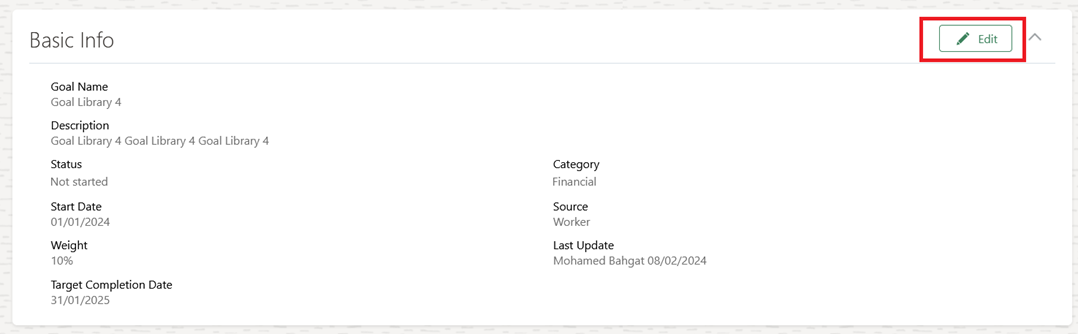
Open the Goal, and click "Edit" in the Basic Info Section
-
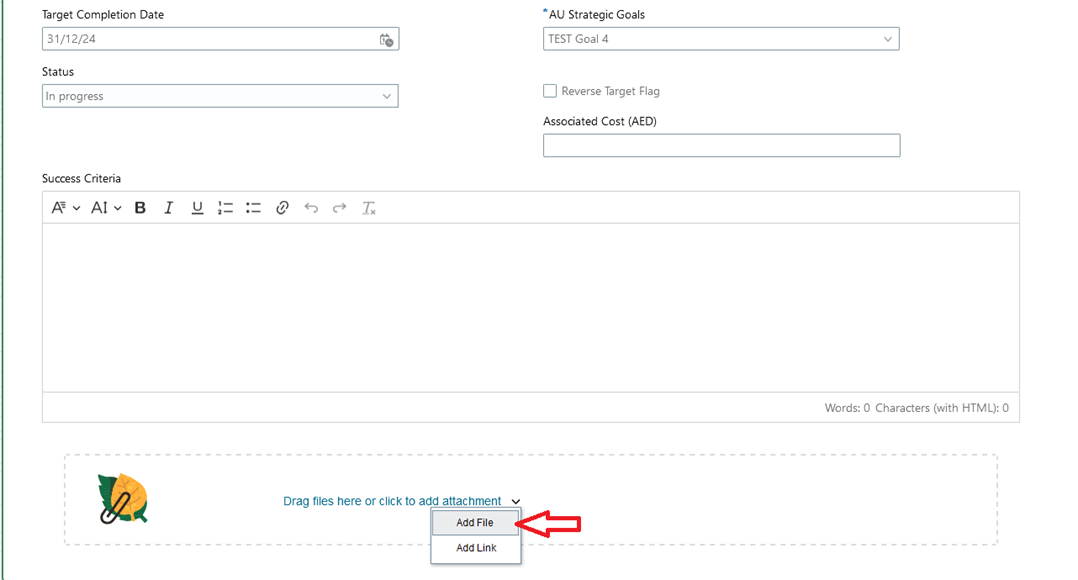
Click "Add File" to upload an attachment, or drag and drop files to add them. Then, click "Save".
-
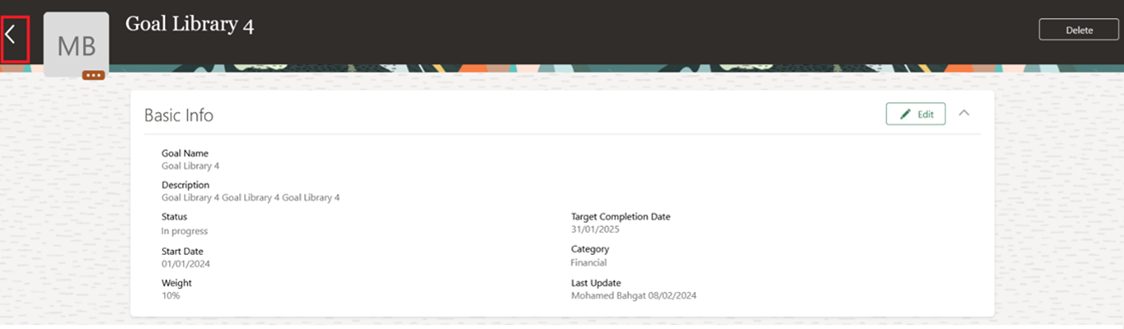
Click back to submit changes for approval.
-
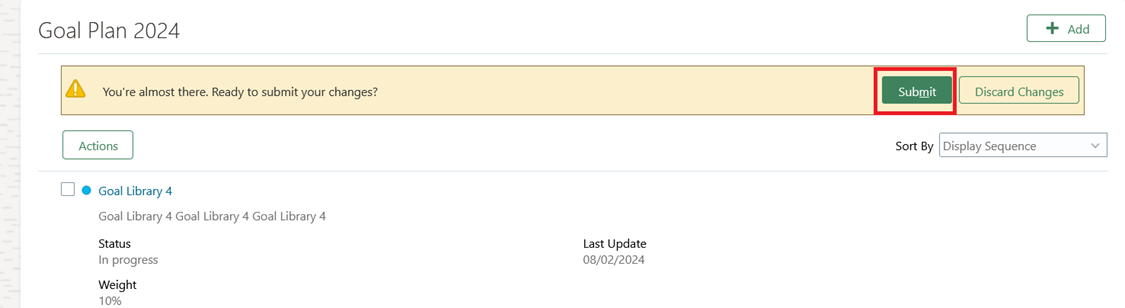
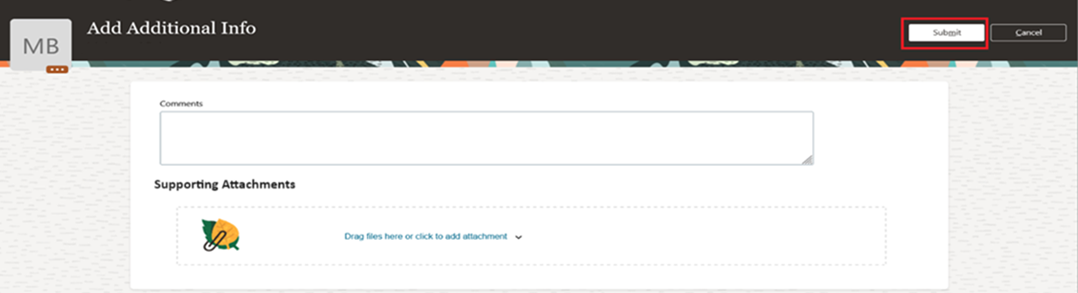
Click "Submit".
-
Write a comment if needed, then click "Submit".
Note:
- The newly added evidence will be sent to your line manager for approval.
- Once the line manager approves or rejects, you will receive both a system notification and an email notification.