You can fill out the content fields of your CV by following the steps below:
-
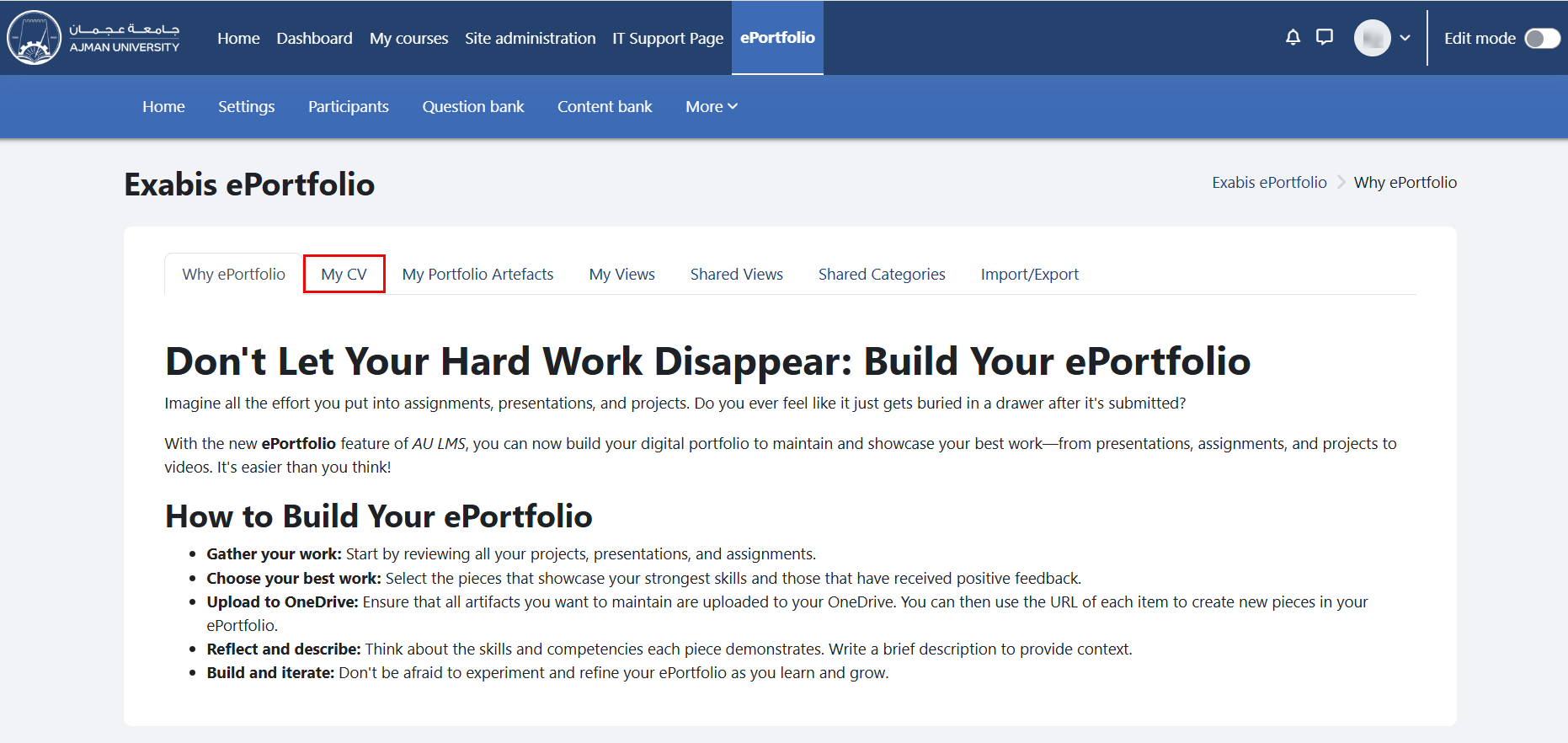
In the ePortfolio page, click on the tab "My CV".
-
Click on the section you would like to add to your CV, such as About Me or Education History. Then, use the Edit and Add buttons to open the Moodle editor and add information to the respective section.
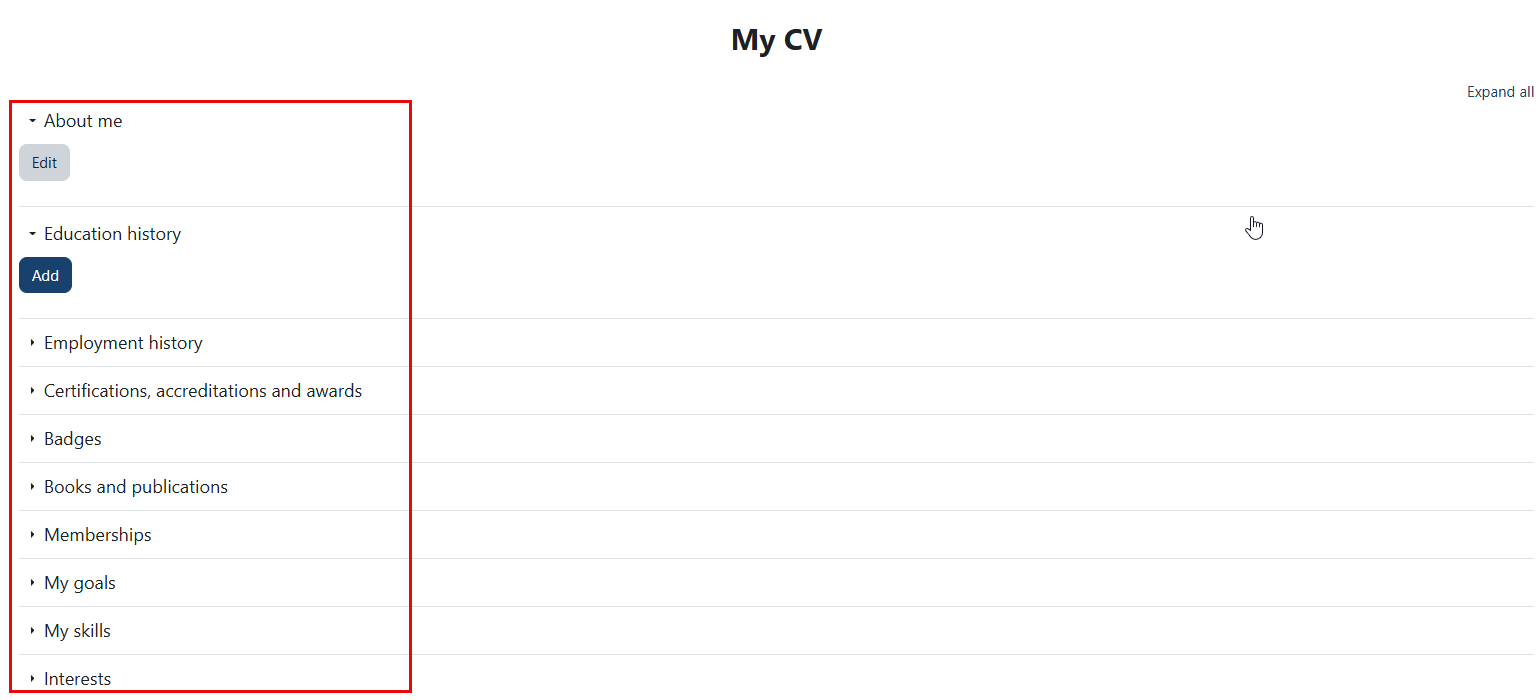
You can follow the same outlined steps to complete the remaining sections of your CV.