This user manual is currently under review. A revised version reflecting the new Redwood user interface will be available soon.
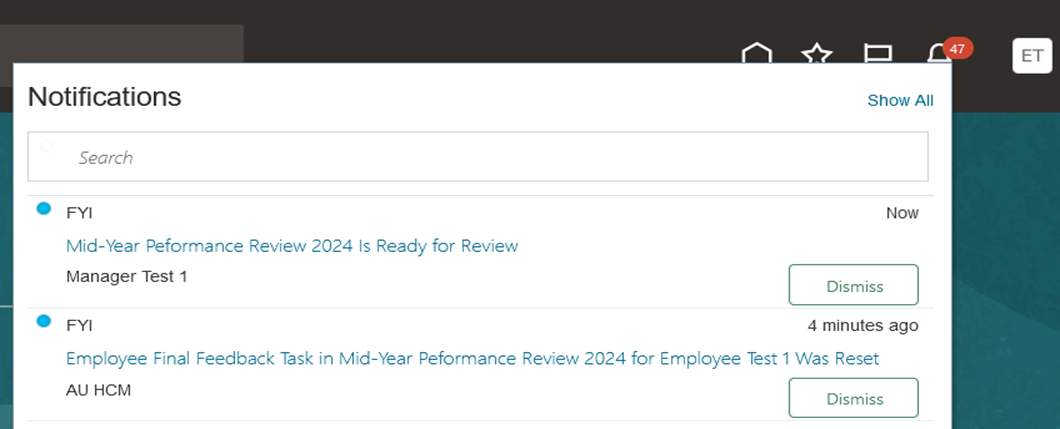
The system will notify employees when HR launches the Mid-Year Performance Review. You can either click the URL in the notification to access the performance review page directly or follow the steps outlined in this article to navigate manually.employeesEnd-of-Year
To start the process, follow the steps below:
-
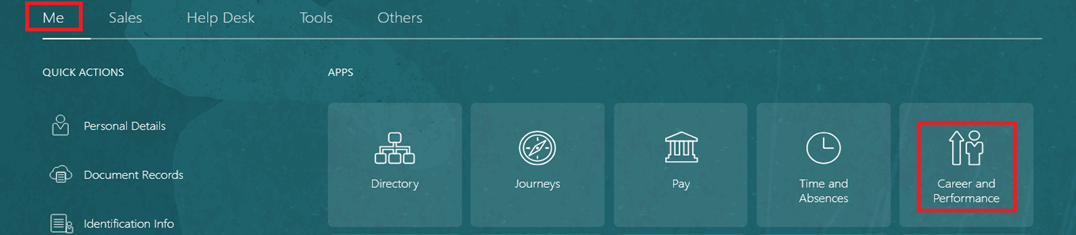
On the Home page, click on "Me", then on "Career & Performance".
-
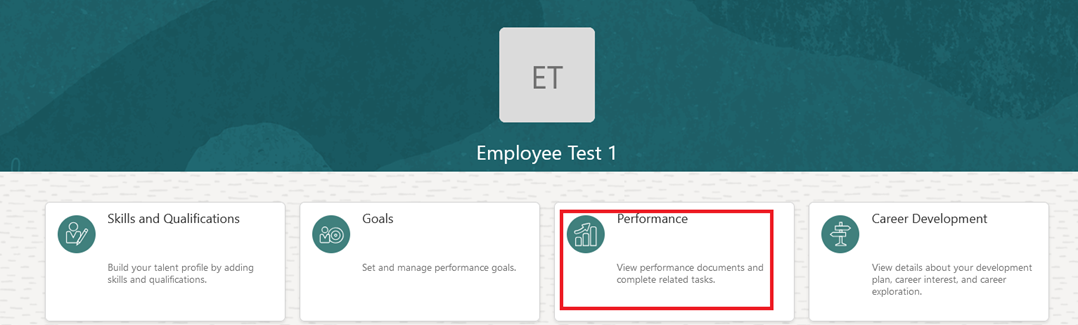
Click on "Performance".
-
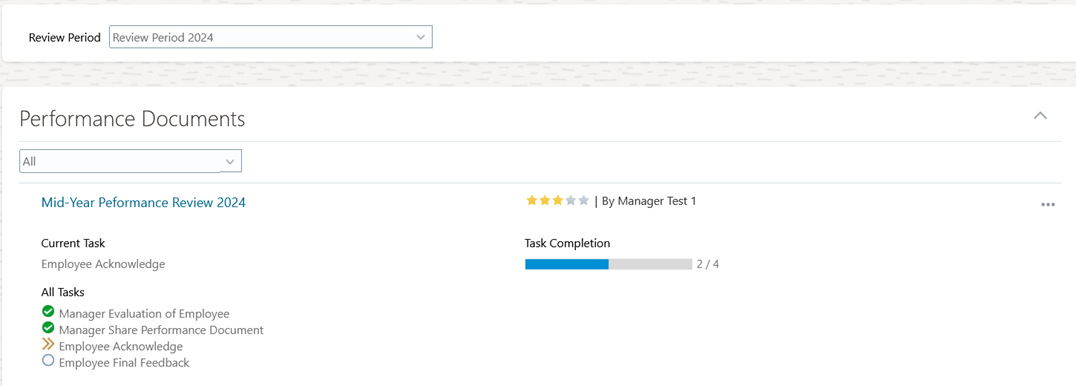
Select "Review Period", and then open "Mid-Year Performance Review".
-
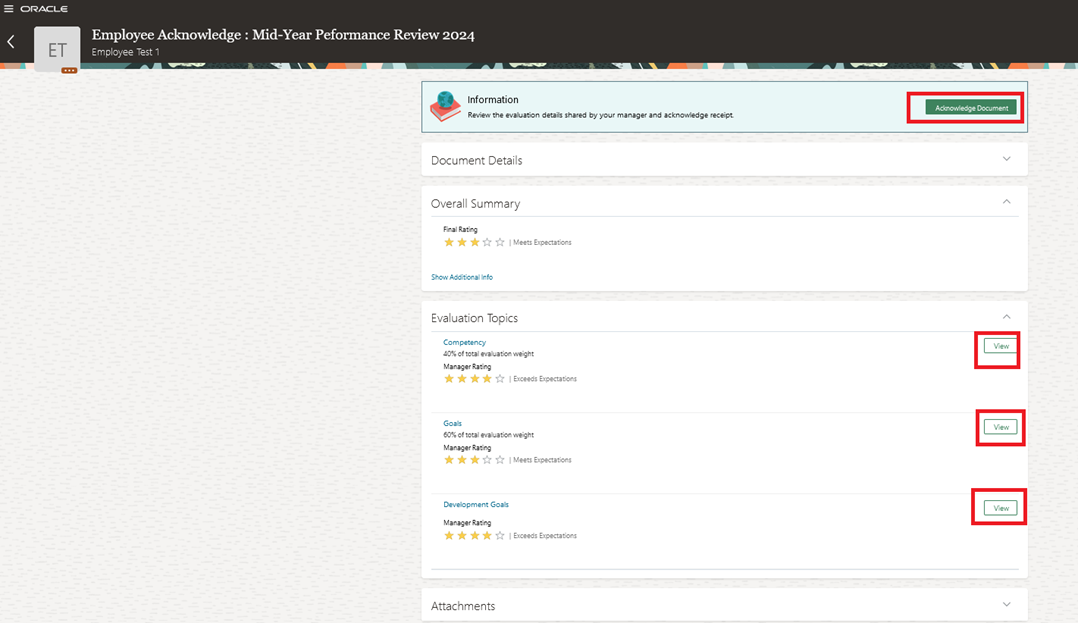
Review the evaluation details shared by your manager and click "Acknowledge Document".
-
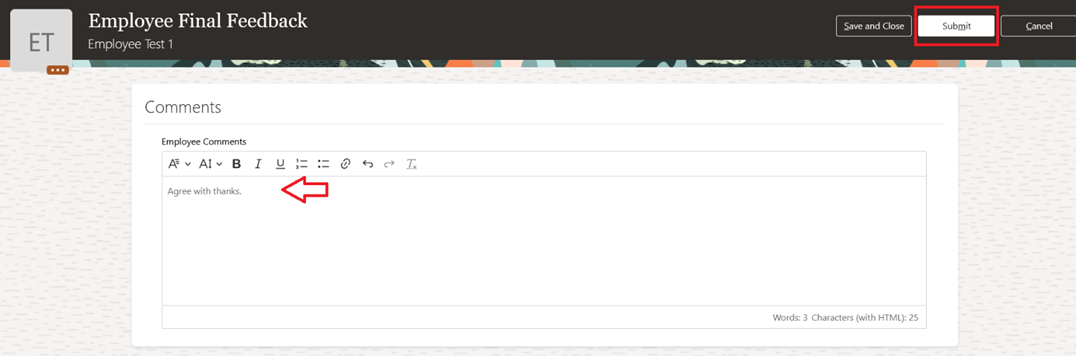
Open "Performance Document" and click "Continue" to provide your final feedback, then click "Submit".