To view shared views, please follow the below steps:
-
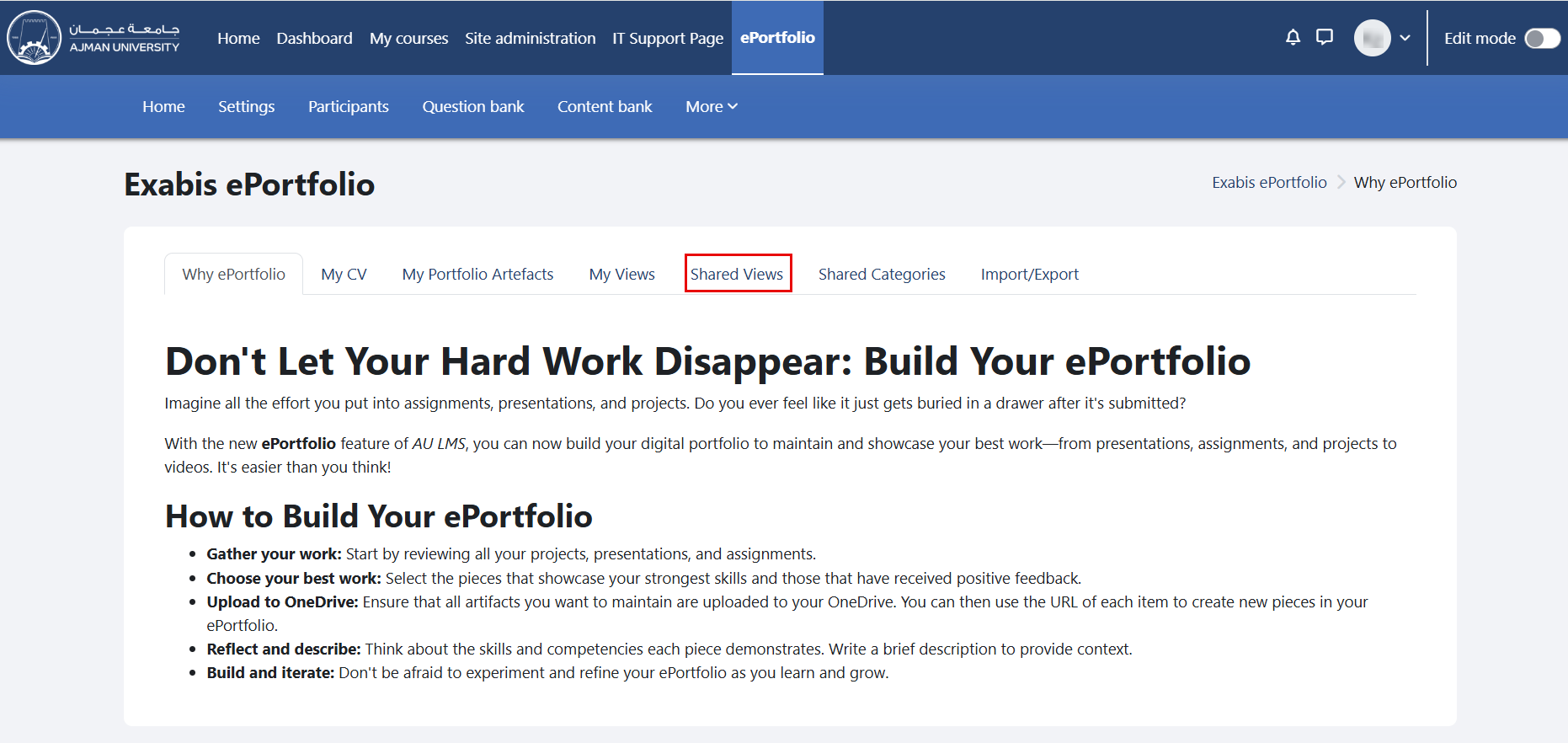
In the ePortfolio page, click on the tab "Shared Views".
-
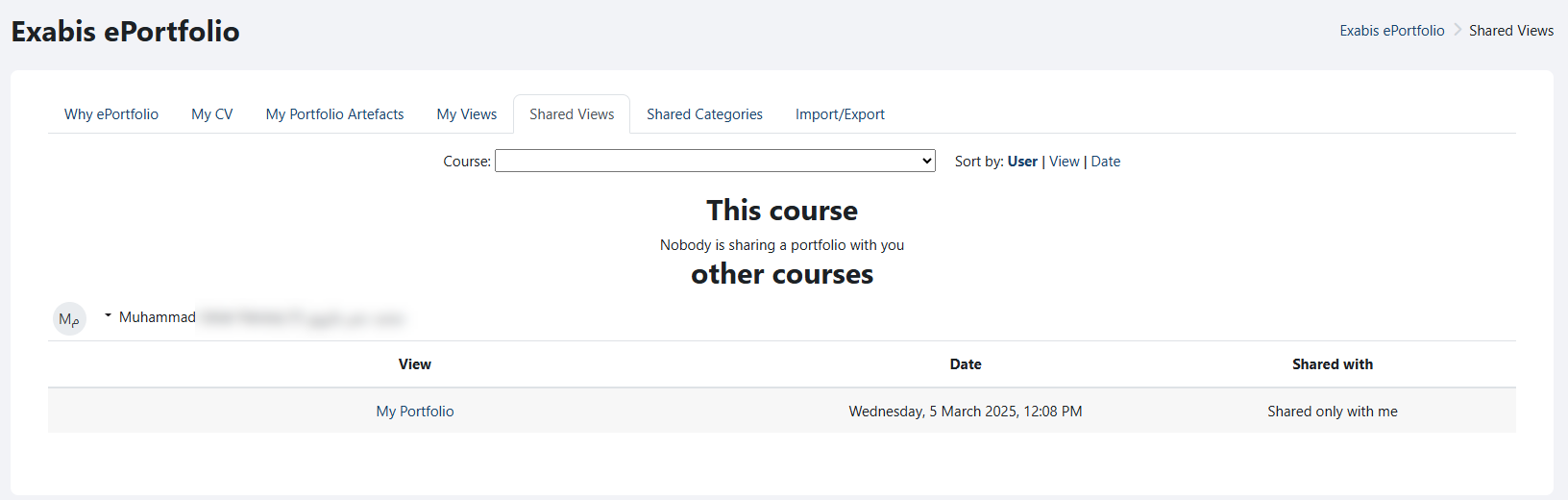
Views will appear here if other portfolio users have shared them with you. Views shared by users from other courses will also be shown, as illustrated below.