You can install the LockDown Browser by following the below steps:
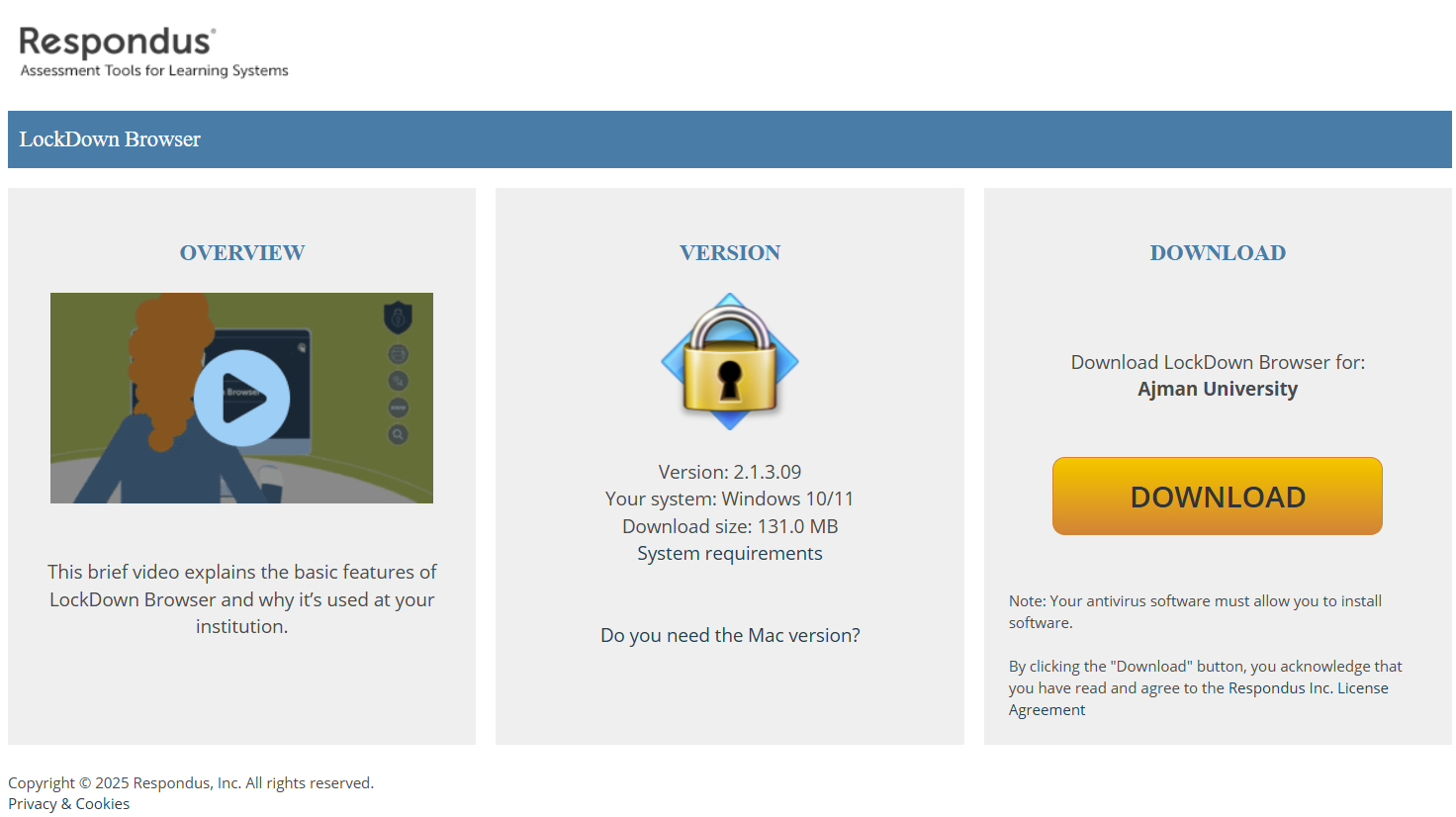
- Click on this link to install Lockdown Browser.
- Install the browser, by clicking on Install, as illustrated below:
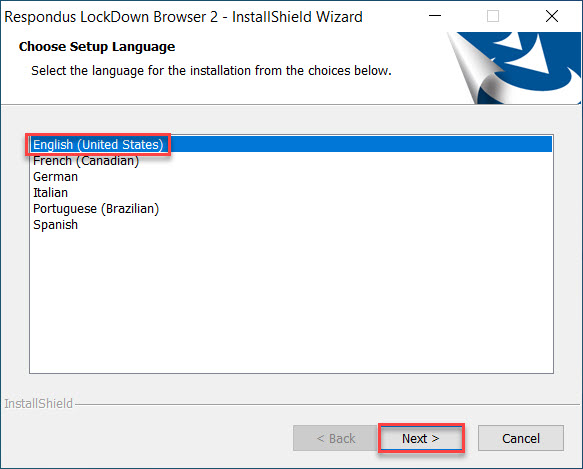
- Choose the language and click on Next.
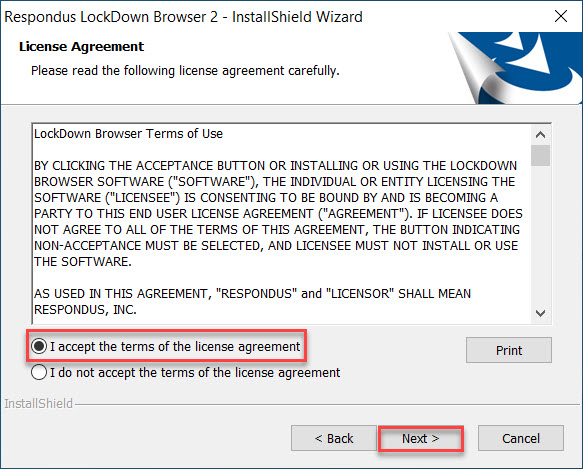
4- Read and agree on the license agreement.
5- Wait for the software to be installed and then click on Finish.
Note:
The LockDown Browser is compatible with:
- Windows: 10 & 11
- Mac: MacOS 10.15 to 14.0+
- iOS: 12.0+ (iPad only)