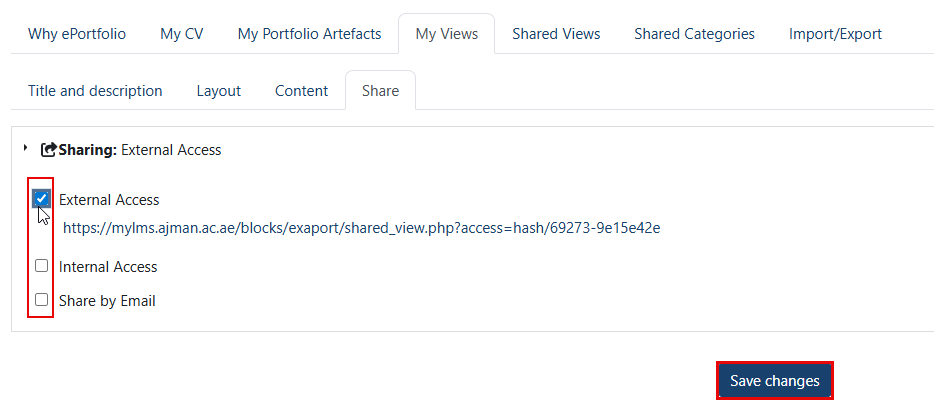
Views can be shared either internally with other users, externally via an automatically generated link or by email. To start sharing your view, follow the steps below:
-
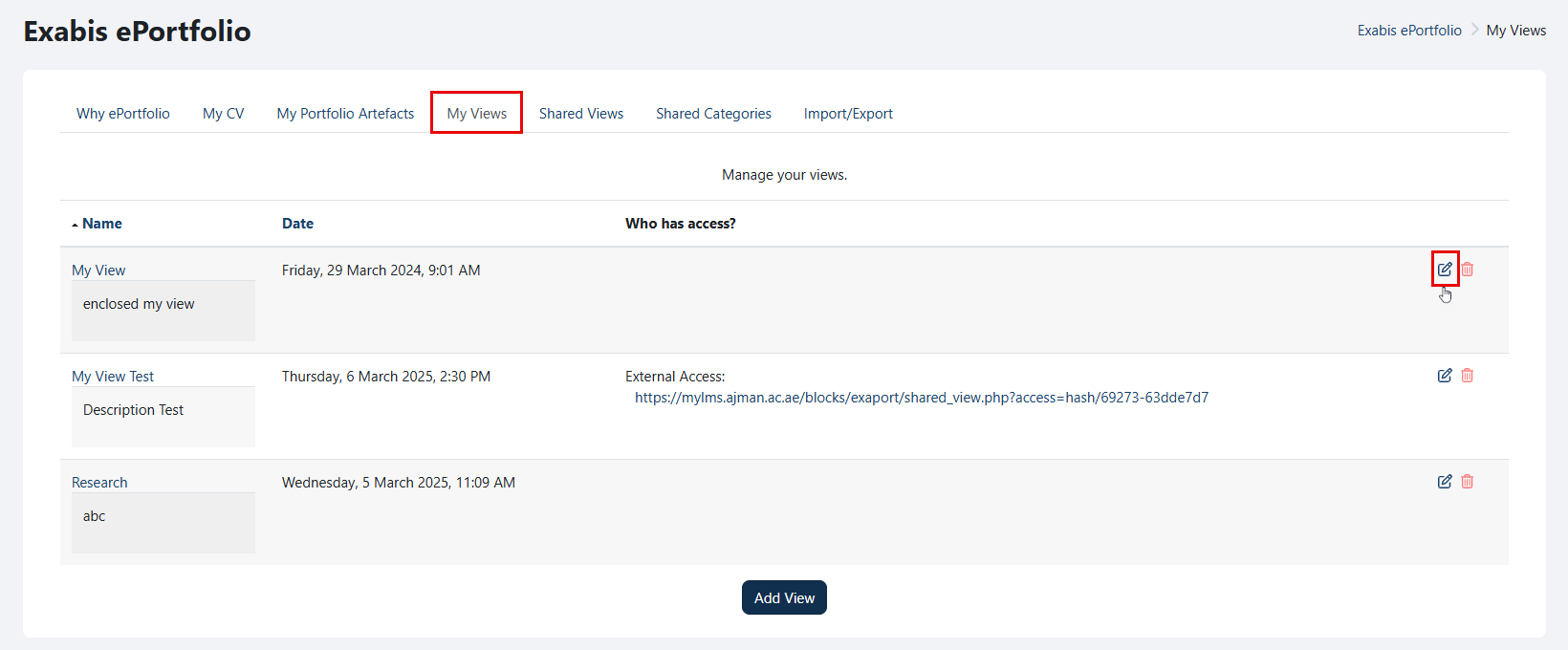
Go to "My Views", and click on the "Edit" icon.
-
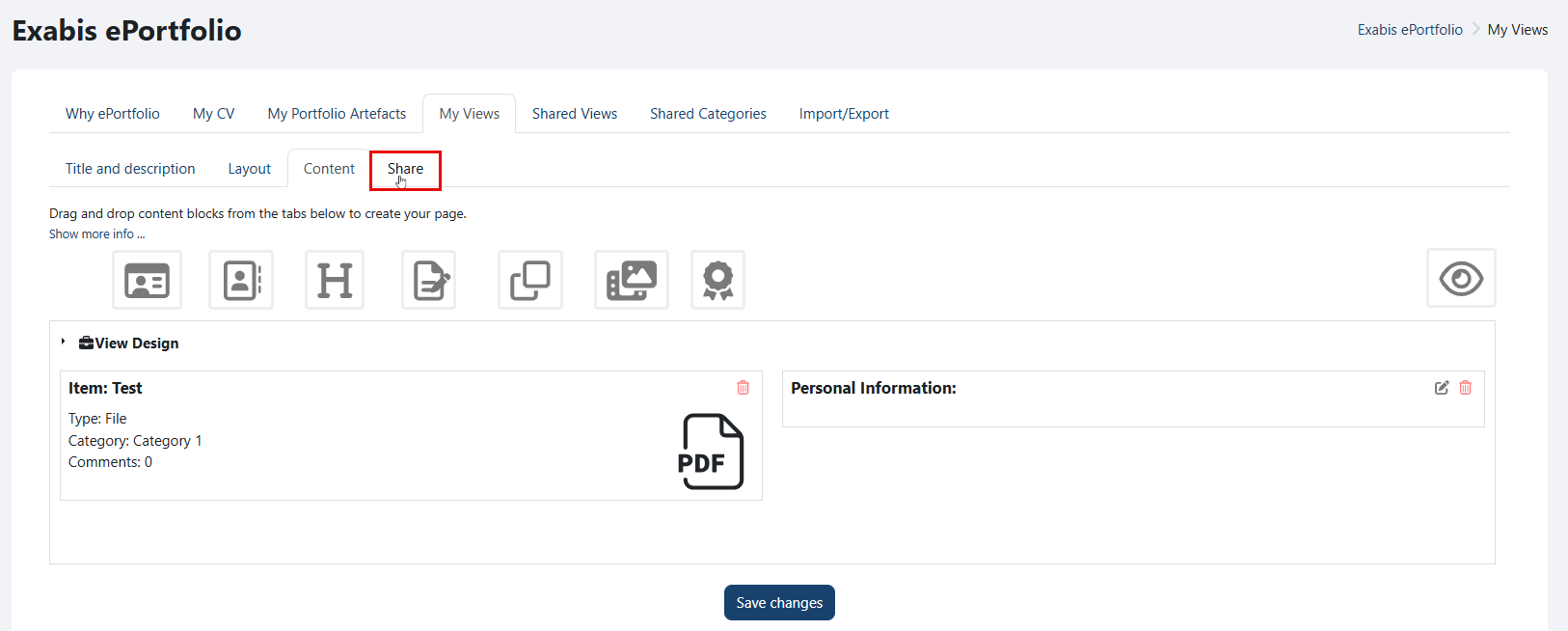
Navigate to the "Share" tab.
-
Select the sharing method you wish to enable.
Note:
If you select "External link", an automatically generated link will be provided, which you can share with others.