To view your registered courses, please follow the below steps:
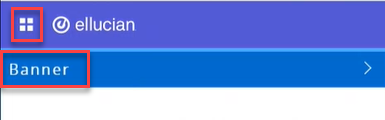
- Click on the menu located on the left, then click on Banner.
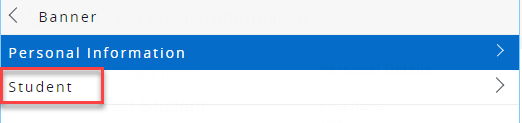
- Click on Student.
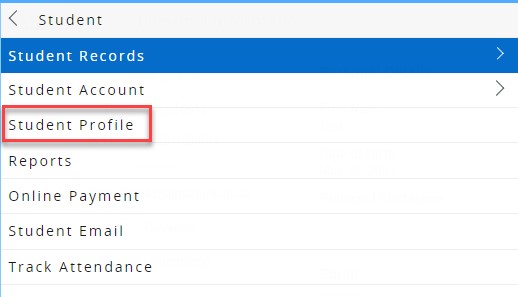
- Click on Student Profile.
- On your student profile, click on Registration and Planning, which is located on the left side of the screen, as illustrated below. Once you click the button, a new page will open
.png)
- Click on View Registration Information.

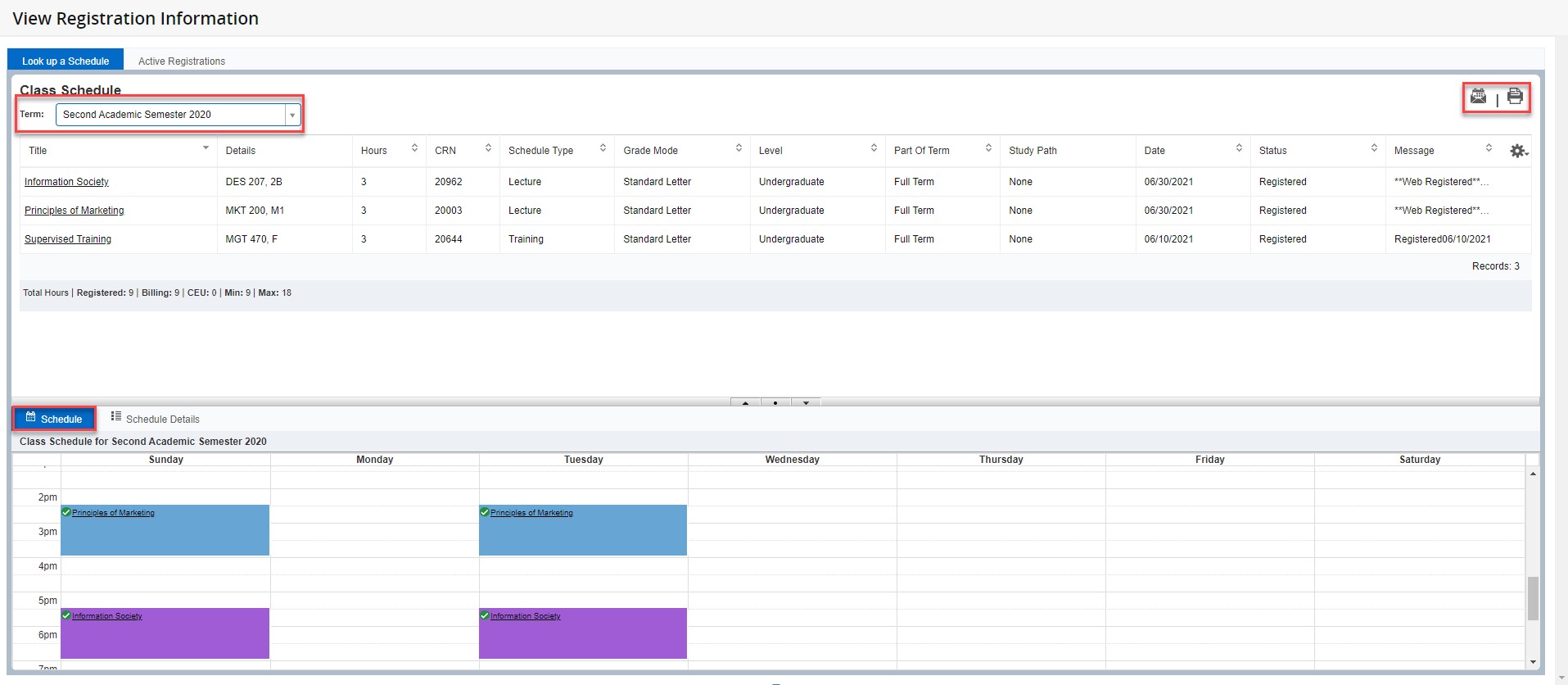
- On this page, you will be able to choose the term, view the schedule details, and email and/or print the schedule, as illustrated below: