Watch our video tutorial about this topic below:
In order to start registering classes for the next term, follow the below steps:
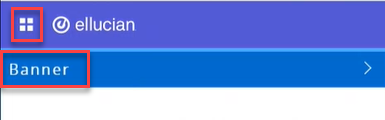
- Click on the menu located on the left, then click on Banner.
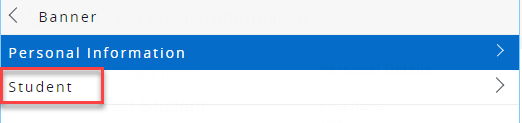
- Click on Student.
- Click on Student Profile.
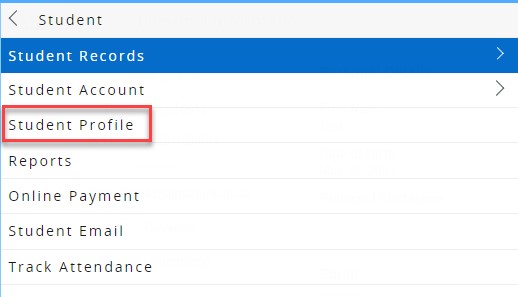
- On your student profile, click on Registration and Planning, which is located on the left side of the screen, as illustrated below. Once you click the button, a new page will open
.png)
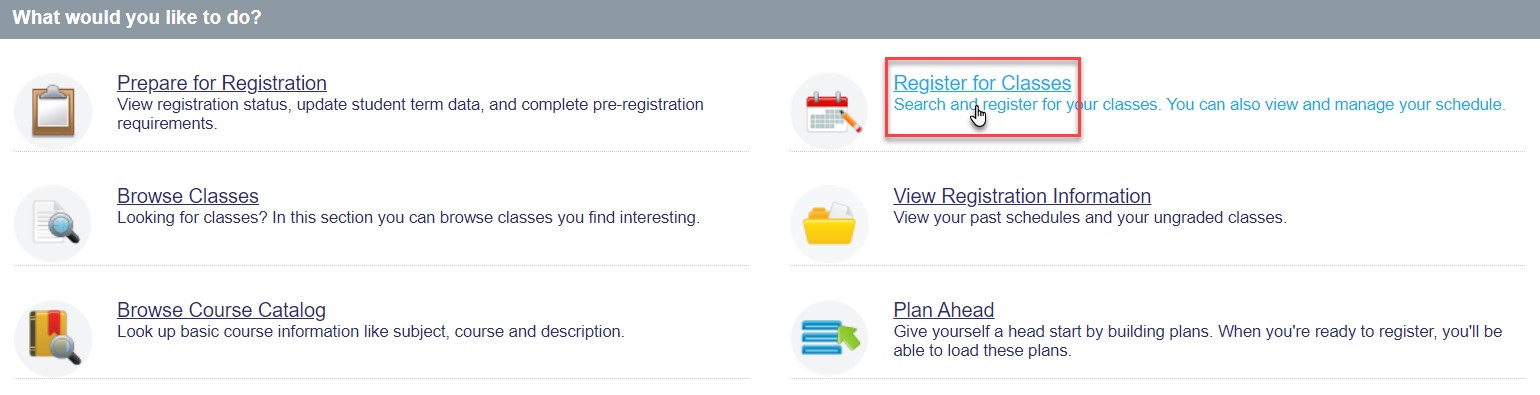
- Click on Register for Classes.
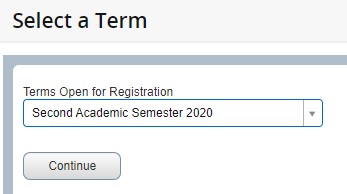
- Select the term that you would like to register in and click Continue.
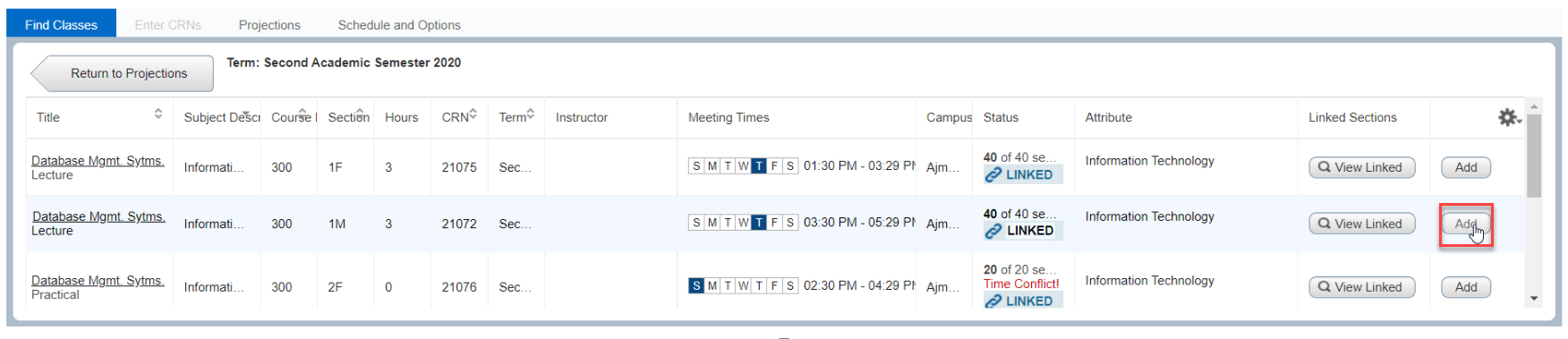
- Choose the course you would like to register and click on Add for both: the lecture/theory and practical/tutorial sections that are suitable for you. If you are unsure which section is suitable for you, please refer to this article.
- If you have added all the courses, review the courses from the Summary section and then click on Submit.
.jpg)