You can trim recordings by following the below steps:
- Go to Zoom Portal ( https://ajman-ac-ae.zoom.us/ ).
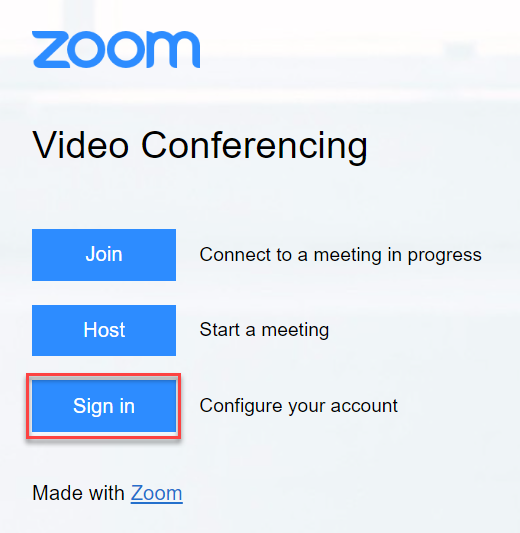
- Log in to your account by clicking on Sign in then sign in with SSO.
-
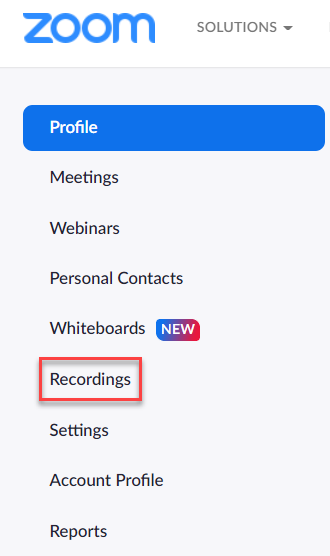
Once you are signed in, click on Recordings.
-
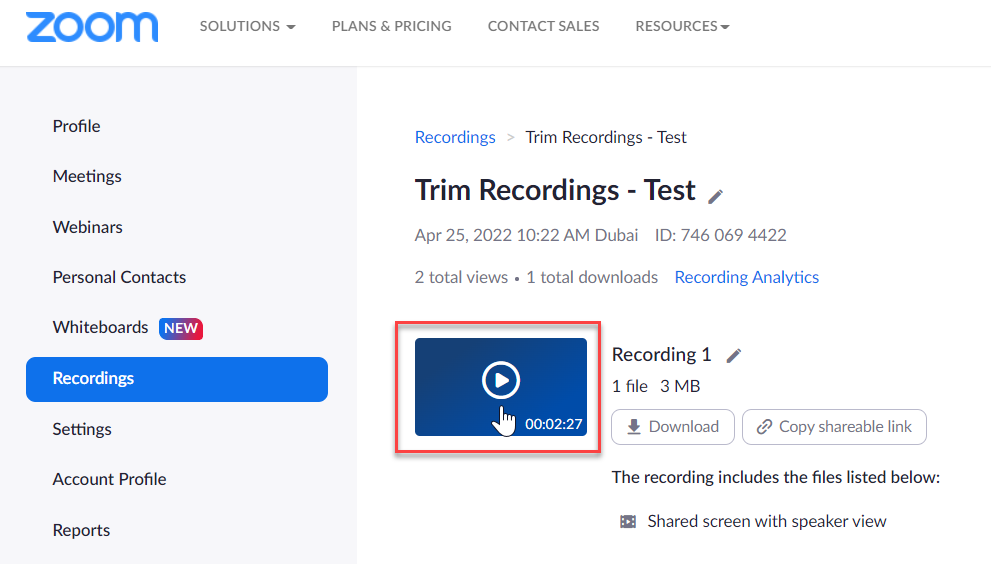
Select the recording you wish to trim.
- Click on the Scissor icon at bottom right of the player.
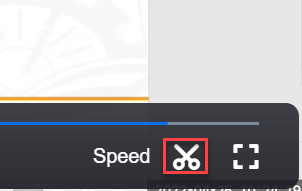
- Drag the Play head arrows to the desired start and finish times, then save.
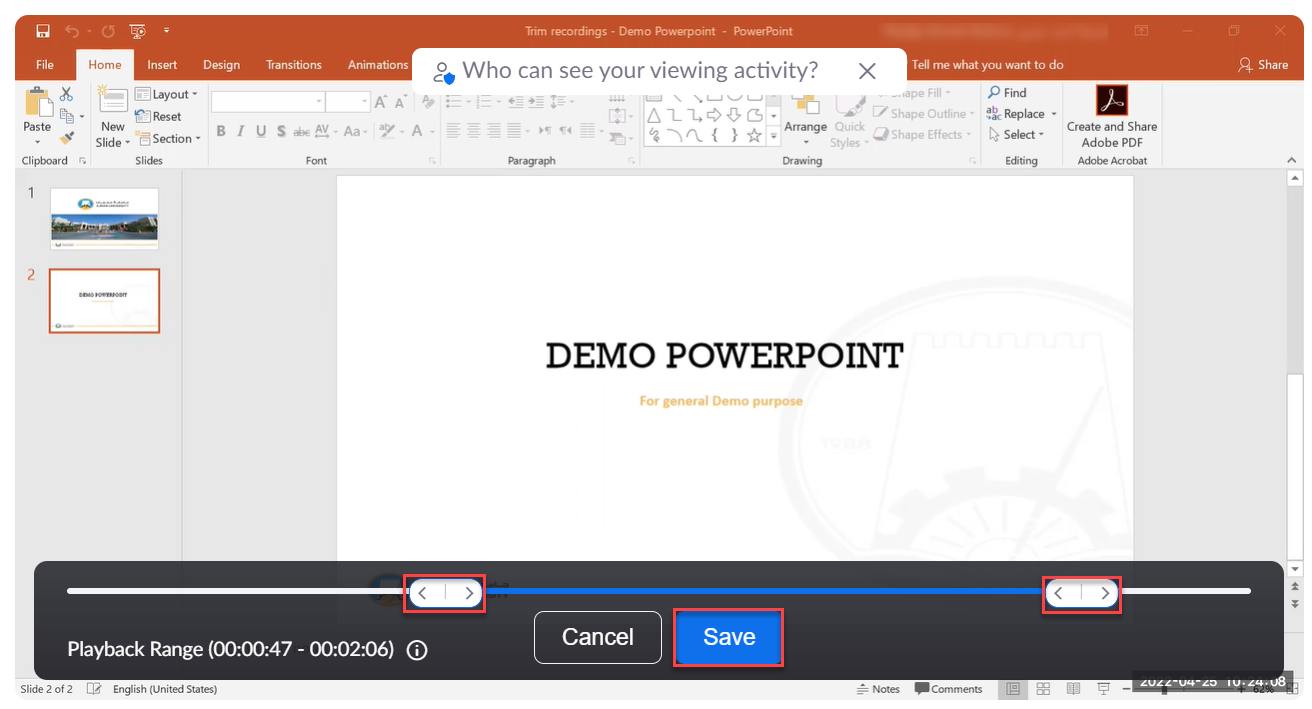
Note:
Zoom simply changes the playback range and does not edit video, so you will not lose any of your original recordings.