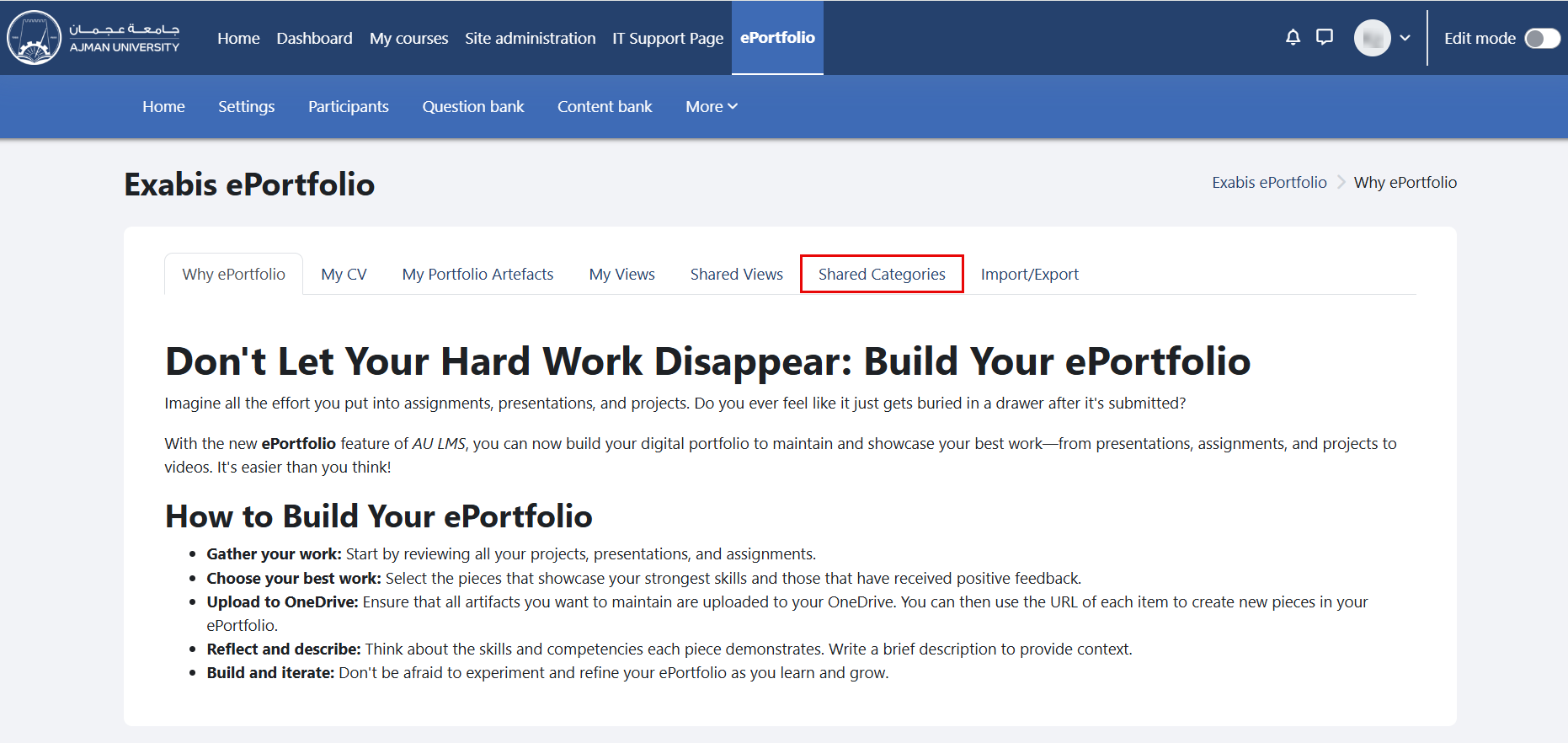
To view shared categories, please follow the steps below: In the ePortfolio page, click on the tab "Shared Categories". Shared categories will be displayed here.