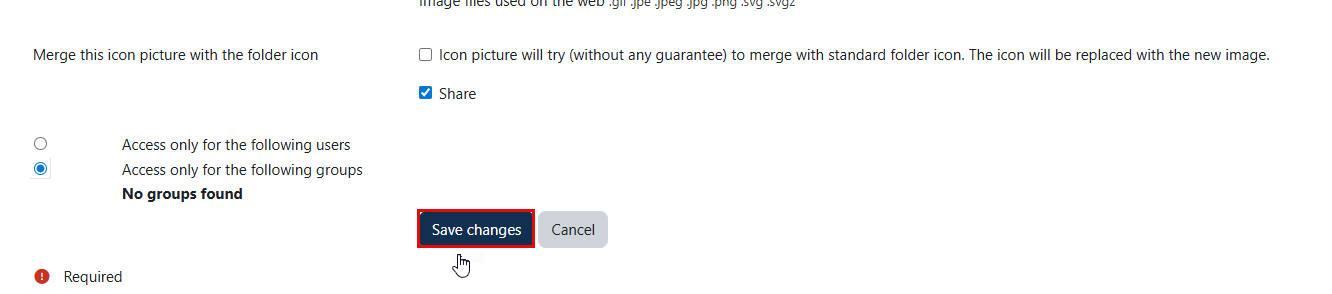
To share your categories with others, please follow the steps below:
-
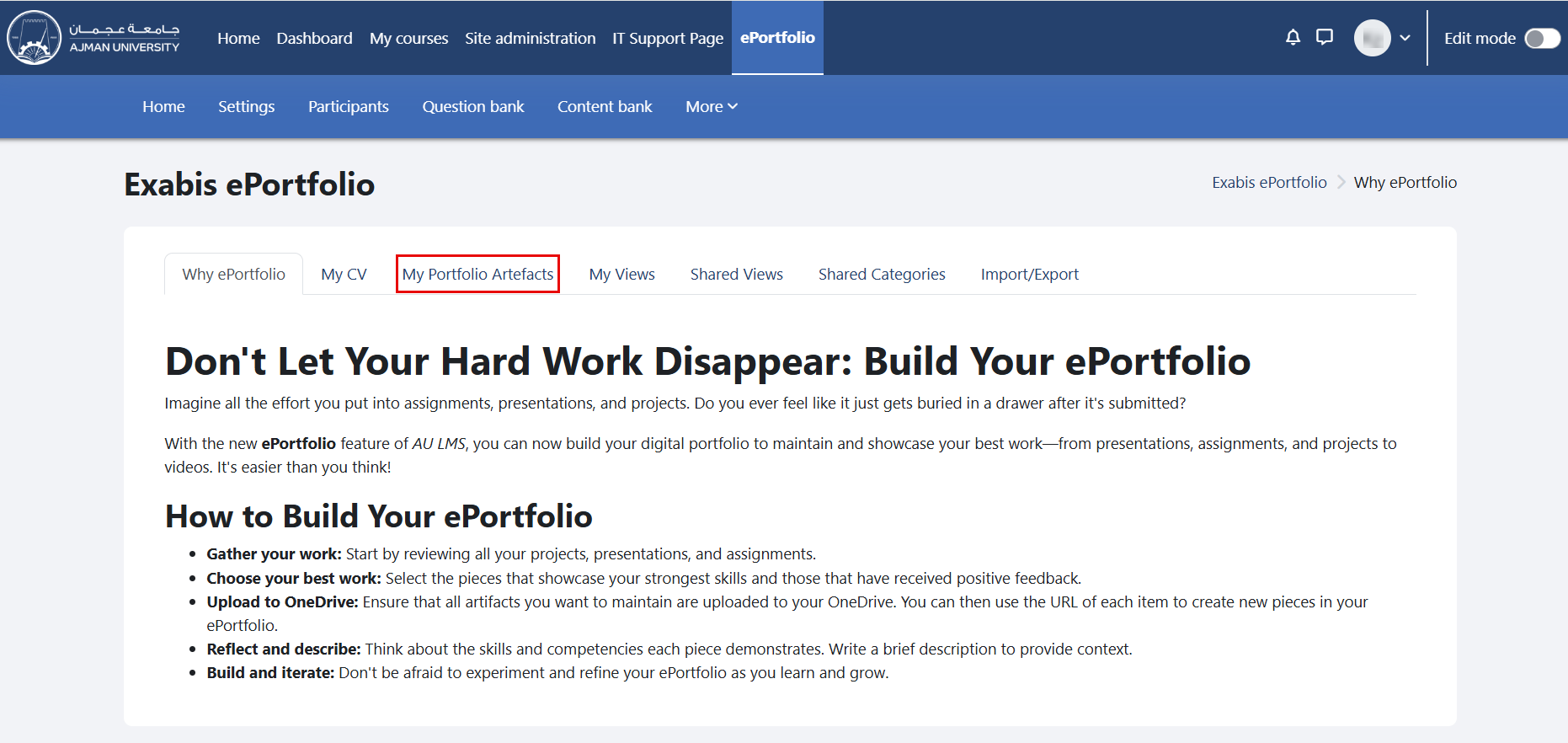
In the ePortfolio page, click on the tab "My Portfolio Artifacts".
-
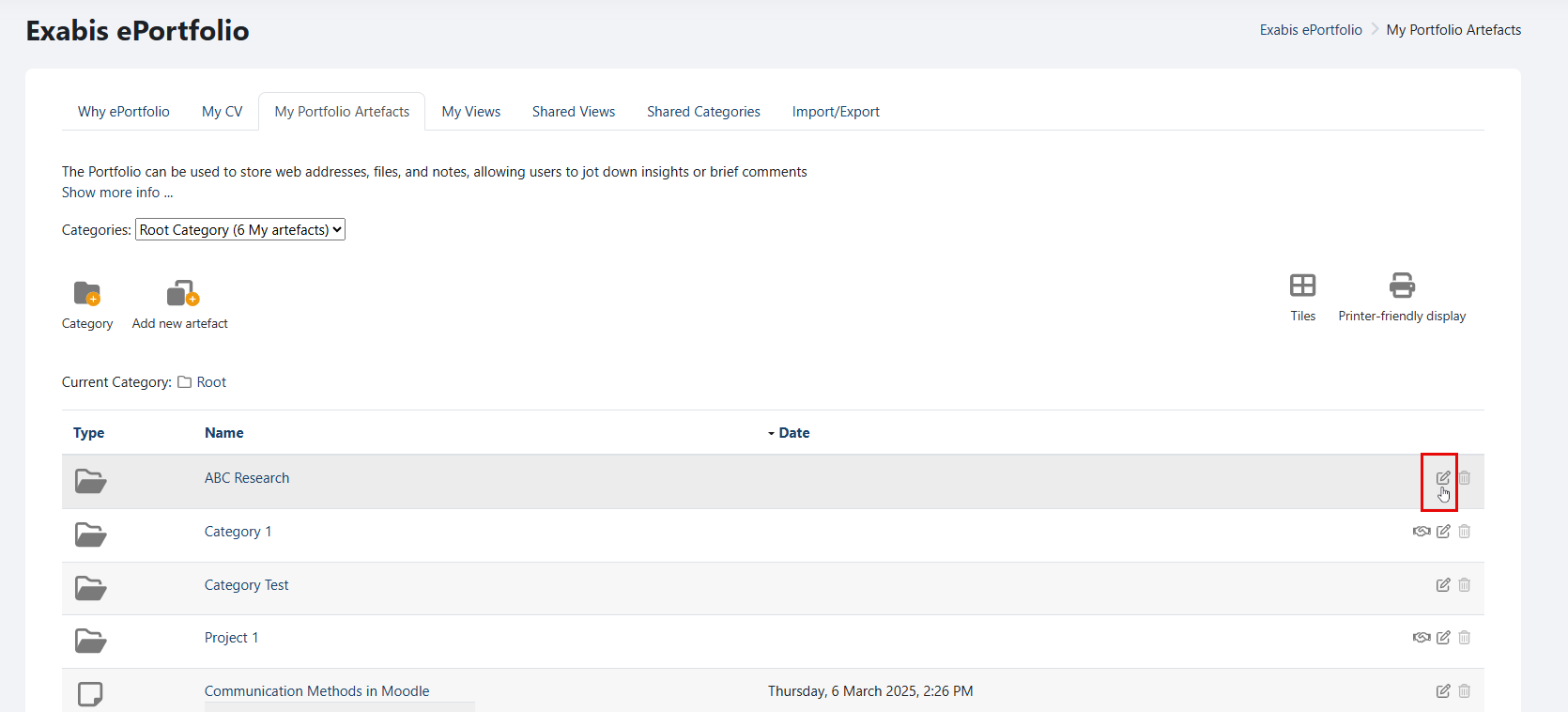
Navigate to the "Category" you wish to share, and click on the "Edit" icon.
-
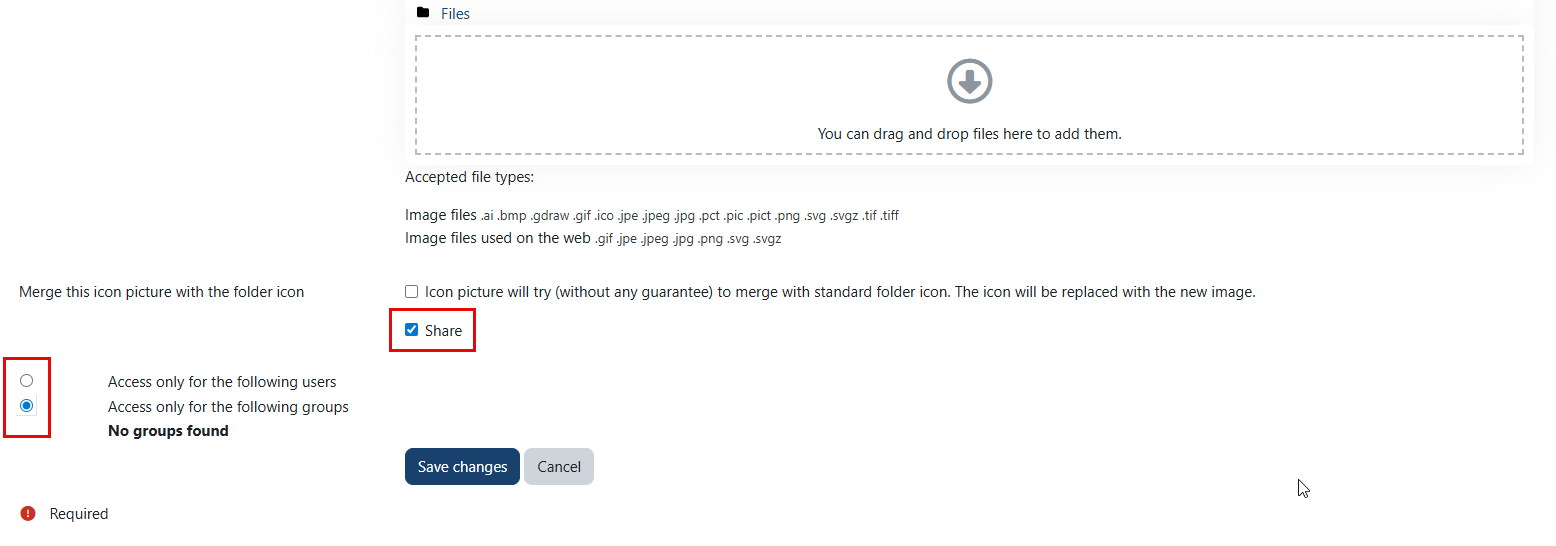
Enable the "Share" option, and select the method of sharing.
Note:
- You can grant access to a category for either specific users or groups.
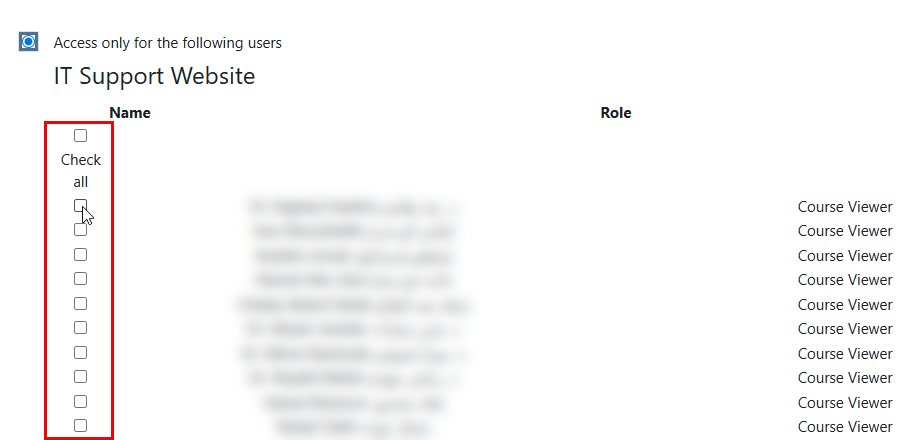
- If you choose "Access only for the following users," please select the users you wish to grant access to.
- Click on the "Save changes" button once done.