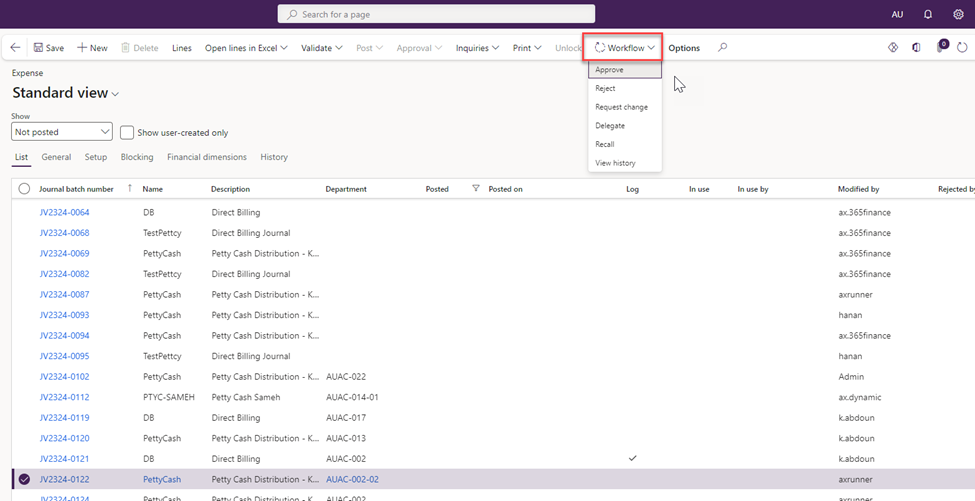
You can approve petty cash and direct billing requests in Dynamics 365 by following these steps:
-
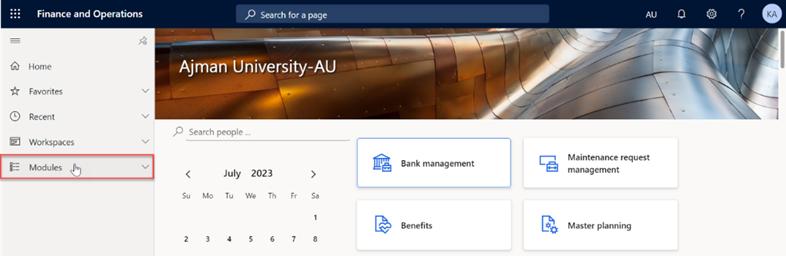
Once you have logged in, you will be on the Dynamics 365 home page. On the left-hand navigation pane, click on Modules.
-
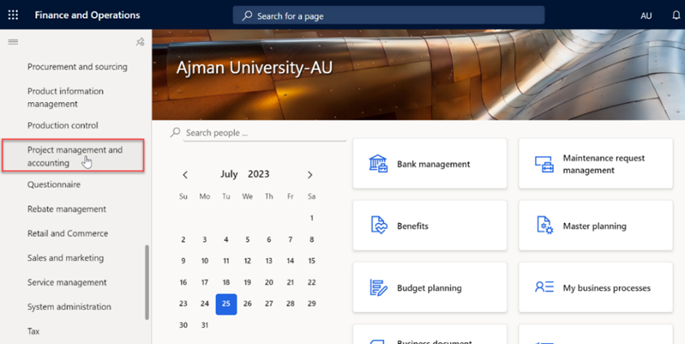
Click on Project management and Accounting module.
-
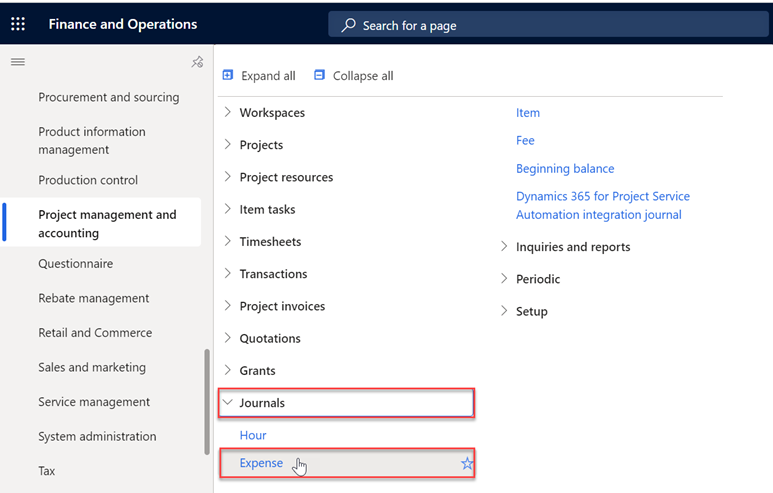
Under Journals, Select Expense.
-
In this module, you will typically see a screen with a list of existing petty cash and direct billing requests for your Office/College.** Double-click** on the request to review it before approving it.
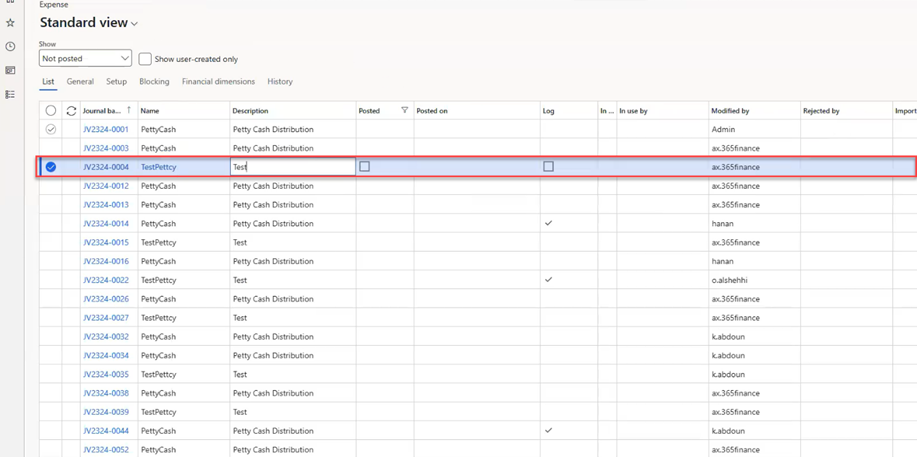
Note:
Approvers can only view and take action on their own requests.
-
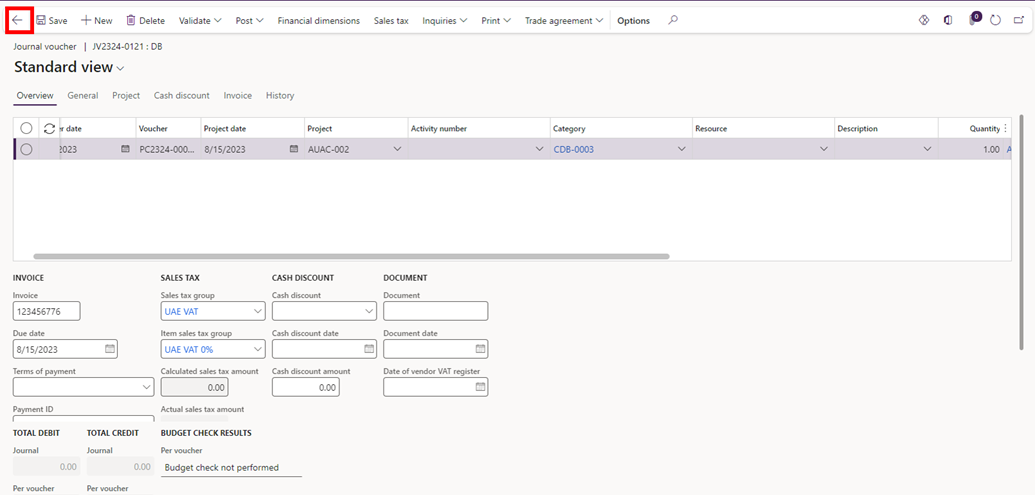
Review the details of the request, and after reviewing it, click on the “Arrow” icon to navigate to the previous page.
-
Click on Workflow, then “Approve”.