In this article, the manual grading of the questions will be explained in detail, noting that you can manually grade any question, but the Essay and Audio Recording question types must be manually graded.
This section is divided into two sub-sections: downloading essay submissions which simplifes the grading process, and manually grading the submissions.
Download Essay Submissions
Through this feature, you will be able to download attachments of all attempts submitted by students in response to the quiz essay questions at once, by following the steps below:
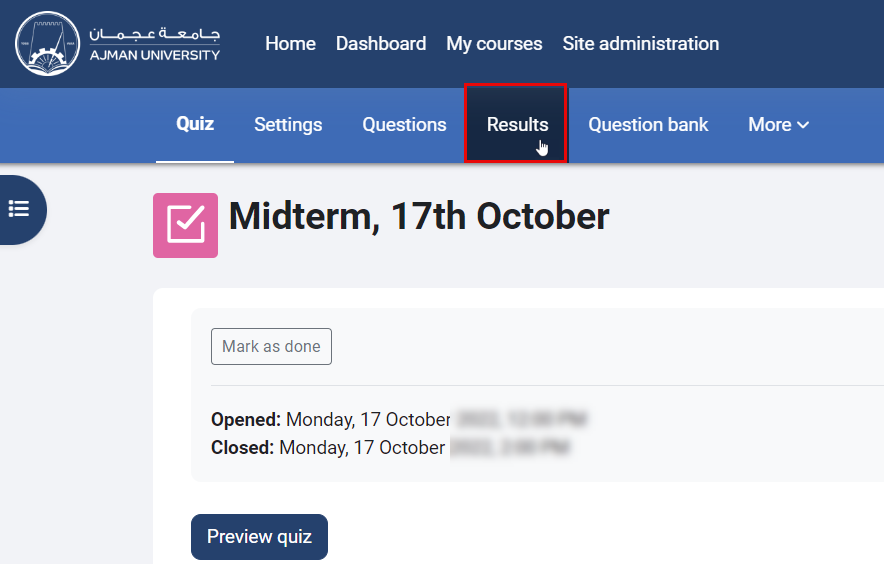
- Inside the quiz, click on "Results" located in the secondary menu.
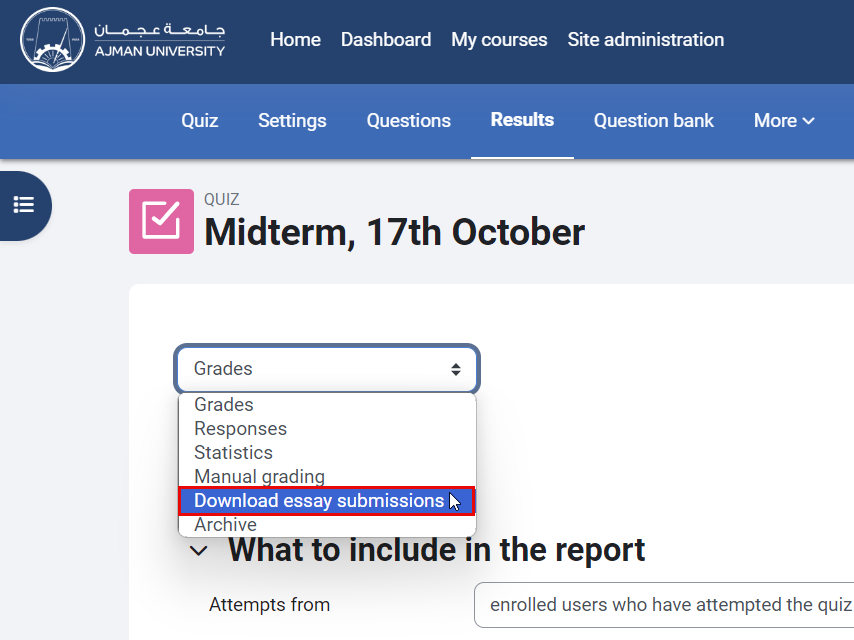
- From the drop-down menu, select the "Download essay submissions" option.
- A ZIP file containing all student-submitted attachments for the essay questions will be downloaded for your review.
Manual Grading of the Responses
To manually grade student responses, follow the steps below:
- Whithin the quiz, click on "Results" located in the secondary menu.
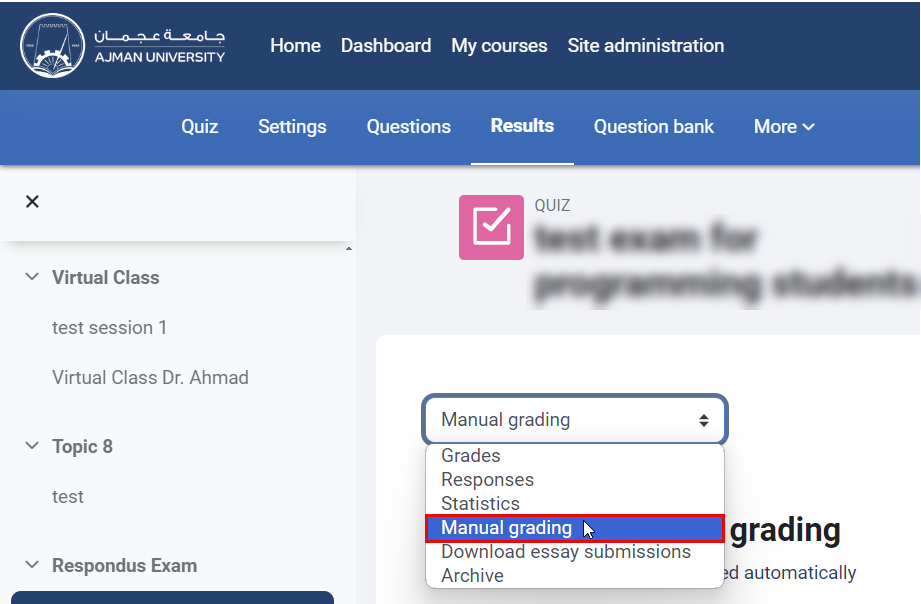
- From the drop-down menu, select the "Manual Grading" option.
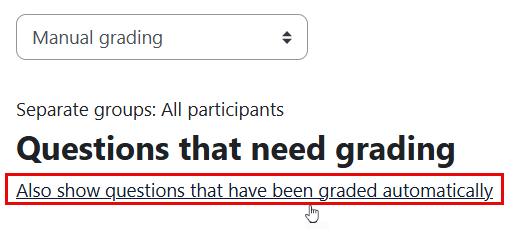
- Click "Also show questions that have been graded automatically".
- Choose the question that you would like to manually grade by clicking on Grade all.

- Enter a comment and a mark for each response, then click the "Save" button.