- In order to view your e-requests, click on the eRequest button from the main menu, as illustrated below:

- By default, you will be able to view the e-requests for the current semester, however, you can filter the e-requests for each semester and you can view the status of each e-request.
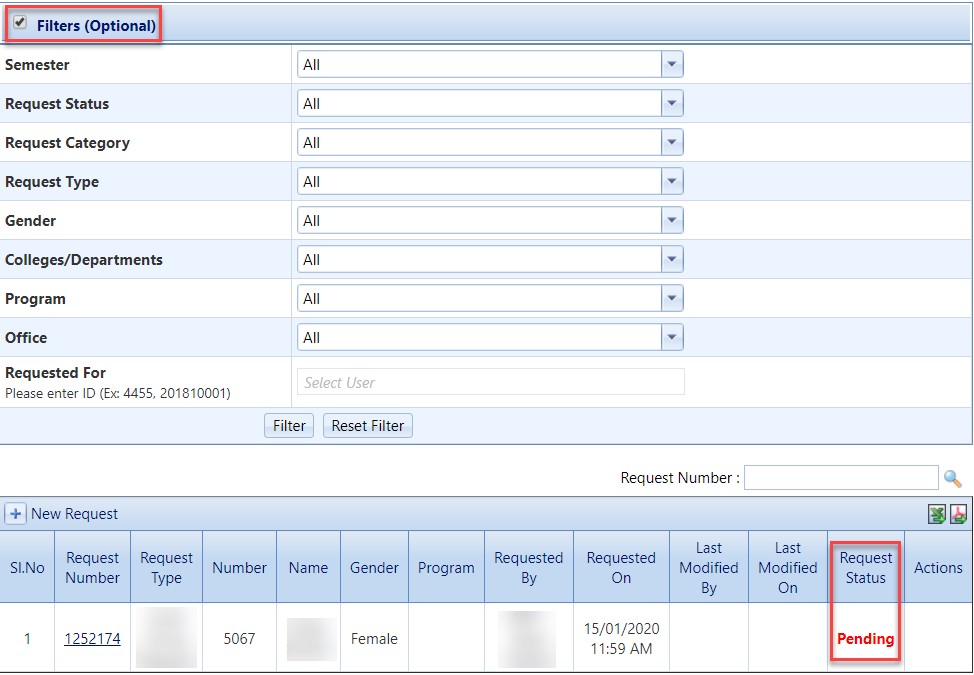
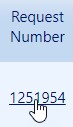
- To track the process/workflow for each request, click on the Request Number.
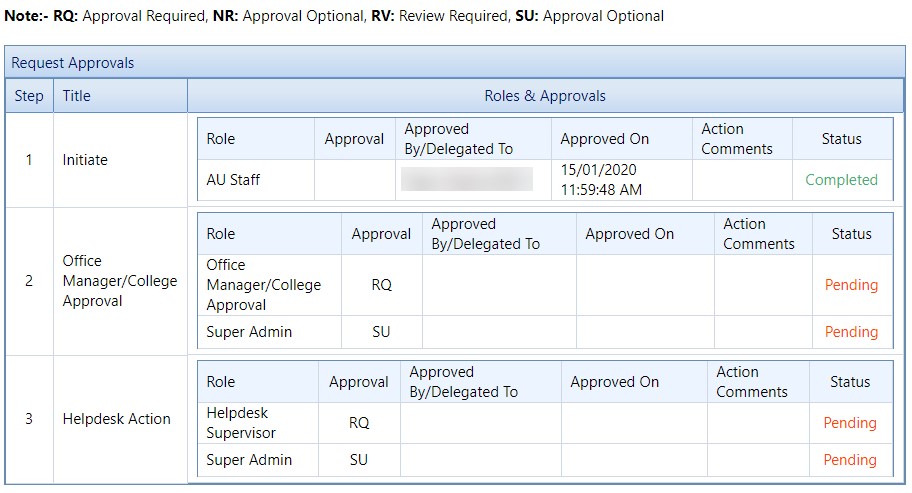
- Inside the request, you will be able to track the whole process/workflow.
View and Track requests
- Published on Jul 11, 2021
- 1 minute(s) read
Was this article helpful?